Glitter AI vs ChatGPT in Google Sheets
When comparing Glitter AI vs ChatGPT in Google Sheets, which AI Automation tool shines brighter? We look at pricing, alternatives, upvotes, features, reviews, and more.
In a comparison between Glitter AI and ChatGPT in Google Sheets, which one comes out on top?
When we put Glitter AI and ChatGPT in Google Sheets side by side, both being AI-powered automation tools, There's no clear winner in terms of upvotes, as both tools have received the same number. Your vote matters! Help us decide the winner among aitools.fyi users by casting your vote.
Does the result make you go "hmm"? Cast your vote and turn that frown upside down!
Glitter AI


What is Glitter AI ?
Glitter AI turns screen recordings, videos, and live walkthroughs into polished step-by-step guides and SOPs. Record a process with the desktop app or browser extension, narrate as you go, and the platform captures screenshots, transcribes your speech, and writes the documentation for you.
You can also upload existing videos, including Zoom recordings, mobile screen captures, or footage of physical tasks, and Glitter converts them into editable guides. The guide editor lets you polish steps, screenshots, and copy before sharing via link, PDF, HTML, Markdown, or embed.
It supports 99 languages for recording and one-click translation. Teams at companies like Google, Walmart, and Salesforce use it for employee onboarding, IT runbooks, customer help articles, and compliance SOPs. The platform is SOC 2 Type II certified.
ChatGPT in Google Sheets
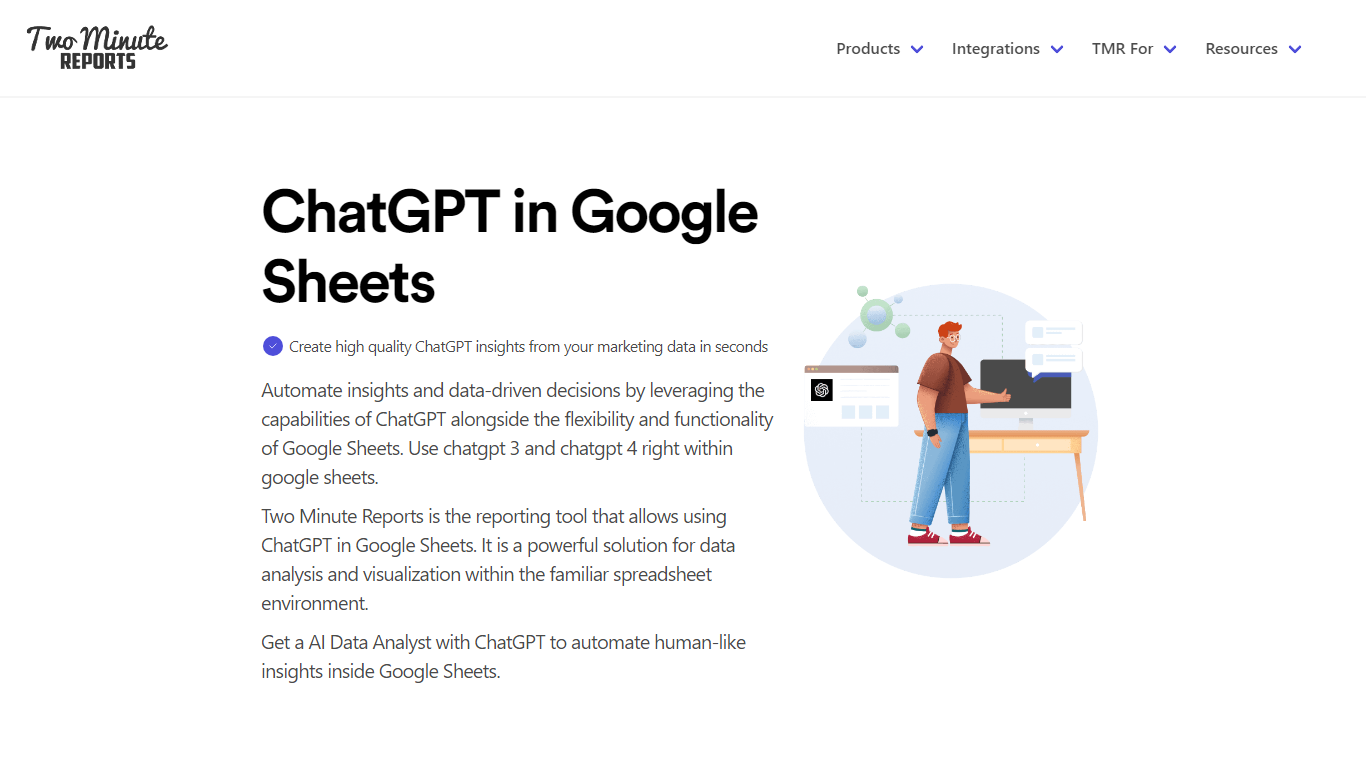
What is ChatGPT in Google Sheets?
ChatGPT in Google Sheets is a marketing automation add-on from Two Minute Reports that lets you ask questions about campaign data inside a spreadsheet. You paste your OpenAI API key into the sidebar, connect ad platforms like Google Ads or Meta, and query performance with plain-language prompts instead of formulas.
Most spreadsheet automation tools move rows between apps. This one stays inside Google Sheets and pairs live connector data with ChatGPT analysis, so you can flag pacing issues, draft client summaries, and schedule refreshes from the same workbook. The trade-off is scope: it is built for marketing reporting, not general workflow automation across arbitrary SaaS tools.
Marketing agencies, PPC managers, and in-house teams use it to turn connector-fed sheets into scheduled client reports. Setup takes about two minutes, exports go out as PDF or Excel, and the Lite plan covers three ad accounts per connector for smaller accounts.
Glitter AI Upvotes
ChatGPT in Google Sheets Upvotes
Glitter AI Top Features
Record your screen with desktop app or browser extension and get a guide with screenshots and text automatically
Upload any existing video and convert it into a step-by-step guide with AI step detection
Translate guides into any of 99 languages with a single click
Export to PDF, HTML, Markdown, or embed in Confluence, Notion, Zendesk, and more
SOC 2 Type II certified with on-device blur to redact sensitive data before upload
ChatGPT in Google Sheets Top Features
Paste an OpenAI API key in the sidebar to query spreadsheet data with natural-language prompts
Pull metrics from 30+ connectors including Google Ads, Meta, Shopify, and GA4
Speedboost loads large reports in under 5 seconds with intelligent caching
Schedule daily, weekly, or monthly refreshes; Pro adds hourly runs
100+ Google Sheets and Looker Studio templates for PPC, SEO, and social reporting
Export insights as PDF or Excel for client delivery without extra formatting
Glitter AI Category
- Automation
ChatGPT in Google Sheets Category
- Automation
Glitter AI Pricing Type
- Freemium
ChatGPT in Google Sheets Pricing Type
- Freemium