Glitter AI vs ChatGPT Prompt Plus
In the face-off between Glitter AI vs ChatGPT Prompt Plus, which AI Automation tool takes the crown? We scrutinize features, alternatives, upvotes, reviews, pricing, and more.
In a face-off between Glitter AI and ChatGPT Prompt Plus, which one takes the crown?
If we were to analyze Glitter AI and ChatGPT Prompt Plus, both of which are AI-powered automation tools, what would we find? Both tools have received the same number of upvotes from aitools.fyi users. Since other aitools.fyi users could decide the winner, the ball is in your court now to cast your vote and help us determine the winner.
You don't agree with the result? Cast your vote to help us decide!
Glitter AI


What is Glitter AI ?
Glitter AI turns screen recordings, videos, and live walkthroughs into polished step-by-step guides and SOPs. Record a process with the desktop app or browser extension, narrate as you go, and the platform captures screenshots, transcribes your speech, and writes the documentation for you.
You can also upload existing videos, including Zoom recordings, mobile screen captures, or footage of physical tasks, and Glitter converts them into editable guides. The guide editor lets you polish steps, screenshots, and copy before sharing via link, PDF, HTML, Markdown, or embed.
It supports 99 languages for recording and one-click translation. Teams at companies like Google, Walmart, and Salesforce use it for employee onboarding, IT runbooks, customer help articles, and compliance SOPs. The platform is SOC 2 Type II certified.
ChatGPT Prompt Plus
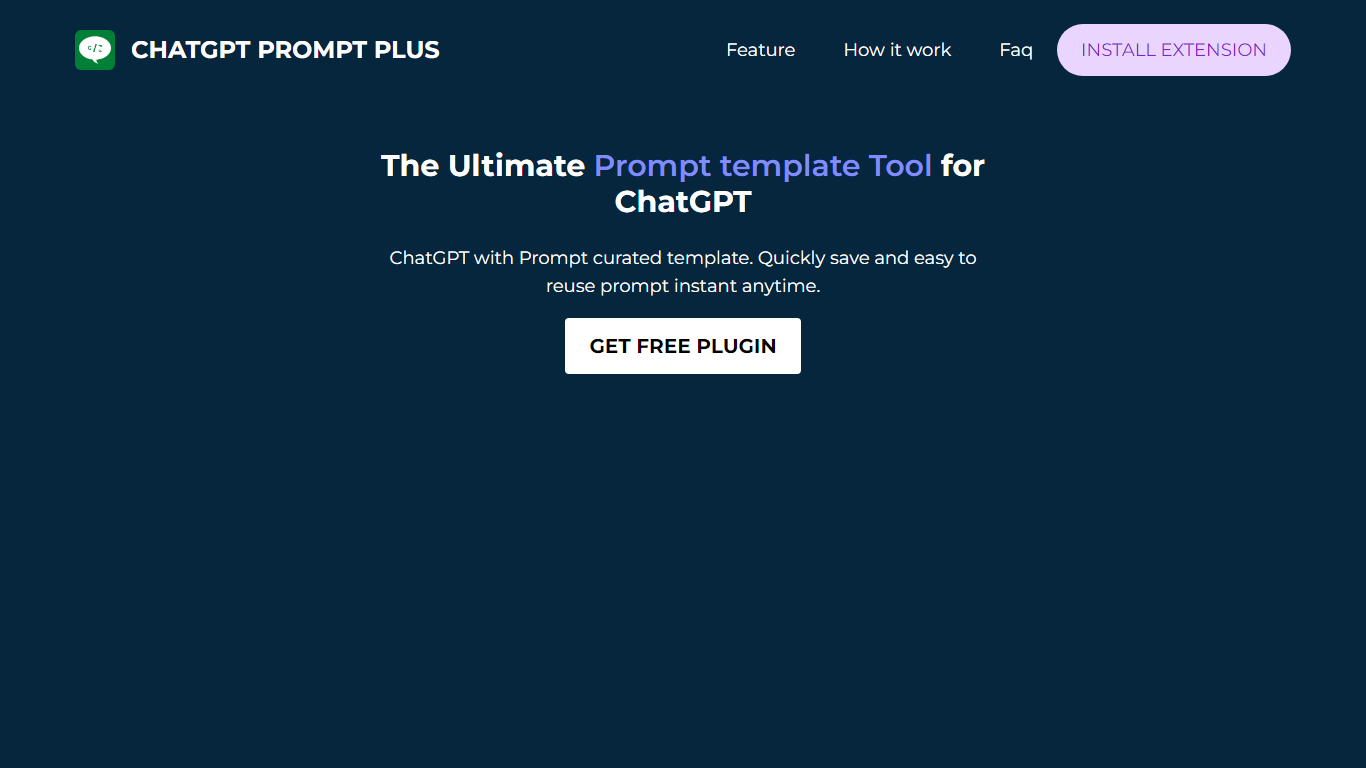
What is ChatGPT Prompt Plus?
ChatGPT Prompt Plus is a free Chrome automation extension that saves reusable ChatGPT prompt templates inside the chat interface. You build prompts with parameters, categories, and custom hotkeys, then call them by typing a forward slash in the ChatGPT input box. The Chrome Web Store lists version 1.5.1.3 at 295 KiB with about 4,000 users.
Most prompt savers store plain text snippets. ChatGPT Prompt Plus binds typed parameters to each template, so one saved prompt can collect different inputs every time you run it. Popup search, category folders, and keyboard shortcuts target people who repeat the same ChatGPT workflows daily rather than one-off chats.
Writers, support agents, and developers who live in ChatGPT use it to skip retyping long system prompts. The developer site promptplus.org was unreachable during this enrichment, but the extension remains installable from the Chrome Web Store. Support contact is [email protected], and the last store update shipped on May 13, 2023.
Glitter AI Upvotes
ChatGPT Prompt Plus Upvotes
Glitter AI Top Features
Record your screen with desktop app or browser extension and get a guide with screenshots and text automatically
Upload any existing video and convert it into a step-by-step guide with AI step detection
Translate guides into any of 99 languages with a single click
Export to PDF, HTML, Markdown, or embed in Confluence, Notion, Zendesk, and more
SOC 2 Type II certified with on-device blur to redact sensitive data before upload
ChatGPT Prompt Plus Top Features
Save and reuse a prompt library directly inside the ChatGPT chat UI
Add parameters with default values and input types to each template
Assign custom hotkeys for one-key access to frequent prompts
Organize prompts into categories with custom icons
Open saved prompts by typing a forward slash in the chat input
Search prompts through a popup picker without leaving ChatGPT
Includes prebuilt prompt templates and ships in 11 languages at 295 KiB
Glitter AI Category
- Automation
ChatGPT Prompt Plus Category
- Automation
Glitter AI Pricing Type
- Freemium
ChatGPT Prompt Plus Pricing Type
- Free