Glitter AI vs crew
When comparing Glitter AI vs crew, which AI Automation tool shines brighter? We look at pricing, alternatives, upvotes, features, reviews, and more.
In a comparison between Glitter AI and crew, which one comes out on top?
When we put Glitter AI and crew side by side, both being AI-powered automation tools, Interestingly, both tools have managed to secure the same number of upvotes. Every vote counts! Cast yours and contribute to the decision of the winner.
Think we got it wrong? Cast your vote and show us who's boss!
Glitter AI


What is Glitter AI ?
Glitter AI turns screen recordings, videos, and live walkthroughs into polished step-by-step guides and SOPs. Record a process with the desktop app or browser extension, narrate as you go, and the platform captures screenshots, transcribes your speech, and writes the documentation for you.
You can also upload existing videos, including Zoom recordings, mobile screen captures, or footage of physical tasks, and Glitter converts them into editable guides. The guide editor lets you polish steps, screenshots, and copy before sharing via link, PDF, HTML, Markdown, or embed.
It supports 99 languages for recording and one-click translation. Teams at companies like Google, Walmart, and Salesforce use it for employee onboarding, IT runbooks, customer help articles, and compliance SOPs. The platform is SOC 2 Type II certified.
crew
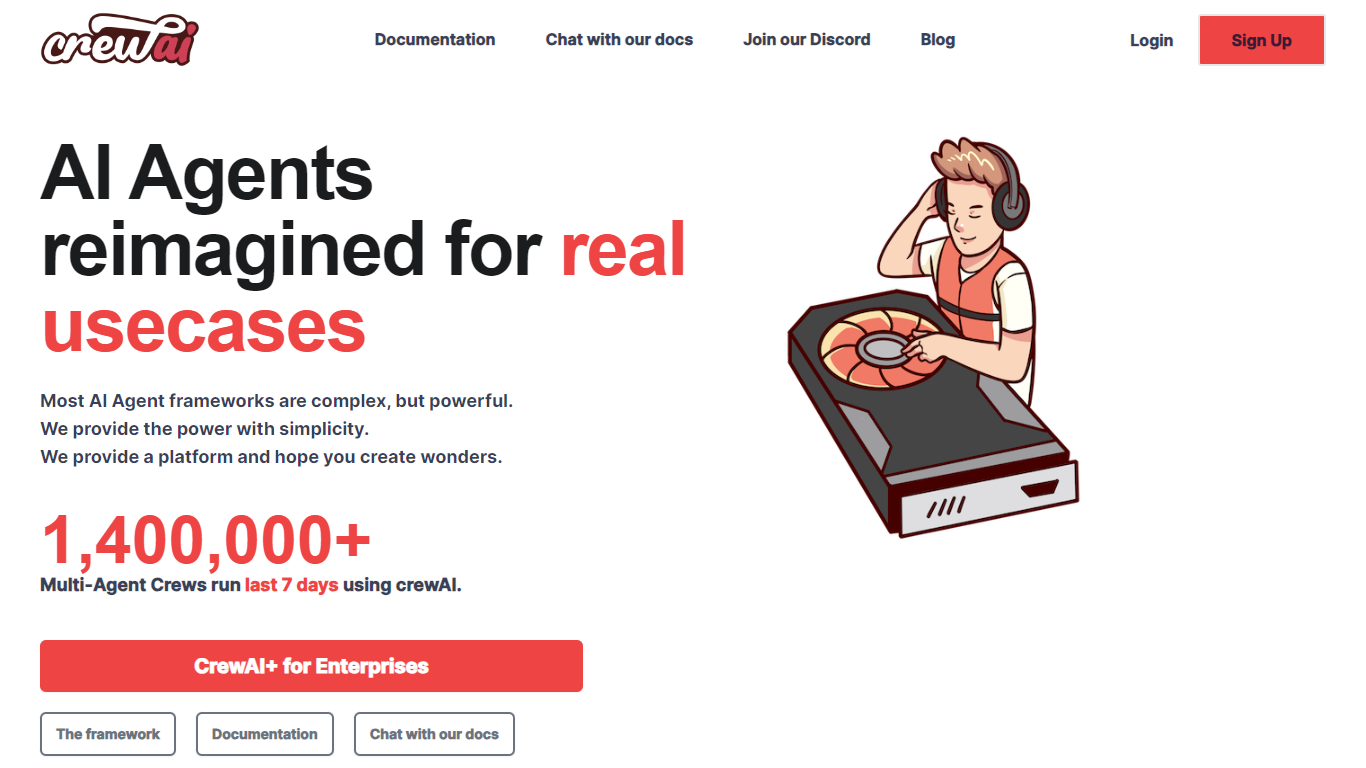
What is crew?
Crew helps enterprises and developers build, deploy, and manage multi-agent AI workflows efficiently. It enables users to discover automation opportunities, create agents using no-code visual editors or APIs, and oversee production workflows with real-time tracing and governance.
What sets crew apart is its Discovery Engine, which analyzes billions of agent runs to identify high-value automation use cases tailored to specific businesses. This data-driven approach helps prioritize efforts and maximize ROI, unlike many alternatives that require guesswork or manual analysis.
Crew also offers enterprise-grade security features such as role-based access control, audit trails, and human-in-the-loop approvals. It supports flexible deployment options, including cloud and private infrastructure with dedicated VPCs and compliance certifications, ensuring organizations can maintain control and compliance.
Additionally, crew continuously optimizes agent performance by converting production runs into training data and enabling multi-LLM testing to select the best models for each workflow. This ongoing improvement helps maintain accuracy and cost efficiency over time.
Glitter AI Upvotes
crew Upvotes
Glitter AI Top Features
Record your screen with desktop app or browser extension and get a guide with screenshots and text automatically
Upload any existing video and convert it into a step-by-step guide with AI step detection
Translate guides into any of 99 languages with a single click
Export to PDF, HTML, Markdown, or embed in Confluence, Notion, Zendesk, and more
SOC 2 Type II certified with on-device blur to redact sensitive data before upload
crew Top Features
Discovery Engine analyzes billions of agent runs to identify automation opportunities tailored to your business.
No-code visual editor and code-first API enable building complex multi-agent workflows.
Enterprise governance includes real-time tracing, role-based access control, and audit trails.
Continuous optimization uses production data for training and supports multi-LLM testing.
Flexible deployment on crew cloud or private infrastructure with dedicated VPCs and FedRAMP certification.
Glitter AI Category
- Automation
crew Category
- Automation
Glitter AI Pricing Type
- Freemium
crew Pricing Type
- Freemium