Glitter AI vs Flippit
Explore the showdown between Glitter AI vs Flippit and find out which AI Automation tool wins. We analyze upvotes, features, reviews, pricing, alternatives, and more.
When comparing Glitter AI and Flippit, which one rises above the other?
When we contrast Glitter AI with Flippit, both of which are exceptional AI-operated automation tools, and place them side by side, we can spot several crucial similarities and divergences. Both tools have received the same number of upvotes from aitools.fyi users. Every vote counts! Cast yours and contribute to the decision of the winner.
Feeling rebellious? Cast your vote and shake things up!
Glitter AI


What is Glitter AI ?
Glitter AI turns screen recordings, videos, and live walkthroughs into polished step-by-step guides and SOPs. Record a process with the desktop app or browser extension, narrate as you go, and the platform captures screenshots, transcribes your speech, and writes the documentation for you.
You can also upload existing videos, including Zoom recordings, mobile screen captures, or footage of physical tasks, and Glitter converts them into editable guides. The guide editor lets you polish steps, screenshots, and copy before sharing via link, PDF, HTML, Markdown, or embed.
It supports 99 languages for recording and one-click translation. Teams at companies like Google, Walmart, and Salesforce use it for employee onboarding, IT runbooks, customer help articles, and compliance SOPs. The platform is SOC 2 Type II certified.
Flippit
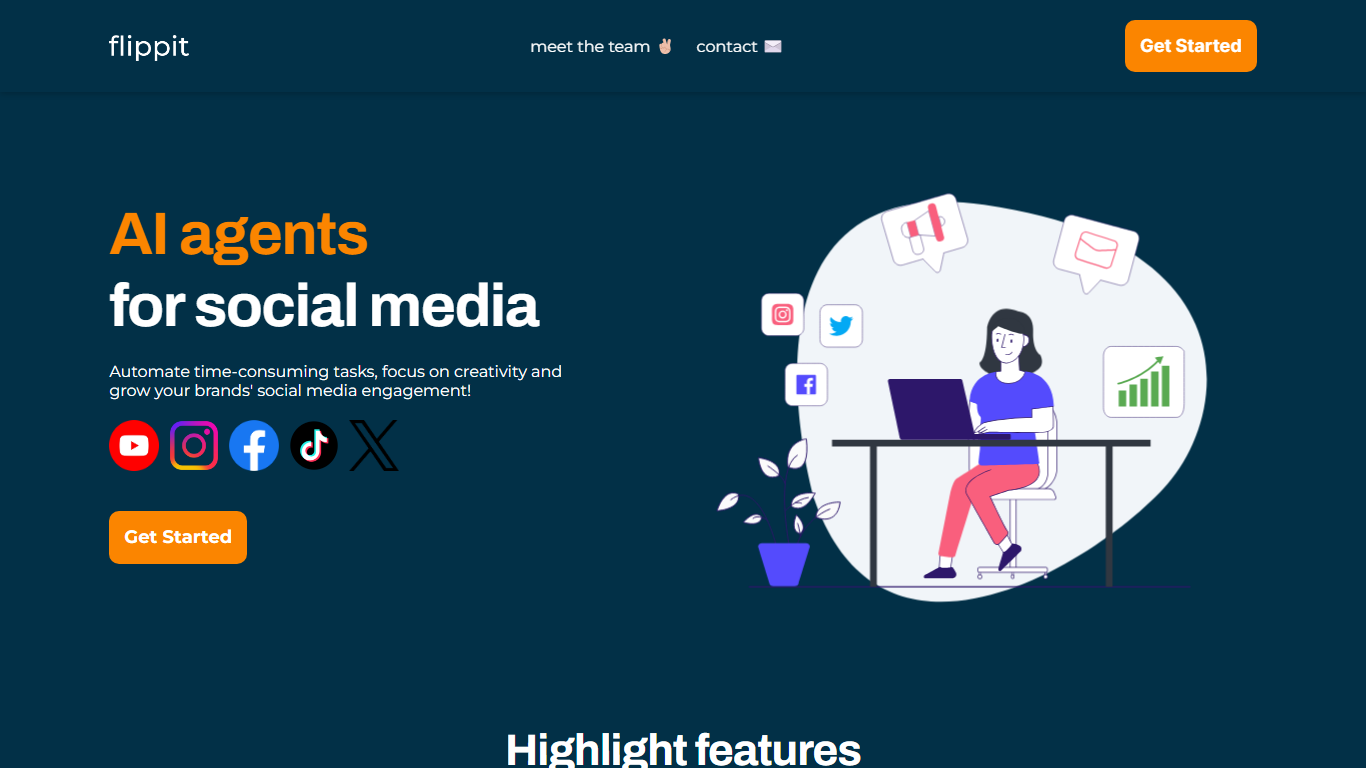
What is Flippit?
Flippit lets live streamers add an interactive AI character that reads and replies to audience comments during a broadcast. You pick or customize the streamer's look and personality, then deploy it across social platforms and languages while you focus on the show itself.
Most streaming tools automate clips or captions after the fact. Flippit keeps a character in the live loop, so viewer questions get answered in real time even when you step away. That live comment engagement is the piece generic scheduling bots do not cover.
The public marketing site highlights three workflows: live audience interaction, personalization of streamer appearance and role, and faster content ideation by offloading routine chat to the agent. The main app at flippit.ai sits behind Cloudflare protection, while product details and signup flows are published on the public Webflow site.
Glitter AI Upvotes
Flippit Upvotes
Glitter AI Top Features
Record your screen with desktop app or browser extension and get a guide with screenshots and text automatically
Upload any existing video and convert it into a step-by-step guide with AI step detection
Translate guides into any of 99 languages with a single click
Export to PDF, HTML, Markdown, or embed in Confluence, Notion, Zendesk, and more
SOC 2 Type II certified with on-device blur to redact sensitive data before upload
Flippit Top Features
Deploy AI streamers that respond to live comments while you stream or take breaks
Customize streamer visuals, personality, and on-stream role to match your brand
Run interactions across social platforms and multiple languages from one setup
Choose from preset AI streamers or build your own character for recurring shows
Free up time to test new channel ideas while the AI handles routine audience chat
Glitter AI Category
- Automation
Flippit Category
- Automation
Glitter AI Pricing Type
- Freemium
Flippit Pricing Type
- Freemium