Glitter AI vs InsightBase
In the clash of Glitter AI vs InsightBase, which AI Automation tool emerges victorious? We assess reviews, pricing, alternatives, features, upvotes, and more.
If you had to choose between Glitter AI and InsightBase, which one would you go for?
Let's take a closer look at Glitter AI and InsightBase, both of which are AI-driven automation tools, and see what sets them apart. The upvote count shows a clear preference for InsightBase. The number of upvotes for InsightBase stands at 7, and for Glitter AI it's 6.
Does the result make you go "hmm"? Cast your vote and turn that frown upside down!
Glitter AI


What is Glitter AI ?
Glitter AI turns screen recordings, videos, and live walkthroughs into polished step-by-step guides and SOPs. Record a process with the desktop app or browser extension, narrate as you go, and the platform captures screenshots, transcribes your speech, and writes the documentation for you.
You can also upload existing videos, including Zoom recordings, mobile screen captures, or footage of physical tasks, and Glitter converts them into editable guides. The guide editor lets you polish steps, screenshots, and copy before sharing via link, PDF, HTML, Markdown, or embed.
It supports 99 languages for recording and one-click translation. Teams at companies like Google, Walmart, and Salesforce use it for employee onboarding, IT runbooks, customer help articles, and compliance SOPs. The platform is SOC 2 Type II certified.
InsightBase
What is InsightBase?
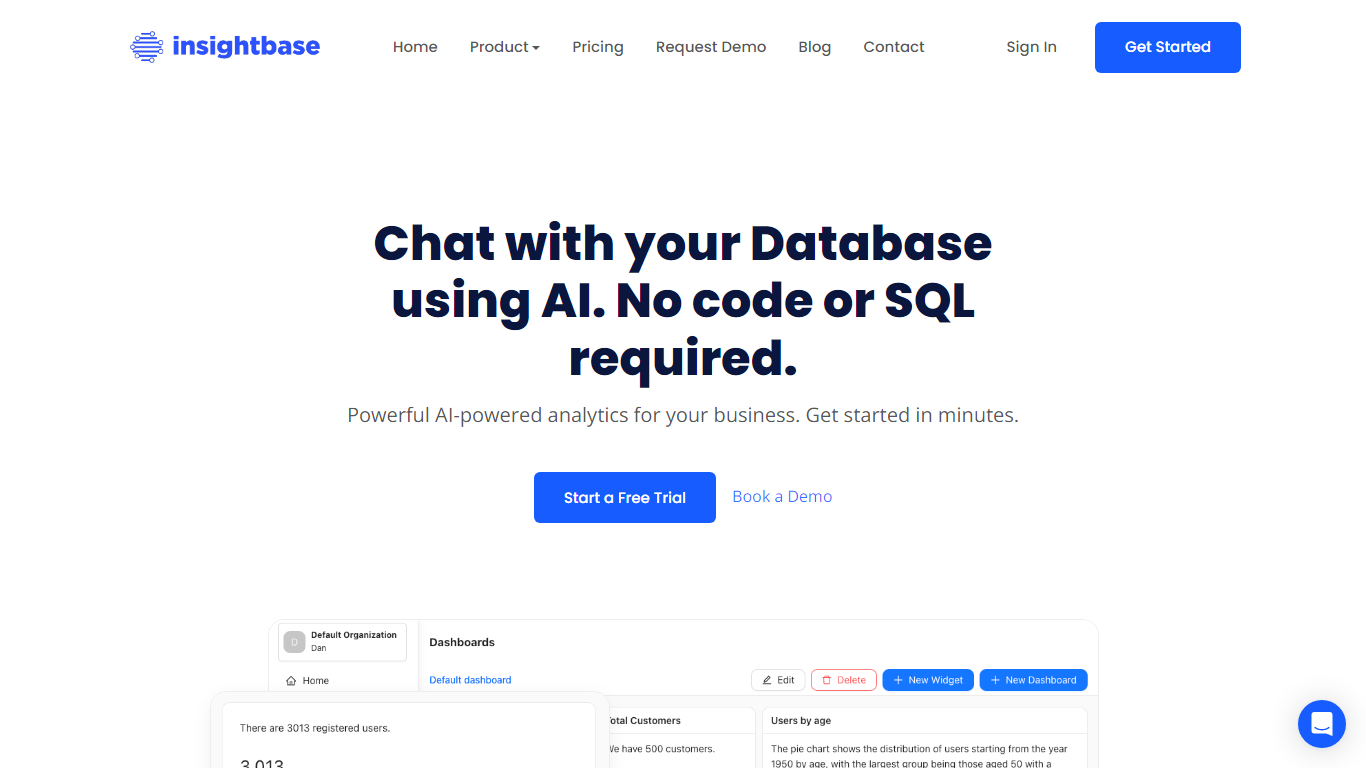
InsightBase connects to your live databases and turns natural language questions into charts, dashboards, and reports without writing SQL first. Teams use it to automate recurring analytics workflows, from ad hoc questions to monitored dashboards, without standing up a separate BI stack. You link MongoDB, PostgreSQL, MySQL, or MSSQL, then ask questions in plain English from the app at app.insightbase.ai. Sign-up is self-serve and the marketing site advertises setup in minutes.
Most BI tools assume analysts will build everything in SQL or drag-and-drop canvases that still take days to wire up. InsightBase mixes all three paths in one product: conversational queries for executives, a visual builder for quick dashboards, and custom SQL plus a Javascript editor when engineers need control. Embeddable dashboards and data monitoring alerts are built in, which many conversational analytics tools treat as add-ons.
It fits business leaders who need answers in seconds, analysts who want faster dashboard iteration, and engineers who still want raw SQL access. The Individual plan includes one database connection and 10,000 monthly credits, while Professional expands to five sources and 120,000 credits. Enterprise pricing is contact-only when you need unlimited sources, users, and widgets.
Glitter AI Upvotes
InsightBase Upvotes
Glitter AI Top Features
Record your screen with desktop app or browser extension and get a guide with screenshots and text automatically
Upload any existing video and convert it into a step-by-step guide with AI step detection
Translate guides into any of 99 languages with a single click
Export to PDF, HTML, Markdown, or embed in Confluence, Notion, Zendesk, and more
SOC 2 Type II certified with on-device blur to redact sensitive data before upload
InsightBase Top Features
Ask questions in plain English and get answers in seconds without writing SQL first
Connect MongoDB, PostgreSQL, MySQL, or MSSQL as data sources, with more databases listed as coming soon
Individual plan includes 10,000 credits per month (~500 queries) for $27
Visual builder, custom SQL editor, and Javascript editor for dashboards and reports
Embeddable dashboards you can place on your website or app
Data monitoring sends notifications when tracked metrics change
Professional plan supports 5 data sources, 15 users, and 1,000 widgets for $300 per month
Glitter AI Category
- Automation
InsightBase Category
- Automation
Glitter AI Pricing Type
- Freemium
InsightBase Pricing Type
- Freemium