Glitter AI vs Lean Canvas
Compare Glitter AI vs Lean Canvas and see which AI Automation tool is better when we compare features, reviews, pricing, alternatives, upvotes, etc.
Which one is better? Glitter AI or Lean Canvas?
When we compare Glitter AI with Lean Canvas, which are both AI-powered automation tools, Neither tool takes the lead, as they both have the same upvote count. Join the aitools.fyi users in deciding the winner by casting your vote.
You don't agree with the result? Cast your vote to help us decide!
Glitter AI


What is Glitter AI ?
Glitter AI turns screen recordings, videos, and live walkthroughs into polished step-by-step guides and SOPs. Record a process with the desktop app or browser extension, narrate as you go, and the platform captures screenshots, transcribes your speech, and writes the documentation for you.
You can also upload existing videos, including Zoom recordings, mobile screen captures, or footage of physical tasks, and Glitter converts them into editable guides. The guide editor lets you polish steps, screenshots, and copy before sharing via link, PDF, HTML, Markdown, or embed.
It supports 99 languages for recording and one-click translation. Teams at companies like Google, Walmart, and Salesforce use it for employee onboarding, IT runbooks, customer help articles, and compliance SOPs. The platform is SOC 2 Type II certified.
Lean Canvas
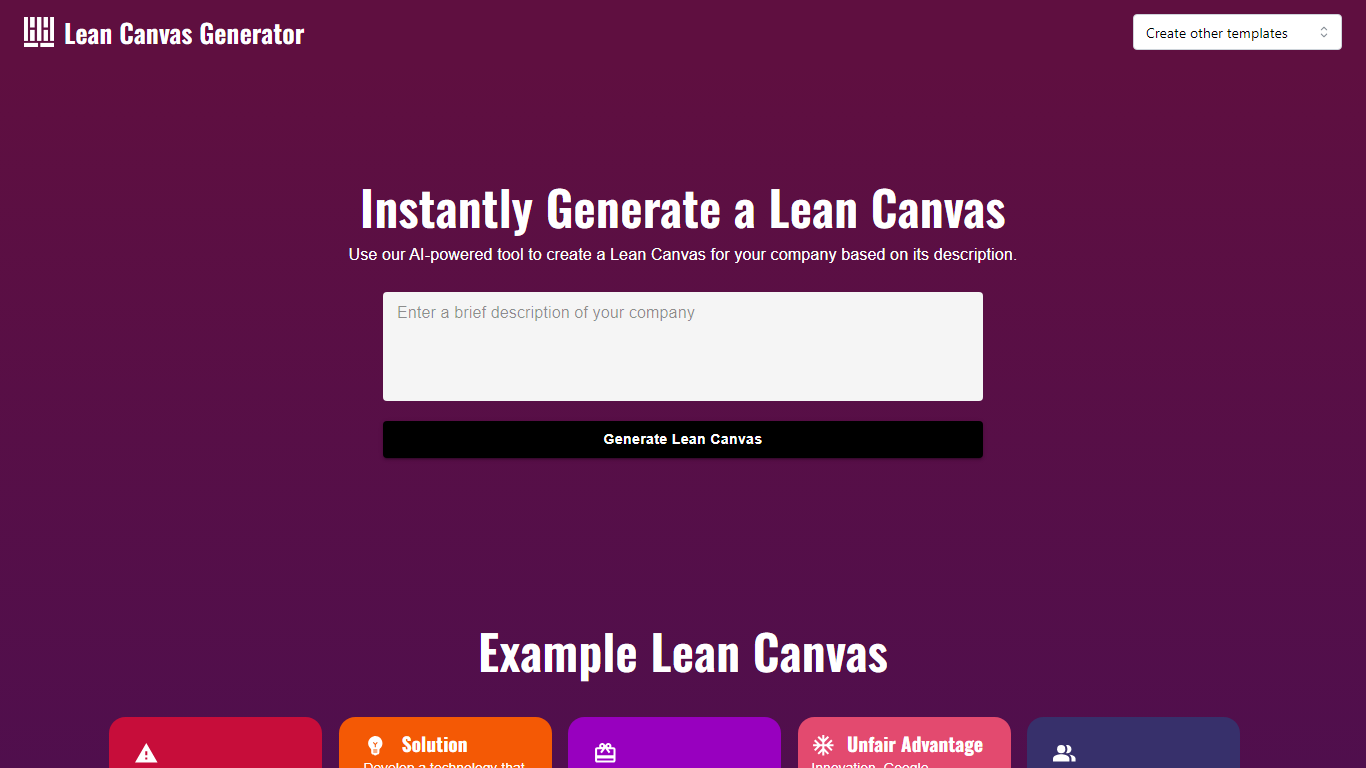
What is Lean Canvas?
Transform your startup's approach with the AI Lean Canvas Generator, a strategic and streamlined tool finely tuned for crafting comprehensive business models. This web-based application aids entrepreneurs in outlining the core aspects of their business quickly and effectively. By guiding users through key components such as the unique value proposition, infrastructure, customers, and finances, it ensures that all critical business model aspects are methodically addressed.
The AI Lean Canvas Generator is designed for optimum clarity, making it easy to visualize your business architecture. Moreover, it serves as a dynamic document to reflect changes as your business evolves. Geared towards efficiency, the Lean Canvas prompts innovators to distill their concepts into a more accessible format that helps in identifying potential risks and rewards early in the journey of entrepreneurship.
Glitter AI Upvotes
Lean Canvas Upvotes
Glitter AI Top Features
Record your screen with desktop app or browser extension and get a guide with screenshots and text automatically
Upload any existing video and convert it into a step-by-step guide with AI step detection
Translate guides into any of 99 languages with a single click
Export to PDF, HTML, Markdown, or embed in Confluence, Notion, Zendesk, and more
SOC 2 Type II certified with on-device blur to redact sensitive data before upload
Lean Canvas Top Features
Streamlined Business Modeling: Assists in the rapid creation of a business model canvas.
Clear Visualization: Enhances understanding of business architecture.
Dynamic Document: Adapts to changes as the business evolves.
Risk Identification: Helps entrepreneurs identify potential business risks early on.
Strategy Planning: Aids in the strategic planning of the startup journey.
Glitter AI Category
- Automation
Lean Canvas Category
- Automation
Glitter AI Pricing Type
- Freemium
Lean Canvas Pricing Type
- Free