Glitter AI vs Lutra AI
Dive into the comparison of Glitter AI vs Lutra AI and discover which AI Automation tool stands out. We examine alternatives, upvotes, features, reviews, pricing, and beyond.
In a comparison between Glitter AI and Lutra AI, which one comes out on top?
When we compare Glitter AI and Lutra AI, two exceptional automation tools powered by artificial intelligence, and place them side by side, several key similarities and differences come to light. Both tools have received the same number of upvotes from aitools.fyi users. Join the aitools.fyi users in deciding the winner by casting your vote.
Want to flip the script? Upvote your favorite tool and change the game!
Glitter AI


What is Glitter AI ?
Glitter AI turns screen recordings, videos, and live walkthroughs into polished step-by-step guides and SOPs. Record a process with the desktop app or browser extension, narrate as you go, and the platform captures screenshots, transcribes your speech, and writes the documentation for you.
You can also upload existing videos, including Zoom recordings, mobile screen captures, or footage of physical tasks, and Glitter converts them into editable guides. The guide editor lets you polish steps, screenshots, and copy before sharing via link, PDF, HTML, Markdown, or embed.
It supports 99 languages for recording and one-click translation. Teams at companies like Google, Walmart, and Salesforce use it for employee onboarding, IT runbooks, customer help articles, and compliance SOPs. The platform is SOC 2 Type II certified.
Lutra AI
What is Lutra AI?
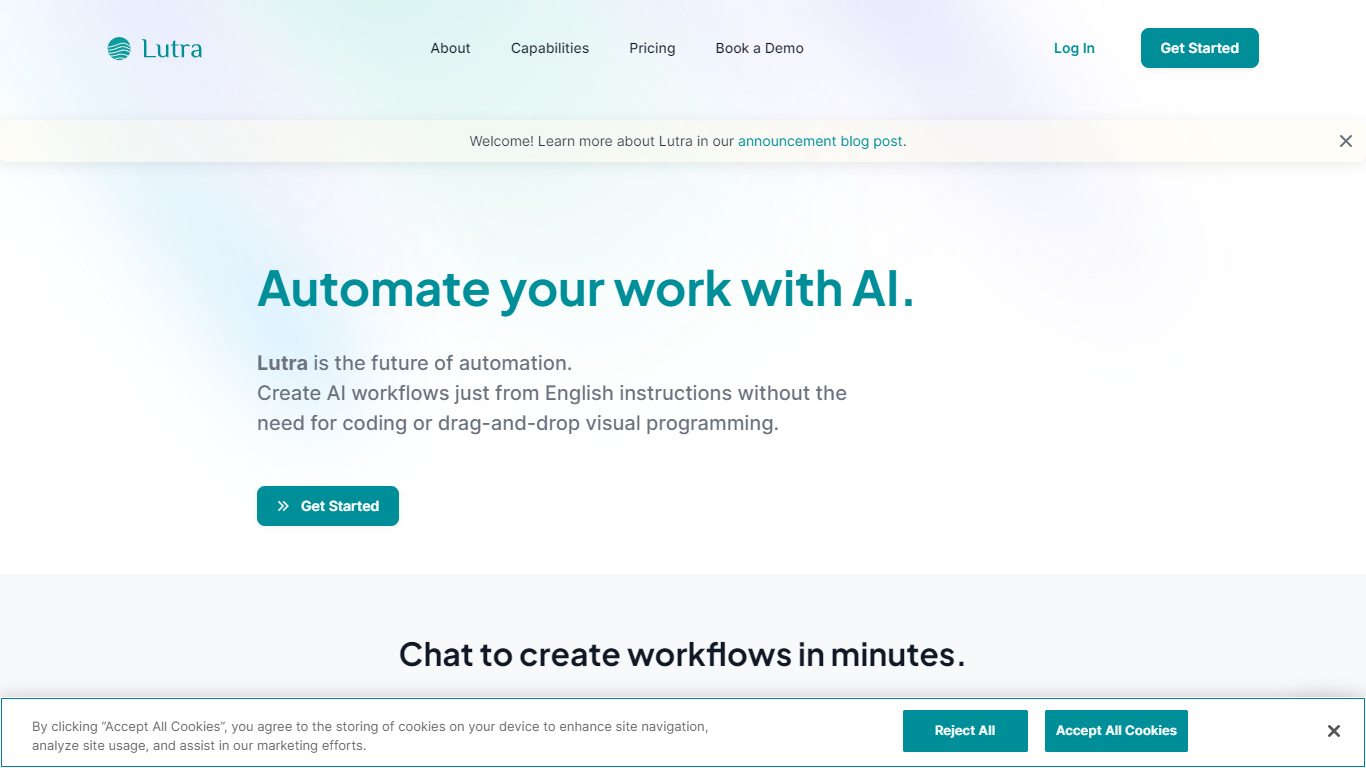
Lutra AI is a productivity agent that connects your work apps and automates tasks from plain English instructions. Describe what you want done, and Lutra turns it into code-backed workflows that pull data from Gmail, Slack, Google Workspace, Notion, Salesforce, HubSpot, and dozens of other integrations.
The platform also positions itself as the first MCP-compatible client built for general users. You can connect Model Context Protocol servers such as Linear, Atlassian, PayPal, and Square, or bring your own custom MCP endpoint. A public playbook library covers recurring jobs like email summarization, invoice processing, LinkedIn research, and Reddit monitoring.
Lutra targets operators, founders, and teams who want repeatable automations without building Zapier-style flows by hand. Workflows can run on demand or on a schedule, and the company also offers MintMCP for enterprise data connections.
Glitter AI Upvotes
Lutra AI Upvotes
Glitter AI Top Features
Record your screen with desktop app or browser extension and get a guide with screenshots and text automatically
Upload any existing video and convert it into a step-by-step guide with AI step detection
Translate guides into any of 99 languages with a single click
Export to PDF, HTML, Markdown, or embed in Confluence, Notion, Zendesk, and more
SOC 2 Type II certified with on-device blur to redact sensitive data before upload
Lutra AI Top Features
Natural language workflows: describe tasks in English and Lutra generates code to run them across connected apps
Broad app integrations: Gmail, Slack, Google Workspace, Notion, Salesforce, HubSpot, Airtable, and more
MCP client support: connect Linear, Atlassian, PayPal, Square, or custom MCP servers
Playbook library: ready-made automations for email summaries, invoice processing, research, and social monitoring
Scheduling and webhooks: run workflows on a schedule or trigger them from external events on paid plans
Glitter AI Category
- Automation
Lutra AI Category
- Automation
Glitter AI Pricing Type
- Freemium
Lutra AI Pricing Type
- Freemium