Glitter AI vs Sintra AI
Explore the showdown between Glitter AI vs Sintra AI and find out which AI Automation tool wins. We analyze upvotes, features, reviews, pricing, alternatives, and more.
When comparing Glitter AI and Sintra AI, which one rises above the other?
When we contrast Glitter AI with Sintra AI, both of which are exceptional AI-operated automation tools, and place them side by side, we can spot several crucial similarities and divergences. In the race for upvotes, Sintra AI takes the trophy. The number of upvotes for Sintra AI stands at 8, and for Glitter AI it's 6.
Does the result make you go "hmm"? Cast your vote and turn that frown upside down!
Glitter AI


What is Glitter AI ?
Glitter AI turns screen recordings, videos, and live walkthroughs into polished step-by-step guides and SOPs. Record a process with the desktop app or browser extension, narrate as you go, and the platform captures screenshots, transcribes your speech, and writes the documentation for you.
You can also upload existing videos, including Zoom recordings, mobile screen captures, or footage of physical tasks, and Glitter converts them into editable guides. The guide editor lets you polish steps, screenshots, and copy before sharing via link, PDF, HTML, Markdown, or embed.
It supports 99 languages for recording and one-click translation. Teams at companies like Google, Walmart, and Salesforce use it for employee onboarding, IT runbooks, customer help articles, and compliance SOPs. The platform is SOC 2 Type II certified.
Sintra AI
What is Sintra AI?
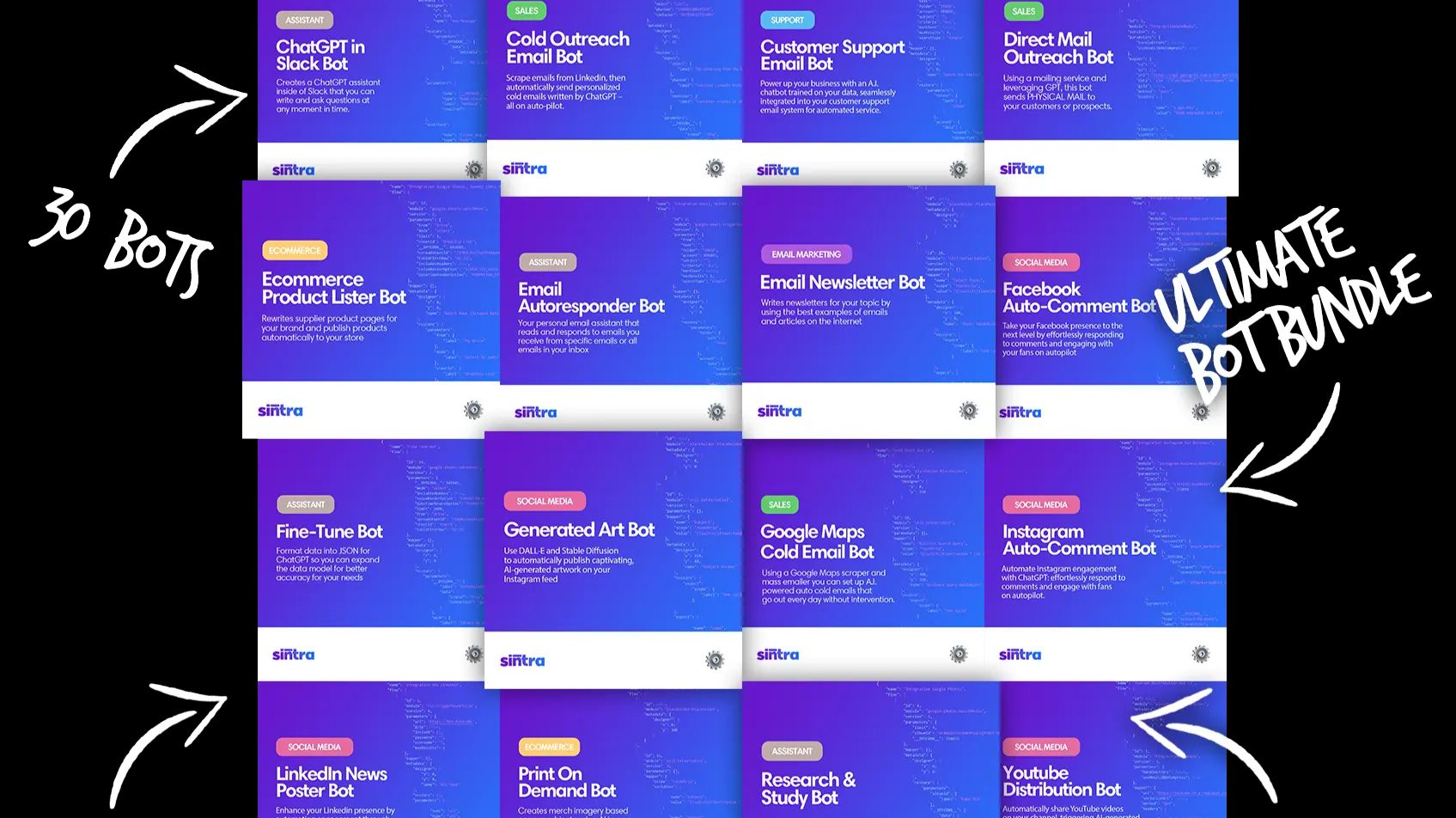
Sintra AI lets you chat with 12 role-based helpers, each scoped to a business function such as social media, customer support, SEO, or sales. You add brand context once through Brain AI, connect the tools you already use, and delegate tasks through chat instead of wiring separate apps for every job. The product runs on web and mobile with 24/7 availability and targets owners who want marketing, support, and operations handled without adding headcount.
Most automation tools give you generic chat or workflow builders. Sintra AI instead sells named specialists (Soshie for social, Cassie for support, Seomi for SEO, and nine others) with prebuilt use cases and integrations. That role framing trades custom agent flexibility for faster onboarding on common business tasks. Sintra X bundles all 12 helpers under one subscription with shared monthly credits rather than charging per seat like traditional team software.
Solopreneurs, ecommerce operators, and lean startup teams use Sintra AI when they need copy, scheduling, inbox replies, or analytics handled without expanding staff. Each helper draws on uploaded brand guidelines and connected accounts so outputs stay on-voice across languages. With support for 100+ languages and 15+ integrations, it suits businesses testing international markets from a single workspace.
Glitter AI Upvotes
Sintra AI Upvotes
Glitter AI Top Features
Record your screen with desktop app or browser extension and get a guide with screenshots and text automatically
Upload any existing video and convert it into a step-by-step guide with AI step detection
Translate guides into any of 99 languages with a single click
Export to PDF, HTML, Markdown, or embed in Confluence, Notion, Zendesk, and more
SOC 2 Type II certified with on-device blur to redact sensitive data before upload
Sintra AI Top Features
Sintra X includes all 12 named helpers, from Soshie (social) to Milli (sales), under one plan
Every plan includes 250 monthly credits that reset each billing cycle, with optional top-ups for advanced actions
Brain AI stores brand documents, tone, and website context so every helper stays on-brand
Supports 100+ languages for content and customer replies across markets
15+ integrations connect email, social, CRM, and calendar tools helpers already use
Create up to 5 business profiles in separate workspaces for different brands or clients
Glitter AI Category
- Automation
Sintra AI Category
- Automation
Glitter AI Pricing Type
- Freemium
Sintra AI Pricing Type
- Paid