Glitter AI vs SmartflowAI
Compare Glitter AI vs SmartflowAI and see which AI Automation tool is better when we compare features, reviews, pricing, alternatives, upvotes, etc.
Which one is better? Glitter AI or SmartflowAI?
When we compare Glitter AI with SmartflowAI, which are both AI-powered automation tools, The upvote count reveals a draw, with both tools earning the same number of upvotes. Your vote matters! Help us decide the winner among aitools.fyi users by casting your vote.
Not your cup of tea? Upvote your preferred tool and stir things up!
Glitter AI


What is Glitter AI ?
Glitter AI turns screen recordings, videos, and live walkthroughs into polished step-by-step guides and SOPs. Record a process with the desktop app or browser extension, narrate as you go, and the platform captures screenshots, transcribes your speech, and writes the documentation for you.
You can also upload existing videos, including Zoom recordings, mobile screen captures, or footage of physical tasks, and Glitter converts them into editable guides. The guide editor lets you polish steps, screenshots, and copy before sharing via link, PDF, HTML, Markdown, or embed.
It supports 99 languages for recording and one-click translation. Teams at companies like Google, Walmart, and Salesforce use it for employee onboarding, IT runbooks, customer help articles, and compliance SOPs. The platform is SOC 2 Type II certified.
SmartflowAI
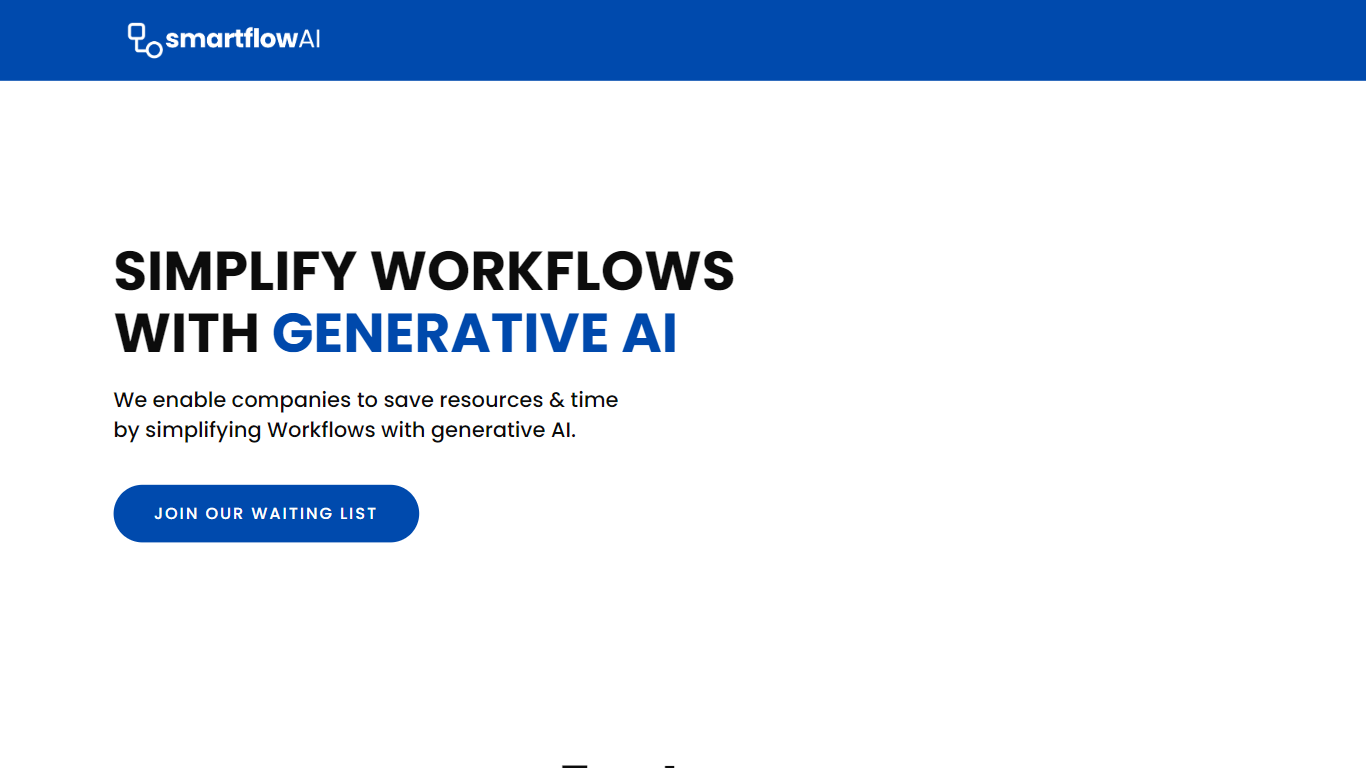
What is SmartflowAI?
SmartflowAI chains generative AI models, algorithms, and data APIs into pre-built business workflows teams can run without designing every step from scratch. The site pitches flows aligned with customer needs, shows market research as a sample output, and routes new visitors through a waitlist instead of open signup.
Blank-canvas automation builders and single chatbot tools leave you to wire each step yourself. SmartflowAI instead advertises ready-made workflows and multi-model flows, which is the basis for its "more than ChatGPT" positioning on the homepage. The trade-off is transparency: smartflowai.com does not yet publish a workflow catalog, integration list, or plan prices.
Operations, marketing, and research teams that want templated AI workflows without coding are the natural audience. Companies trying to cut manual work on recurring tasks like market research fit the examples SmartflowAI highlights, though anyone needing immediate self-serve access will hit the waitlist gate first.
Glitter AI Upvotes
SmartflowAI Upvotes
Glitter AI Top Features
Record your screen with desktop app or browser extension and get a guide with screenshots and text automatically
Upload any existing video and convert it into a step-by-step guide with AI step detection
Translate guides into any of 99 languages with a single click
Export to PDF, HTML, Markdown, or embed in Confluence, Notion, Zendesk, and more
SOC 2 Type II certified with on-device blur to redact sensitive data before upload
SmartflowAI Top Features
Pre-built workflows the homepage says are 100% aligned with customer needs
Generative AI tech stack combines algorithms, AI models, and data APIs into multi-step flows
Homepage examples section showcases market research as a sample workflow output
Waitlist signup is the only public access path listed on smartflowai.com
Investor Relations and Contact Us links are published in the site footer
Glitter AI Category
- Automation
SmartflowAI Category
- Automation
Glitter AI Pricing Type
- Freemium
SmartflowAI Pricing Type
- Freemium