Glitter AI vs StoryboardHero
In the face-off between Glitter AI vs StoryboardHero, which AI Automation tool takes the crown? We scrutinize features, alternatives, upvotes, reviews, pricing, and more.
In a face-off between Glitter AI and StoryboardHero, which one takes the crown?
If we were to analyze Glitter AI and StoryboardHero, both of which are AI-powered automation tools, what would we find? With more upvotes, StoryboardHero is the preferred choice. StoryboardHero has attracted 7 upvotes from aitools.fyi users, and Glitter AI has attracted 6 upvotes.
Feeling rebellious? Cast your vote and shake things up!
Glitter AI


What is Glitter AI ?
Glitter AI turns screen recordings, videos, and live walkthroughs into polished step-by-step guides and SOPs. Record a process with the desktop app or browser extension, narrate as you go, and the platform captures screenshots, transcribes your speech, and writes the documentation for you.
You can also upload existing videos, including Zoom recordings, mobile screen captures, or footage of physical tasks, and Glitter converts them into editable guides. The guide editor lets you polish steps, screenshots, and copy before sharing via link, PDF, HTML, Markdown, or embed.
It supports 99 languages for recording and one-click translation. Teams at companies like Google, Walmart, and Salesforce use it for employee onboarding, IT runbooks, customer help articles, and compliance SOPs. The platform is SOC 2 Type II certified.
StoryboardHero
What is StoryboardHero?
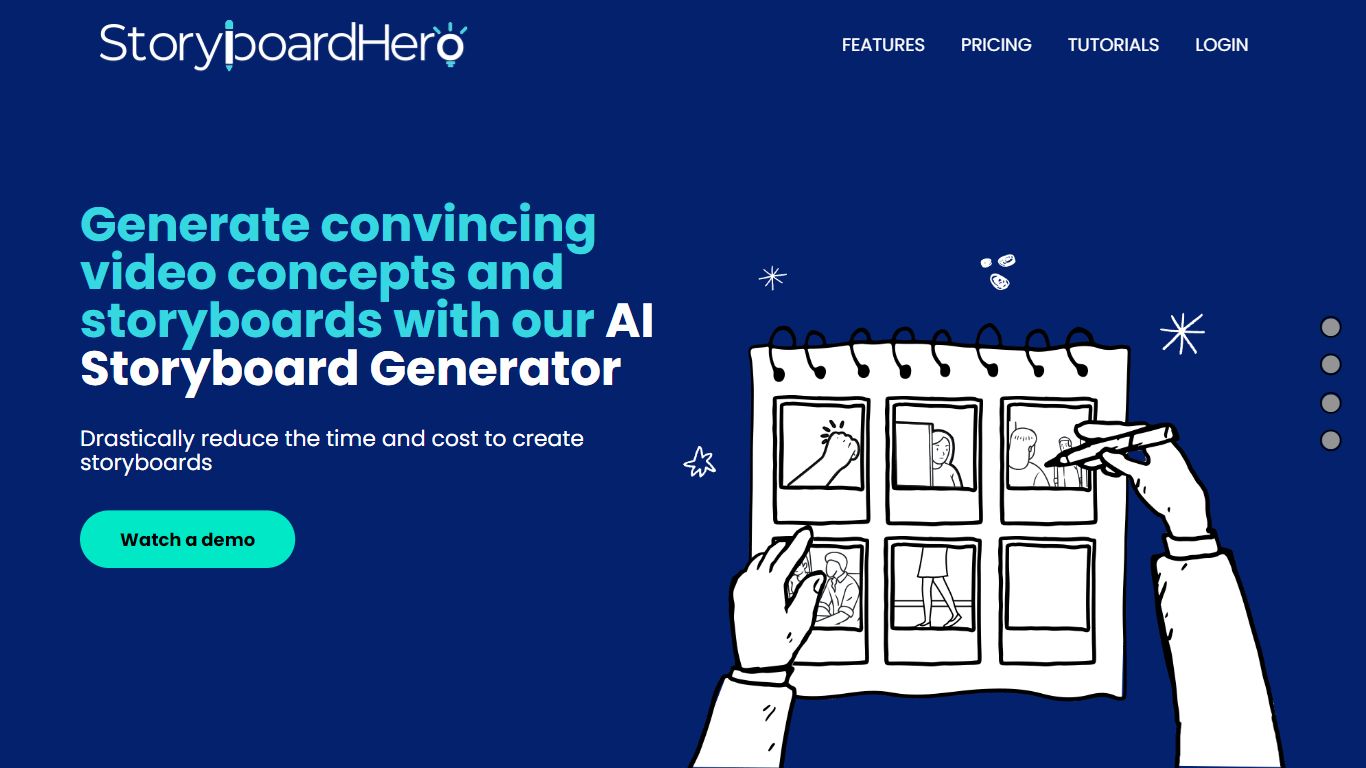
StoryboardHero is an AI storyboard generator built for video agencies, filmmakers, and creators who need scripts and visual boards fast. You enter a brief or upload a script, and it generates scene-by-scene storyboards with AI images, voice-over lines, camera angles, and transitions already structured. The platform also exports branded PDF storyboards, shot lists, and MP4 previews you can share with clients.
Where general chat tools spit out unstructured text and image apps ignore shot sequencing, StoryboardHero keeps the whole pre-production workflow in one place. It splits scripts into scenes and shots automatically, offers 15 visual styles for 2D animation (from pencil sketch to photo realistic), and lets you request hand-drawn frames from an in-house artist team when AI images miss the mark. PDF exports carry only your branding, with no StoryboardHero watermark.
Video agencies use it to pitch more prospects with storyboards without tying up designers for days. Filmmakers get shot-type controls (perspective, focus, lighting, movement) and consistent character profiles saved across projects. Teams on Starter and Advanced plans get multiple seats, guest commenting on shared links, and optional password protection on client reviews.
Glitter AI Upvotes
StoryboardHero Upvotes
Glitter AI Top Features
Record your screen with desktop app or browser extension and get a guide with screenshots and text automatically
Upload any existing video and convert it into a step-by-step guide with AI step detection
Translate guides into any of 99 languages with a single click
Export to PDF, HTML, Markdown, or embed in Confluence, Notion, Zendesk, and more
SOC 2 Type II certified with on-device blur to redact sensitive data before upload
StoryboardHero Top Features
Solo plan at $19/month includes unlimited AI images plus 100 Premium AI images per month
Import scripts via formatted PDF or CSV; AI auto-splits scenes, shots, and voice-over lines
15 visual styles for 2D animation including pencil sketch, comic book, anime, and photo realistic
Save character profiles (age, ethnicity, clothing) for consistent appearances across frames
Export branded PDF storyboards and CSV/PDF shot lists with no StoryboardHero watermark
Optional hand-drawn frames via credits (10 credits for $99) when AI images fall short
Share storyboards online with guest commenting, password protection, and MP4 video export
Glitter AI Category
- Automation
StoryboardHero Category
- Automation
Glitter AI Pricing Type
- Freemium
StoryboardHero Pricing Type
- Paid