Glitter AI vs Transformify
Compare Glitter AI vs Transformify and see which AI Automation tool is better when we compare features, reviews, pricing, alternatives, upvotes, etc.
Which one is better? Glitter AI or Transformify?
When we compare Glitter AI with Transformify, which are both AI-powered automation tools, Interestingly, both tools have managed to secure the same number of upvotes. Since other aitools.fyi users could decide the winner, the ball is in your court now to cast your vote and help us determine the winner.
You don't agree with the result? Cast your vote to help us decide!
Glitter AI


What is Glitter AI ?
Glitter AI turns screen recordings, videos, and live walkthroughs into polished step-by-step guides and SOPs. Record a process with the desktop app or browser extension, narrate as you go, and the platform captures screenshots, transcribes your speech, and writes the documentation for you.
You can also upload existing videos, including Zoom recordings, mobile screen captures, or footage of physical tasks, and Glitter converts them into editable guides. The guide editor lets you polish steps, screenshots, and copy before sharing via link, PDF, HTML, Markdown, or embed.
It supports 99 languages for recording and one-click translation. Teams at companies like Google, Walmart, and Salesforce use it for employee onboarding, IT runbooks, customer help articles, and compliance SOPs. The platform is SOC 2 Type II certified.
Transformify
What is Transformify?
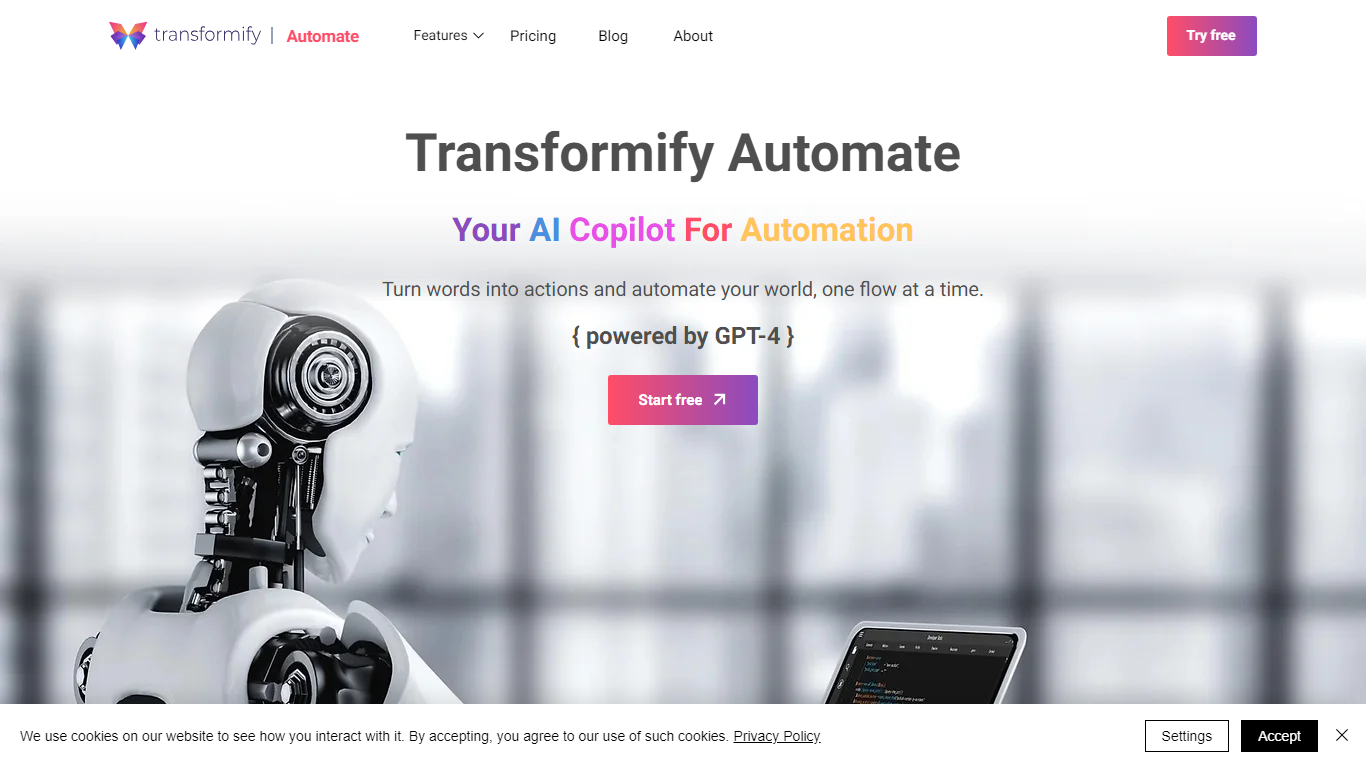
Transformify Automate lets you describe automations in plain language and turns that prompt into a visual flow with schedulers, connectors, and conditional branches. The ChatUX copilot is powered by GPT-4 and builds steps you can tweak before running them on triggers or URL endpoints.
Drag-and-drop builders like Zapier expect you to wire every node by hand. Transformify Automate pushes generation first: you type the outcome, the copilot drafts the flow, and you adjust the diagram instead of hunting through connector menus from scratch.
Ops teams, integrators, and solo founders use Transformify Automate for file transfers, scheduled reports, Gmail or OneDrive actions, and database exports. The Free plan includes unlimited core flows with two connectors per flow, one forever-free Premium flow, and up to 100 total runs.
Glitter AI Upvotes
Transformify Upvotes
Glitter AI Top Features
Record your screen with desktop app or browser extension and get a guide with screenshots and text automatically
Upload any existing video and convert it into a step-by-step guide with AI step detection
Translate guides into any of 99 languages with a single click
Export to PDF, HTML, Markdown, or embed in Confluence, Notion, Zendesk, and more
SOC 2 Type II certified with on-device blur to redact sensitive data before upload
Transformify Top Features
GPT-4 copilot generates flows from natural-language prompts in the ChatUX editor
Free plan allows unlimited core flows with 2 connectors and 100 total flow runs
One Premium flow stays free forever on the Free tier
Connector catalog covers Gmail, OneDrive, LinkedIn, Twilio, SQL Server, FTP, and OpenAI
SecureOps adds Azure Key Vault storage for API keys and digital certificates
Glitter AI Category
- Automation
Transformify Category
- Automation
Glitter AI Pricing Type
- Freemium
Transformify Pricing Type
- Freemium