GoEnhance AI vs Clipchamp
When comparing GoEnhance AI vs Clipchamp, which AI Video Editing tool shines brighter? We look at pricing, alternatives, upvotes, features, reviews, and more.
Between GoEnhance AI and Clipchamp, which one is superior?
When we put GoEnhance AI and Clipchamp side by side, both being AI-powered video editing tools, Neither tool takes the lead, as they both have the same upvote count. Since other aitools.fyi users could decide the winner, the ball is in your court now to cast your vote and help us determine the winner.
Not your cup of tea? Upvote your preferred tool and stir things up!
GoEnhance AI

What is GoEnhance AI ?
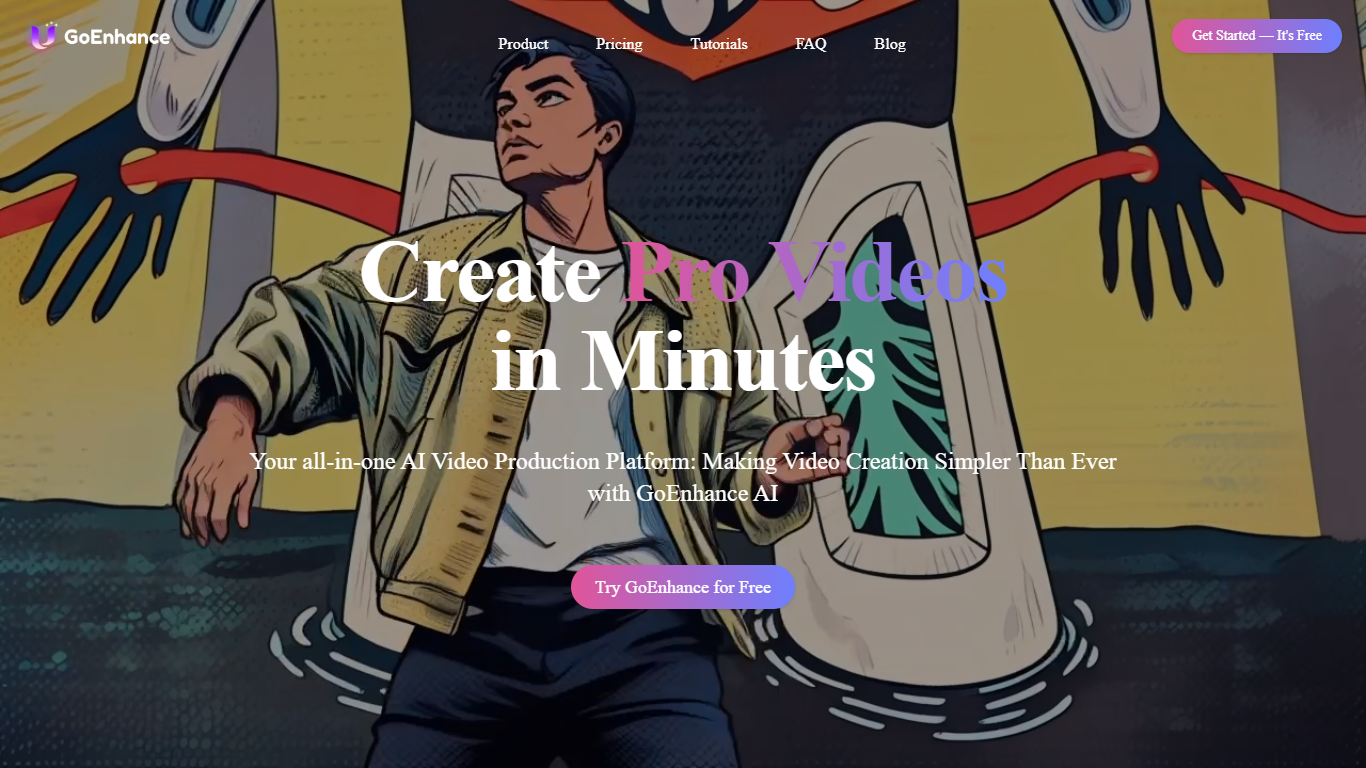
GoEnhance AI offers an innovative platform designed to transform your video and image content using the power of artificial intelligence. With the capability to convert videos into a variety of animated styles, the service provides excellence in video to video transformation. Choose from unique styles like pixel and flat anime to give your videos a creative edge. The platform doesn't stop at video creativity; it also excels in image enhancement. The most advanced AI technologies are employed to upscale images, giving you clarity and detail as never before.
GoEnhance AI is the perfect tool for creators looking for an easy-to-use solution to produce professional videos quickly. Trusted by over 120,000 creators, it's a platform that stands out for making video creation simpler. Whether you're enhancing videos or upscaling images, GoEnhance AI is your go-to platform for all your AI video production needs.
Clipchamp

What is Clipchamp?
Clipchamp is a versatile video editing platform that empowers users to create stunning videos with ease. Whether you're editing on a browser, using the Windows app, or on mobile, Clipchamp simplifies the process with its smart tools and royalty-free content. It's ideal for everything from YouTube and TikTok videos to promo videos and Facebook video ads. Notable for its AI video editing capabilities, such as autocaptions and text-to-speech, Clipchamp also offers features like green screen effects, video overlays, and even speaker coaching. It ensures that your video fits any platform perfectly by allowing you to resize and transform your video with stylish elements. For business, education, or fun, Clipchamp is the way to go for creating high-quality videos without watermarks in up to 4K resolution. Now a part of Microsoft, this tool assures a smooth experience for all your video creation needs.
GoEnhance AI Upvotes
Clipchamp Upvotes
GoEnhance AI Top Features
Video to Video: Transform your videos into a multitude of animated styles.
Enhance Image: Utilize AI to enhance and upscale images to extreme detail.
User-Friendly: A platform perfect for creators and designed for ease of use.
Community Trusted: Reliably used by over 120,000 content creators worldwide.
Accessibility: Get started quickly with access to free platform trials.
Clipchamp Top Features
Autocaptions: Automatically generate accurate captions in over 140 languages using advanced speech-to-text technology.
Text to Speech: Easily convert text into natural-sounding speech in various languages and voices.
Resize Video: Adjust the aspect ratio of your videos to fit different platforms with customizable background colors and blur effects.
Speaker Coach: Improve communication skills with feedback on pace pitch and filler words using the webcam recorder tool.
Royalty-Free Elements: Enhance your videos with access to a wide range of stock elements including text overlays filters and templates.
GoEnhance AI Category
- Video Editing
Clipchamp Category
- Video Editing
GoEnhance AI Pricing Type
- Freemium
Clipchamp Pricing Type
- Freemium