Gorilla Terminal vs CodePal
Compare Gorilla Terminal vs CodePal and see which AI Code Assistant tool is better when we compare features, reviews, pricing, alternatives, upvotes, etc.
Which one is better? Gorilla Terminal or CodePal?
When we compare Gorilla Terminal with CodePal, which are both AI-powered code assistant tools, The upvote count shows a clear preference for Gorilla Terminal. Gorilla Terminal has attracted 6 upvotes from aitools.fyi users, and CodePal has attracted 3 upvotes.
Not your cup of tea? Upvote your preferred tool and stir things up!
Gorilla Terminal


What is Gorilla Terminal?
Gorilla Terminal pulls stock data, SEC filings, macro indicators, and earnings call transcripts into one terminal-style dashboard in your browser. Search by ticker and you get charts, quarterly reports, insider trades, Twitter sentiment, and live futures without hopping between Bloomberg tabs and scattered finance sites.
Most research terminals either dump raw data tables or lean on generic summaries. Gorilla Terminal focuses on earnings calls: it runs sentiment analysis on what executives actually said, flags positive and negative statements, and lets you filter by quarter. That transcript-first angle is the trade-off. You get deeper call breakdowns than a charting site, but the product is built for equity research rather than crypto or forex.
Portfolio managers, solo investors, and finance students use this investment research tool to prep for earnings season, scan sector averages, and stress-test holdings with value-at-risk and regression tools. The macro panel covers CPI, unemployment, retail sales, and consumer sentiment in one click.
CodePal
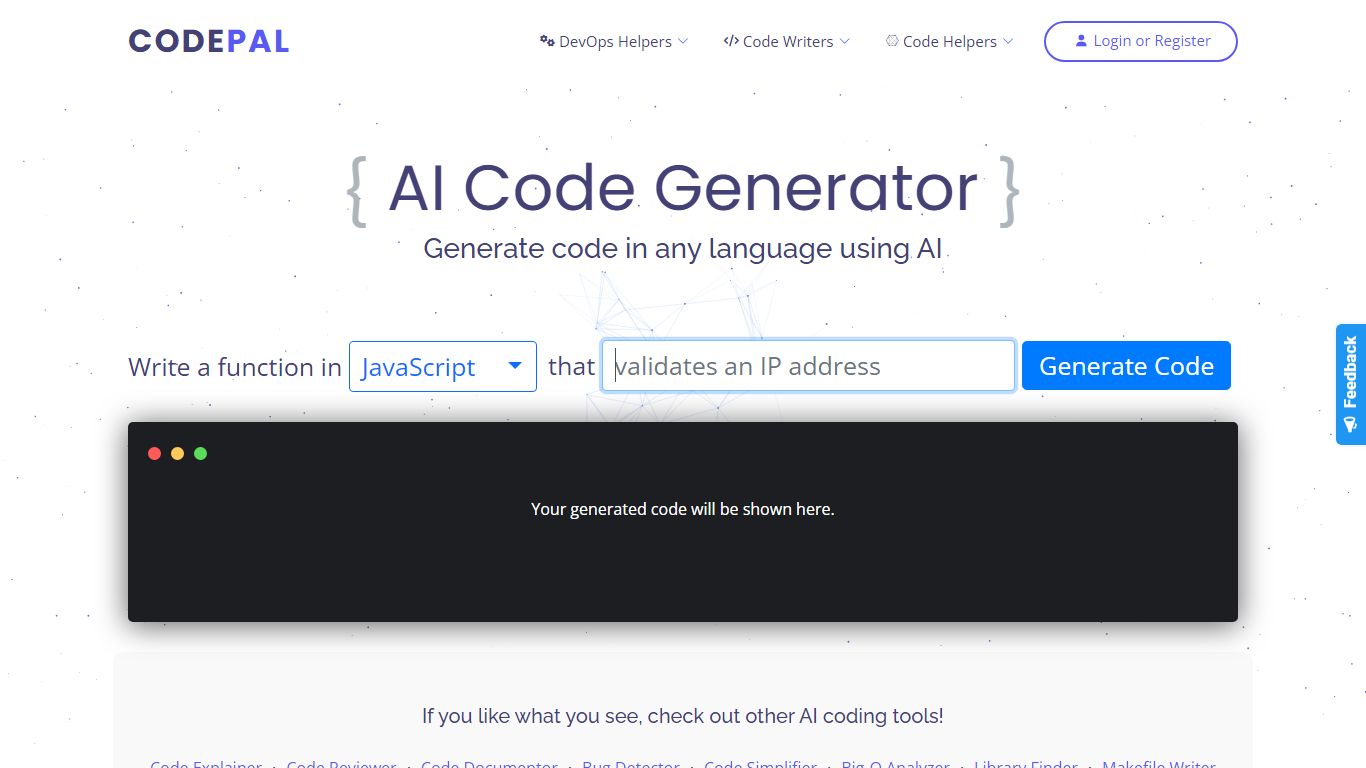
What is CodePal?
CodePal is an AI code assistant and app builder that turns a plain-language product idea into a deployable full-stack web app. You describe what you want, and CodePal scopes a build plan, writes the code, shows each step in real time, and publishes the result to a live URL. The same workspace covers planning, visual editing, GitHub sync, databases, auth, storage, and deployment without stitching separate tools together.
Where many AI builders stop at a landing page or a single-file demo, CodePal targets production-shaped products: SaaS dashboards, marketplaces, booking flows, and internal tools with backends attached. It also ships 60+ standalone developer utilities on its tools page for generating, fixing, refactoring, and explaining code across programming languages, so you can use it as a daily coding helper even when you are not launching a new app.
Founders, indie hackers, and developers who want to ship a first version fast without hiring a team are the core audience. Product managers prototyping internal dashboards and creators launching landing pages or membership sites also fit the workflow, especially when they need GitHub export and a custom domain on paid tiers.
Gorilla Terminal Upvotes
CodePal Upvotes
Gorilla Terminal Top Features
Earnings call transcripts with AI sentiment scoring and positive/negative statement filters per quarter
Macro dashboard covering CPI, unemployment, retail sales, and consumer sentiment in one view
Stock search returns charts, 10-Ks, 10-Qs, insider buying, and Twitter sentiment on one page
Value-at-risk and regression analysis for portfolio risk modeling
Industry average metrics across revenue growth, margins, and tax rates by sector
Pro plan at $29 per month, down from a listed $49 per month on the pricing page
7-day pass at $9.99 for short-term access without a monthly commitment
CodePal Top Features
Build full-stack web apps from a single prompt with planning, code generation, and live publishing in one workspace
62 production-ready app templates for SaaS, marketplaces, dashboards, and landing pages on the solutions page
60+ AI developer tools for code generation, refactoring, debugging, and DevOps across programming languages
Starter plan includes 2 daily credits and up to 30 credits per month with access to all platform tools
Standard plan at $25 per month adds 100 monthly credits, credit rollover, and up to 5 CodePal Cloud projects
GitHub sync lets you inspect, edit generated project files, and keep code in your own development workflow
Workspace tools cover databases, authentication, storage, secrets, logs, and analytics without external stitching
Gorilla Terminal Category
- Code Assistant
CodePal Category
- Code Assistant
Gorilla Terminal Pricing Type
- Paid
CodePal Pricing Type
- Freemium