Gorilla Terminal vs GitHub Copilot
Compare Gorilla Terminal vs GitHub Copilot and see which AI Code Assistant tool is better when we compare features, reviews, pricing, alternatives, upvotes, etc.
Which one is better? Gorilla Terminal or GitHub Copilot?
When we compare Gorilla Terminal with GitHub Copilot, which are both AI-powered code assistant tools, Gorilla Terminal stands out as the clear frontrunner in terms of upvotes. The number of upvotes for Gorilla Terminal stands at 6, and for GitHub Copilot it's 4.
Don't agree with the result? Cast your vote and be a part of the decision-making process!
Gorilla Terminal


What is Gorilla Terminal?
Gorilla Terminal pulls stock data, SEC filings, macro indicators, and earnings call transcripts into one terminal-style dashboard in your browser. Search by ticker and you get charts, quarterly reports, insider trades, Twitter sentiment, and live futures without hopping between Bloomberg tabs and scattered finance sites.
Most research terminals either dump raw data tables or lean on generic summaries. Gorilla Terminal focuses on earnings calls: it runs sentiment analysis on what executives actually said, flags positive and negative statements, and lets you filter by quarter. That transcript-first angle is the trade-off. You get deeper call breakdowns than a charting site, but the product is built for equity research rather than crypto or forex.
Portfolio managers, solo investors, and finance students use this investment research tool to prep for earnings season, scan sector averages, and stress-test holdings with value-at-risk and regression tools. The macro panel covers CPI, unemployment, retail sales, and consumer sentiment in one click.
GitHub Copilot
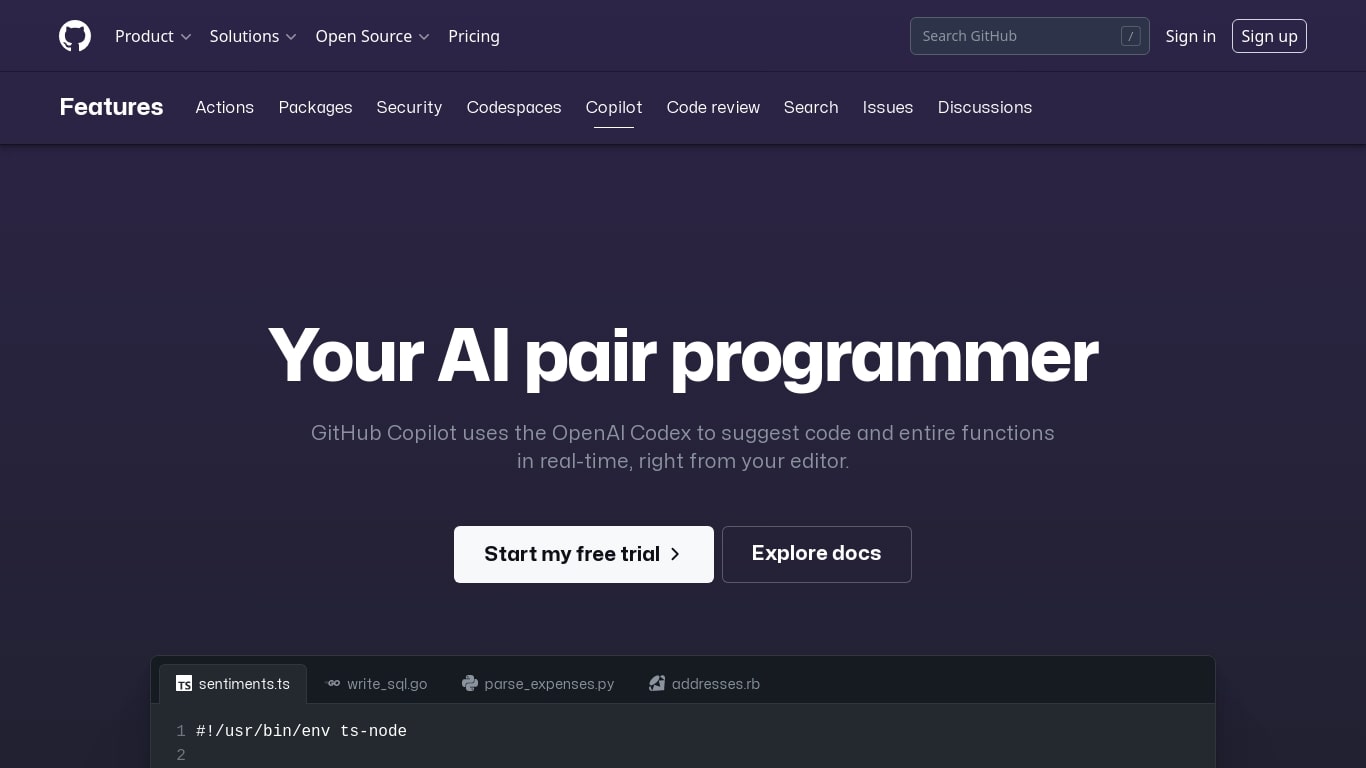
What is GitHub Copilot?
GitHub Copilot is a code assistant that lives inside your editor, terminal, and GitHub.com. It completes lines as you type, answers questions about your codebase in chat, and runs agent workflows that edit multiple files while you review each change. It is built for developers who want help inside the tools they already use rather than a separate chat window.
Most coding assistants bolt onto one IDE. Copilot spans VS Code, JetBrains, Neovim, Visual Studio, the GitHub CLI, GitHub Mobile, and native chat on GitHub.com with the Enterprise plan. That reach matters when your team splits time between local editing, pull request review, and issue triage on the web. The trade-off is complexity: plans, credit allowances, and agent policies vary by tier, so heavy agent users need to watch usage more carefully than someone who only wants inline completions.
Software engineers, open source maintainers, and enterprise dev teams use Copilot for inline completion, multi-file agent edits, automated code review on pull requests, and background cloud agents assigned through GitHub issues. Verified students and teachers can access Pro at no cost through GitHub's education program.
Gorilla Terminal Upvotes
GitHub Copilot Upvotes
Gorilla Terminal Top Features
Earnings call transcripts with AI sentiment scoring and positive/negative statement filters per quarter
Macro dashboard covering CPI, unemployment, retail sales, and consumer sentiment in one view
Stock search returns charts, 10-Ks, 10-Qs, insider buying, and Twitter sentiment on one page
Value-at-risk and regression analysis for portfolio risk modeling
Industry average metrics across revenue growth, margins, and tax rates by sector
Pro plan at $29 per month, down from a listed $49 per month on the pricing page
7-day pass at $9.99 for short-term access without a monthly commitment
GitHub Copilot Top Features
Free tier includes 2,000 code completions and 50 chat requests per month
Pro plan is $10 per month with unlimited completions and next-edit suggestions
Runs in VS Code, JetBrains, Neovim, Visual Studio, Xcode, and Eclipse IDE
Agent mode proposes multi-file edits with Keep or Undo review in the editor
Assign cloud agents to GitHub issues, including Claude and OpenAI Codex on Pro
Copilot CLI and Spaces draw from monthly GitHub AI Credits on paid plans
Enterprise admins control MCP server allow lists from a single control plane
Gorilla Terminal Category
- Code Assistant
GitHub Copilot Category
- Code Assistant
Gorilla Terminal Pricing Type
- Paid
GitHub Copilot Pricing Type
- Freemium