Gorilla Terminal vs Google Colab Copilot
In the clash of Gorilla Terminal vs Google Colab Copilot, which AI Code Assistant tool emerges victorious? We assess reviews, pricing, alternatives, features, upvotes, and more.
When we put Gorilla Terminal and Google Colab Copilot head to head, which one emerges as the victor?
Let's take a closer look at Gorilla Terminal and Google Colab Copilot, both of which are AI-driven code assistant tools, and see what sets them apart. Neither tool takes the lead, as they both have the same upvote count. Join the aitools.fyi users in deciding the winner by casting your vote.
Does the result make you go "hmm"? Cast your vote and turn that frown upside down!
Gorilla Terminal


What is Gorilla Terminal?
Gorilla Terminal pulls stock data, SEC filings, macro indicators, and earnings call transcripts into one terminal-style dashboard in your browser. Search by ticker and you get charts, quarterly reports, insider trades, Twitter sentiment, and live futures without hopping between Bloomberg tabs and scattered finance sites.
Most research terminals either dump raw data tables or lean on generic summaries. Gorilla Terminal focuses on earnings calls: it runs sentiment analysis on what executives actually said, flags positive and negative statements, and lets you filter by quarter. That transcript-first angle is the trade-off. You get deeper call breakdowns than a charting site, but the product is built for equity research rather than crypto or forex.
Portfolio managers, solo investors, and finance students use this investment research tool to prep for earnings season, scan sector averages, and stress-test holdings with value-at-risk and regression tools. The macro panel covers CPI, unemployment, retail sales, and consumer sentiment in one click.
Google Colab Copilot
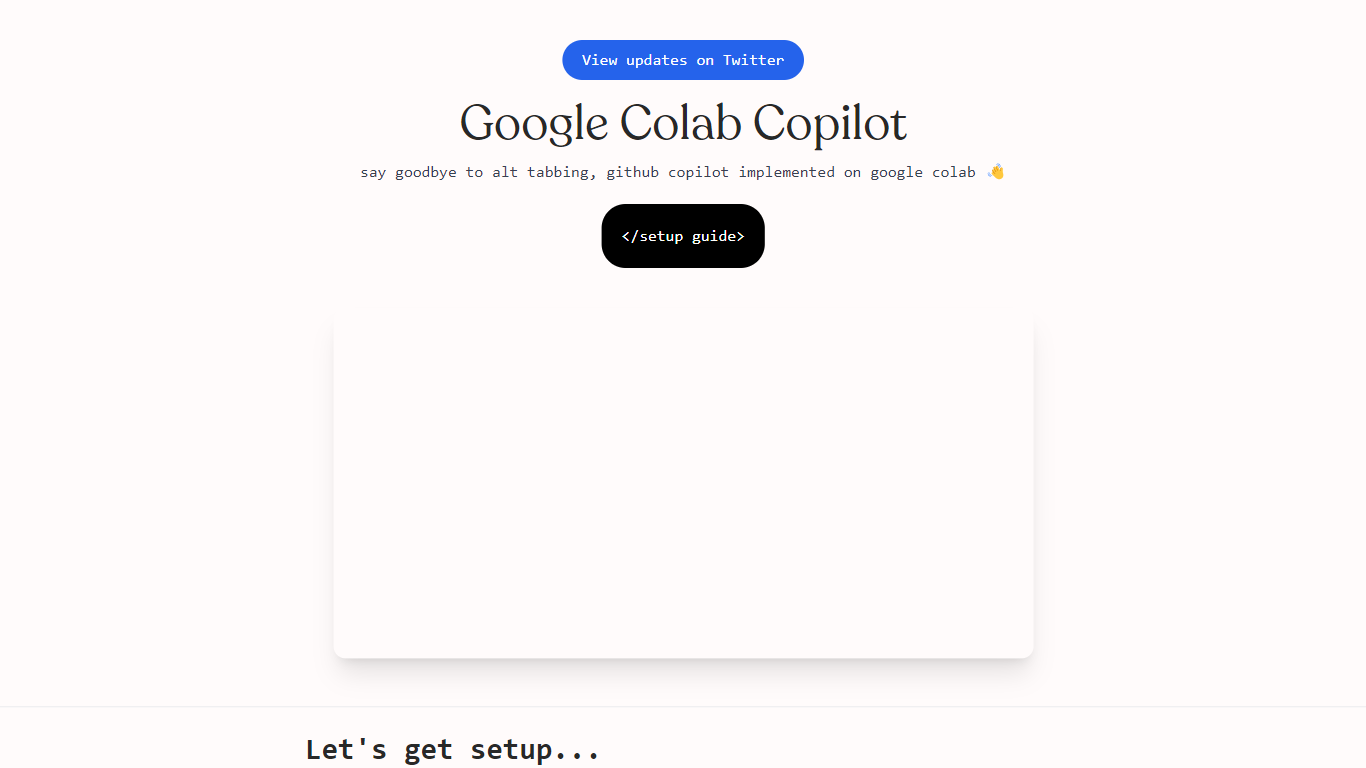
What is Google Colab Copilot?
Google Colab Copilot is a revolutionary AI-powered tool designed to assist developers in writing code efficiently and accurately. With its advanced machine learning algorithms, Colab Copilot can understand code context and provide intelligent code suggestions in real-time, significantly speeding up the development process.
One of the standout features of Google Colab Copilot is its ability to generate code snippets based on natural language descriptions. Simply describe what you want to achieve, and Colab Copilot will generate the corresponding code for you. This eliminates the need to spend hours searching for the right code examples or debugging errors, making coding faster and more enjoyable.
In addition to code generation, Colab Copilot also offers code completion, allowing developers to quickly fill in missing code elements. This saves time and reduces the chance of introducing errors, as Colab Copilot suggests the most suitable code based on the current context.
Another useful feature of Colab Copilot is its integration with popular programming tools and frameworks. Whether you're working on a web app, data science project, or machine learning model, Colab Copilot provides intelligent suggestions specific to your chosen technology stack, helping you write cleaner and more efficient code.
Furthermore, Colab Copilot learns from your coding patterns and adapts to your individual coding style over time. This personalized assistance enhances productivity and ensures that the suggestions provided align with your coding preferences.
In terms of accessibility, Google Colab Copilot can be accessed directly within the Google Colab environment, making it seamlessly integrated with other Google tools and services. This eliminates the need for additional installations or configurations, allowing developers to focus solely on their coding tasks.
Overall, Google Colab Copilot is an invaluable companion for developers of all skill levels. Whether you're a beginner looking for guidance or an experienced coder in need of a productivity boost, Colab Copilot is there to support you every step of the way.
Gorilla Terminal Upvotes
Google Colab Copilot Upvotes
Gorilla Terminal Top Features
Earnings call transcripts with AI sentiment scoring and positive/negative statement filters per quarter
Macro dashboard covering CPI, unemployment, retail sales, and consumer sentiment in one view
Stock search returns charts, 10-Ks, 10-Qs, insider buying, and Twitter sentiment on one page
Value-at-risk and regression analysis for portfolio risk modeling
Industry average metrics across revenue growth, margins, and tax rates by sector
Pro plan at $29 per month, down from a listed $49 per month on the pricing page
7-day pass at $9.99 for short-term access without a monthly commitment
Google Colab Copilot Top Features
No top features listedGorilla Terminal Category
- Code Assistant
Google Colab Copilot Category
- Code Assistant
Gorilla Terminal Pricing Type
- Paid
Google Colab Copilot Pricing Type
- Freemium