Gorilla Terminal vs MakeForms
In the clash of Gorilla Terminal vs MakeForms, which AI Code Assistant tool emerges victorious? We assess reviews, pricing, alternatives, features, upvotes, and more.
When we put Gorilla Terminal and MakeForms head to head, which one emerges as the victor?
Let's take a closer look at Gorilla Terminal and MakeForms, both of which are AI-driven code assistant tools, and see what sets them apart. The users have made their preference clear, MakeForms leads in upvotes. MakeForms has attracted 7 upvotes from aitools.fyi users, and Gorilla Terminal has attracted 6 upvotes.
Does the result make you go "hmm"? Cast your vote and turn that frown upside down!
Gorilla Terminal


What is Gorilla Terminal?
Gorilla Terminal pulls stock data, SEC filings, macro indicators, and earnings call transcripts into one terminal-style dashboard in your browser. Search by ticker and you get charts, quarterly reports, insider trades, Twitter sentiment, and live futures without hopping between Bloomberg tabs and scattered finance sites.
Most research terminals either dump raw data tables or lean on generic summaries. Gorilla Terminal focuses on earnings calls: it runs sentiment analysis on what executives actually said, flags positive and negative statements, and lets you filter by quarter. That transcript-first angle is the trade-off. You get deeper call breakdowns than a charting site, but the product is built for equity research rather than crypto or forex.
Portfolio managers, solo investors, and finance students use this investment research tool to prep for earnings season, scan sector averages, and stress-test holdings with value-at-risk and regression tools. The macro panel covers CPI, unemployment, retail sales, and consumer sentiment in one click.
MakeForms
What is MakeForms?
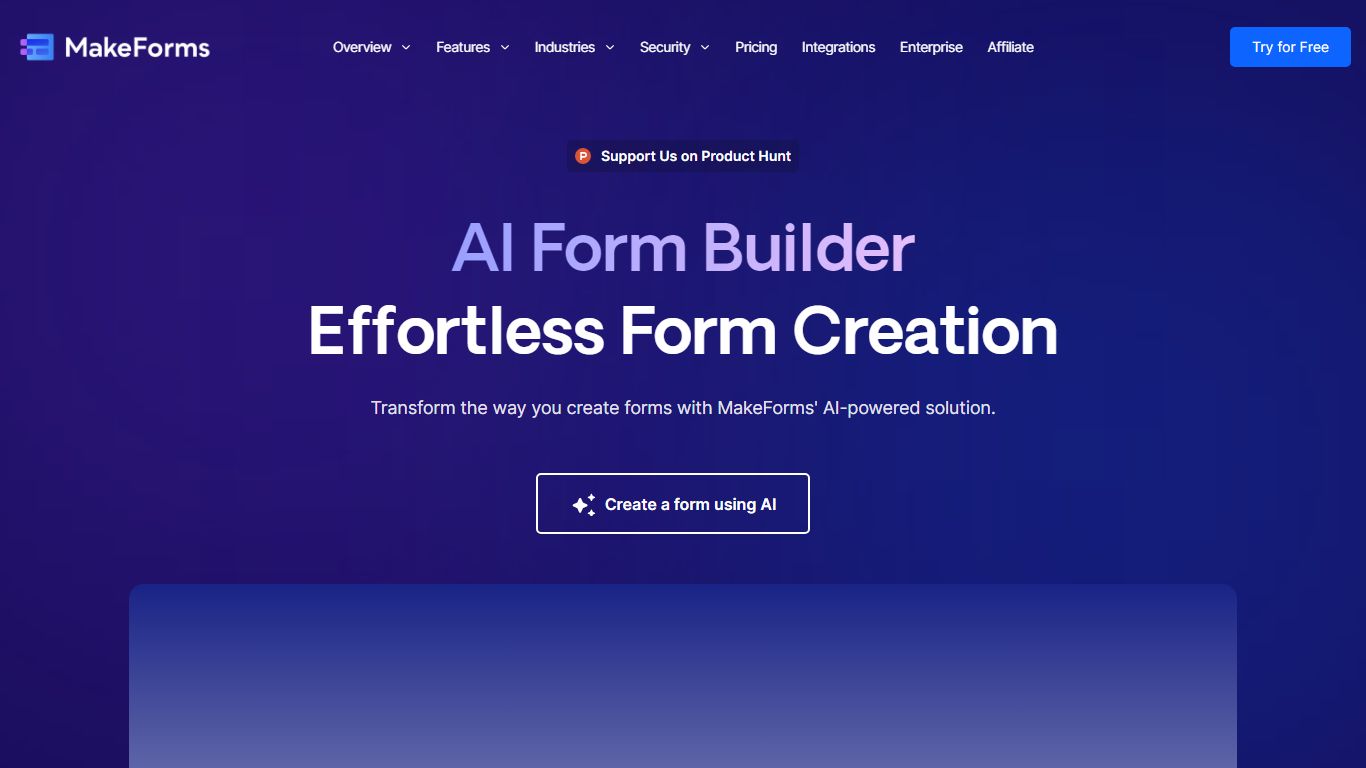
MakeForms AI Form Builder turns a text prompt into a live web form with fields, logic, and layout in under a minute. You describe what you need on makeforms.io/ai-form-builder, optionally set language and page count, or start from templates like Contact Us, Event Feedback, or Job Application. After generation you verify email and share a unique form link.
Most form builders make you drag fields manually. MakeForms adds a ChatGPT-style editor where you ask for updates in conversation instead of reopening a design panel. Lead notifications can route through email, SMS, and WhatsApp so teams see submissions without checking a dashboard constantly.
MakeForms also connects to CRMs, spreadsheets, and workflow tools out of the box, with icons for Slack, Google Drive, OneDrive, and Dropbox on the integrations section. The homepage advertises unlimited free forms with no credit card required and displays a SOC 2 compliant badge. Signup runs through makeforms.io/app/sign-up.
Gorilla Terminal Upvotes
MakeForms Upvotes
Gorilla Terminal Top Features
Earnings call transcripts with AI sentiment scoring and positive/negative statement filters per quarter
Macro dashboard covering CPI, unemployment, retail sales, and consumer sentiment in one view
Stock search returns charts, 10-Ks, 10-Qs, insider buying, and Twitter sentiment on one page
Value-at-risk and regression analysis for portfolio risk modeling
Industry average metrics across revenue growth, margins, and tax rates by sector
Pro plan at $29 per month, down from a listed $49 per month on the pricing page
7-day pass at $9.99 for short-term access without a monthly commitment
MakeForms Top Features
Generate complete forms from a single text prompt with optional language and page count settings
ChatGPT-style interface lets you request form updates in conversation after initial generation
Lead notifications via email, SMS, and WhatsApp with customizable alert settings
Named integrations include Slack, Google Drive, OneDrive, and Dropbox for submission routing
Homepage advertises unlimited forms for free with no credit card required at signup
Gorilla Terminal Category
- Code Assistant
MakeForms Category
- Code Assistant
Gorilla Terminal Pricing Type
- Paid
MakeForms Pricing Type
- Freemium