GptAutoBOT vs TypingMind
Explore the showdown between GptAutoBOT vs TypingMind and find out which AI Chat Bot tool wins. We analyze upvotes, features, reviews, pricing, alternatives, and more.
In a face-off between GptAutoBOT and TypingMind, which one takes the crown?
When we contrast GptAutoBOT with TypingMind, both of which are exceptional AI-operated chat bot tools, and place them side by side, we can spot several crucial similarities and divergences. The upvote count reveals a draw, with both tools earning the same number of upvotes. You can help us determine the winner by casting your vote and tipping the scales in favor of one of the tools.
Feeling rebellious? Cast your vote and shake things up!
GptAutoBOT
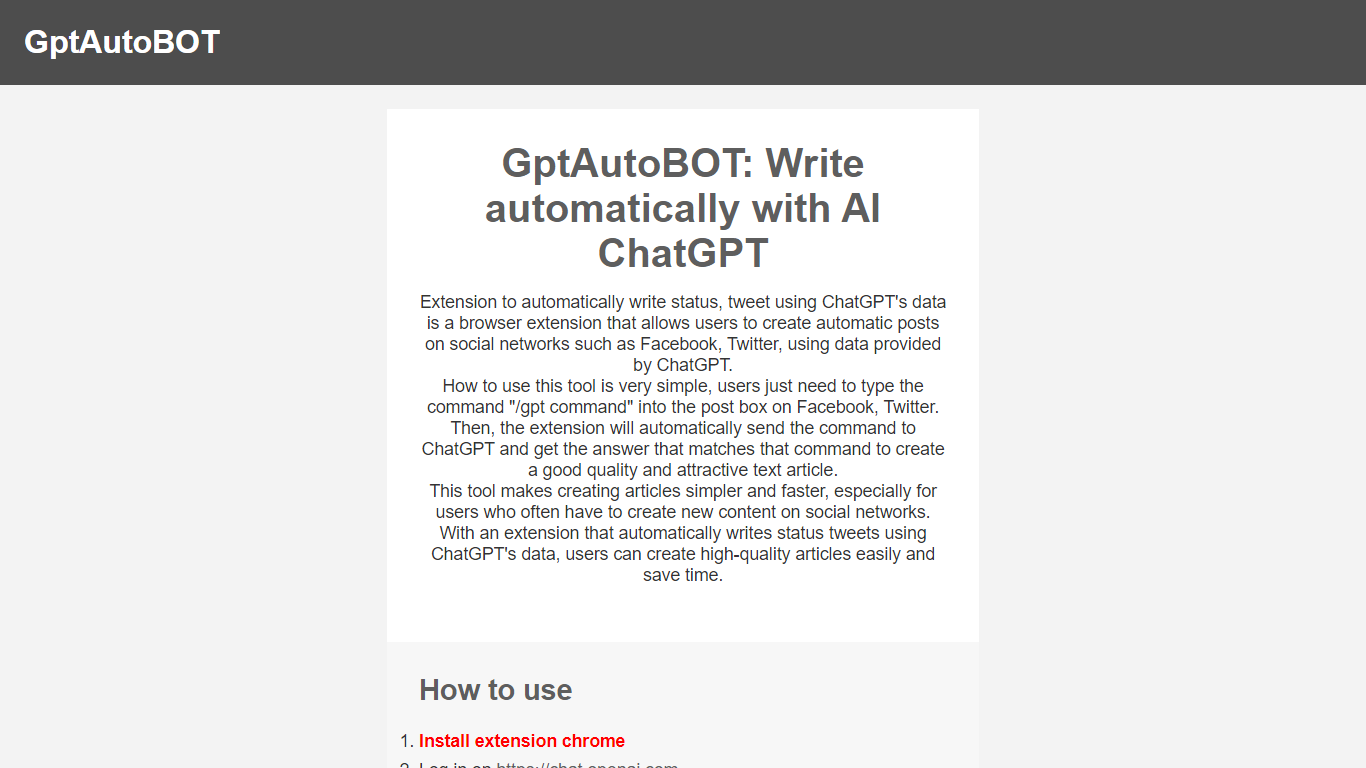

What is GptAutoBOT?
Experience seamless social media content creation with GptAutoBOT, the innovative browser extension designed to harness the power of ChatGPT. With the facility to construct intriguing articles and status updates on platforms like Facebook and Twitter, this tool ensures both quality and efficiency. Wave goodbye to the blank page and say hello to auto-generated, appealing text for your social networks.
Using GptAutoBOT is a breeze—simply install the Chrome extension, log in at chat.openai.com, and begin crafting your content. By entering "/gpt" followed by your command in any text box, GptAutoBOT takes over, transforming your command into a polished post. This user-friendly extension is perfect for content creators and social media enthusiasts seeking to enhance their online presence with minimal effort.
What's more, GptAutoBOT isn't just about social media posts. Our suite of products includes GPTGO.Ai, combining the power of ChatGPT with Google Search technology to elevate your content search capabilities. Step up your content game with GptAutoBOT and explore the possibilities that AI-driven writing assistance can bring to your digital strategy.
TypingMind
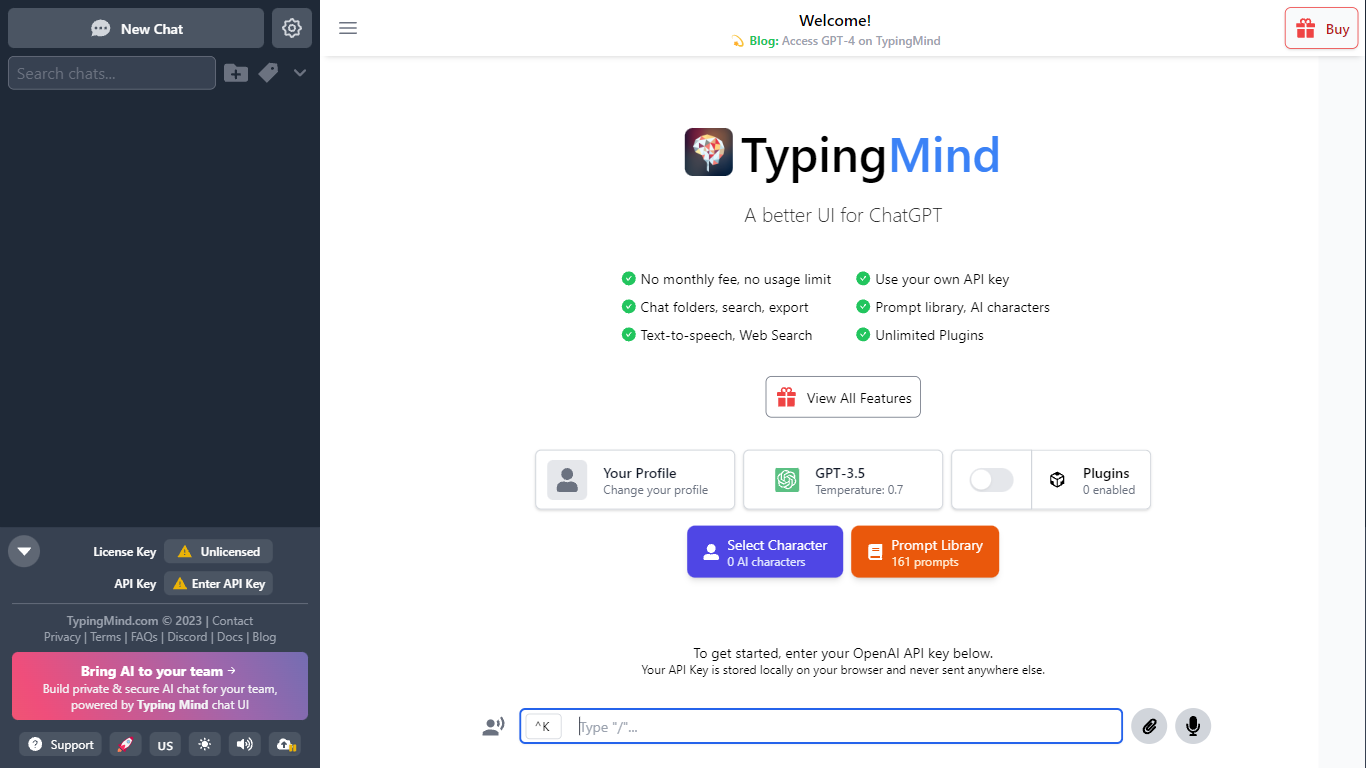
What is TypingMind?
TypingMind gives you one chat interface for ChatGPT, Claude, Gemini, DeepSeek, and other LLMs while you bring your own API keys. You pay a one-time license fee to TypingMind, then only for the tokens each model provider charges. Chats, folders, agents, and API credentials stay in local browser storage by default, so your conversations are not sent for model training.
Where ChatGPT Plus locks you into OpenAI and caps usage, TypingMind lets you switch models mid-conversation, run multi-model parallel chats, and connect MCP tools, RAG knowledge bases, and custom plugins. Prompt caching can cut token costs up to 90% on supported models. Over 50 pre-built agents cover coding, research, and marketing workflows out of the box.
TypingMind suits power users and teams who already pay for API access and want a richer UI than vendor defaults. More than 20,641 customers use it daily, and a separate TypingMind for Teams product adds admin controls, custom branding, and self-hosting for companies.
GptAutoBOT Upvotes
TypingMind Upvotes
GptAutoBOT Top Features
Effortless Installation: Quick Chrome extension setup for immediate use.
Easy Social Media Integration: Supports Facebook and Twitter for direct content creation.
Simple Commands: Enter "/gpt" plus your command for automated writing.
Content Quality: Generates high-quality and attractive text for posts.
Time-Saving: Saves time by automating content creation for frequent social media users.
TypingMind Top Features
Access ChatGPT, Claude, Gemini, and 20+ LLMs from one interface
Lifetime licenses from $39 Standard to $99 Premium with no TypingMind subscription
Prompt caching reduces token costs up to 90% on supported models
50+ pre-built AI agents plus custom agent and plugin builder
MCP connectors for Figma, GitHub, GitLab, Redis, Make, and Apify
Local-first storage keeps chats and API keys on your device by default
GptAutoBOT Category
- Chat Bot
TypingMind Category
- Chat Bot
GptAutoBOT Pricing Type
- Freemium
TypingMind Pricing Type
- Paid