gptkit.ai vs Browse AI
In the contest of gptkit.ai vs Browse AI, which AI Research tool is the champion? We evaluate pricing, alternatives, upvotes, features, reviews, and more.
If you had to choose between gptkit.ai and Browse AI, which one would you go for?
When we examine gptkit.ai and Browse AI, both of which are AI-enabled research tools, what unique characteristics do we discover? In the race for upvotes, Browse AI takes the trophy. Browse AI has attracted 25 upvotes from aitools.fyi users, and gptkit.ai has attracted 6 upvotes.
Want to flip the script? Upvote your favorite tool and change the game!
gptkit.ai

What is gptkit.ai?
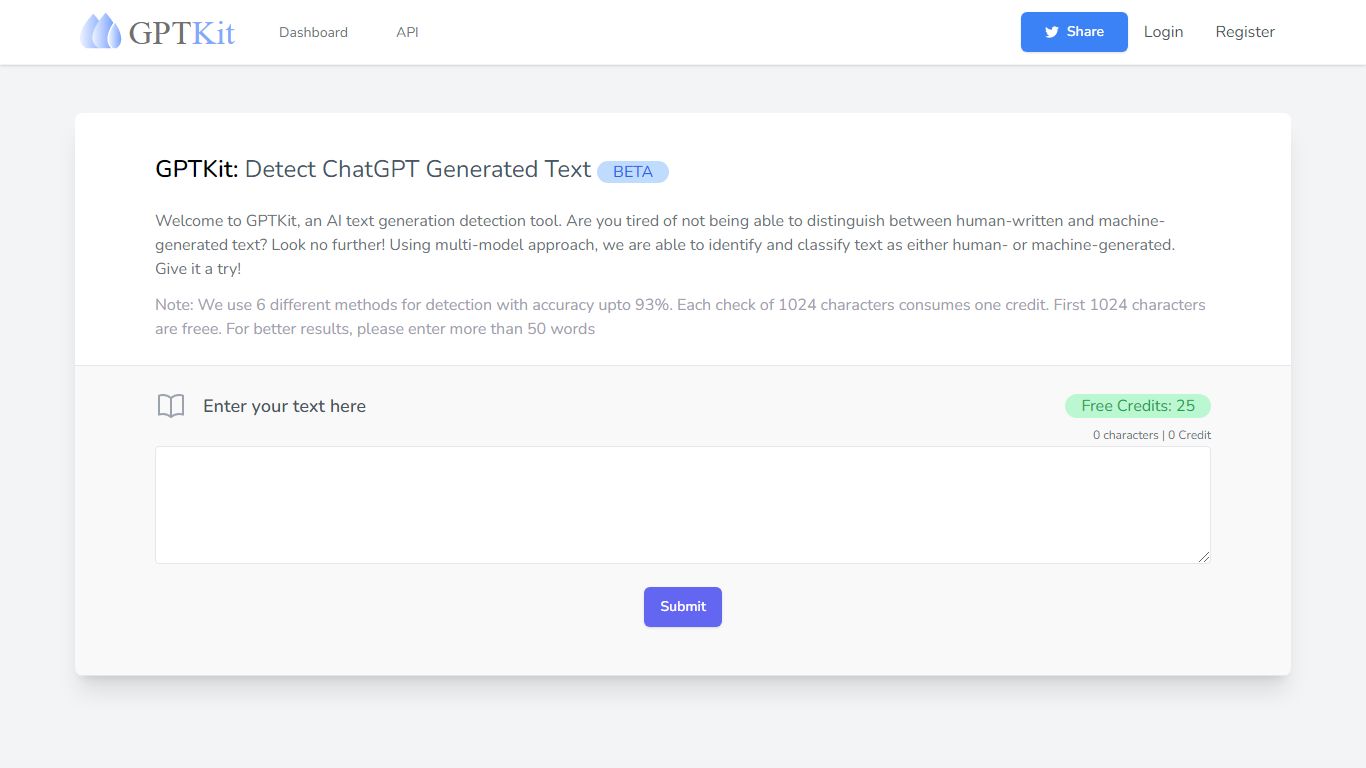
GPTKit checks whether a passage was written by a human or generated by ChatGPT. Paste text or upload a file, and six detection models return a verdict plus an authenticity report for research, editorial, and hiring workflows.
Most detectors lean on one scoring method, which makes them easy to fool with light edits. GPTKit stacks six approaches and reports roughly 93% accuracy on a 100K-response test set trained on one million samples. That multi-model setup is the main reason to pick it over simpler checkers when a wrong call would actually matter.
Teachers, editors, freelancers, and hiring teams use it to screen essays, cover letters, and client drafts. Guest checks cover the first 2,048 characters with no account. Registered users get the same per-request limit on the free tier, and paid credit plans unlock longer scans through the Upgrade flow.
Browse AI
What is Browse AI?
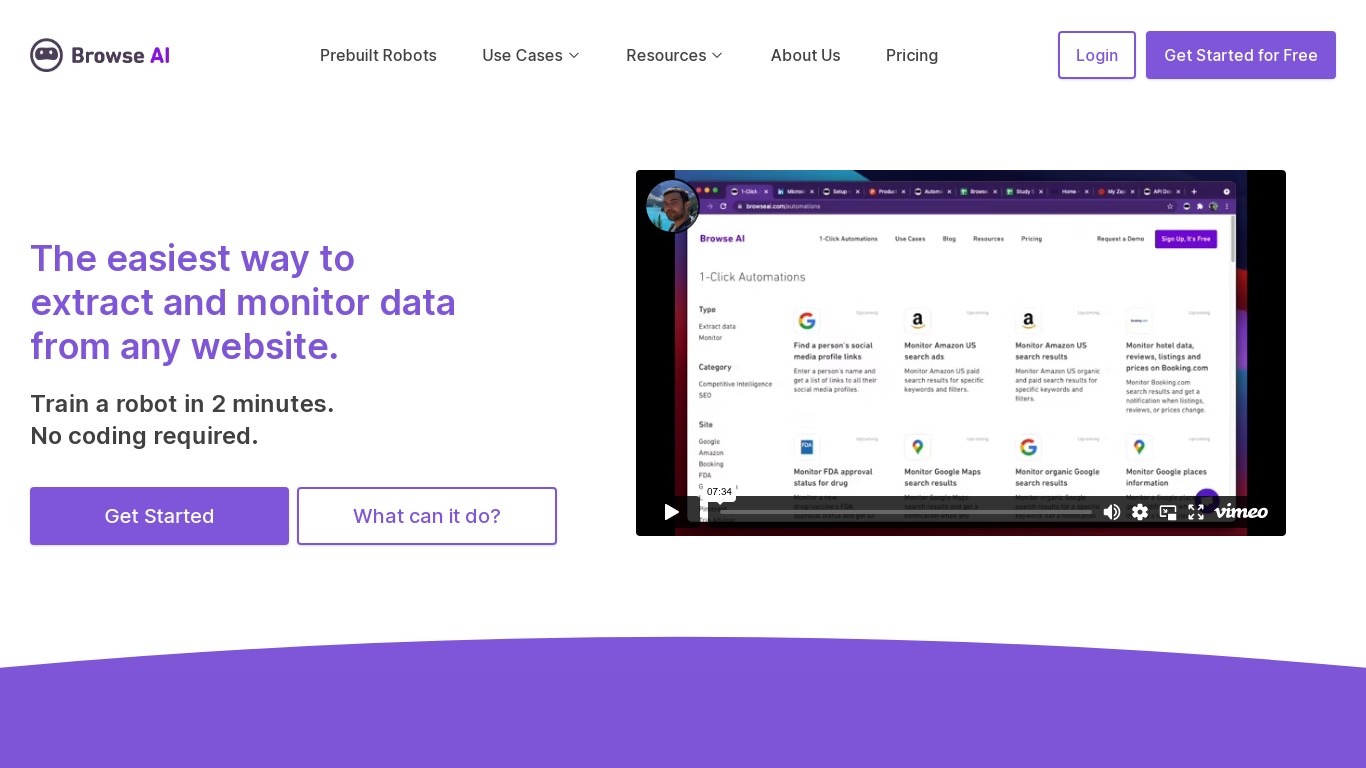
Browse AI is a no-code web scraping and website monitoring platform built for research teams that need structured data from sites they do not control. You train robots with point-and-click actions to extract lists, details, and screenshots, then schedule runs or set change alerts without writing scripts. The platform reports over 770,000 users and has delivered more than 10 billion rows of extracted data.
Where most scrapers break the moment a target site redesigns, Browse AI leans on adaptive change detection that adjusts robot selectors when layouts shift. That trade-off favors operators who monitor competitor pricing or job boards on a schedule and cannot babysit Python scripts every time a CSS class changes. You still get deep scraping workflows, bulk runs across up to 500,000 pages, and exports to Google Sheets, Airtable, Zapier, Make, webhooks, or a REST API.
Browse AI fits ecommerce analysts tracking catalogs, real estate teams pulling listings from Airbnb or Redfin, and growth operators building lead lists from directories. Over 250 prebuilt robots cover Amazon, Indeed, Google Maps, and other high-traffic sites. A Premium tier adds fully managed scraping with custom delivery for high-volume or complex pipelines.
gptkit.ai Upvotes
Browse AI Upvotes
gptkit.ai Top Features
Runs six separate AI detection methods on every submission instead of one score
Reports roughly 93% accuracy on a 100K-response benchmark dataset
Guest users can scan up to 2,048 characters without creating an account
Supports file uploads alongside pasted text for batch-style checks
Team workspaces let members share credits across invited collaborators
English-only detection today, with API docs for programmatic access
Browse AI Top Features
Point-and-click robot builder trains on any page with no code required
Adaptive change detection adjusts robots when target sites redesign layouts
250+ prebuilt robots for Amazon, Indeed, Google Maps, and other popular sites
Bulk extraction runs across up to 500,000 pages in a single operation
Paid plans monitor sites every 5 minutes; free plans allow hourly checks at minimum
Syncs to Google Sheets, Airtable, Zapier, Make, REST API, webhooks, or Amazon S3
gptkit.ai Category
- Research
Browse AI Category
- Research
gptkit.ai Pricing Type
- Freemium
Browse AI Pricing Type
- Freemium