GradeLab vs BrowseGPT
In the contest of GradeLab vs BrowseGPT, which AI Automation tool is the champion? We evaluate pricing, alternatives, upvotes, features, reviews, and more.
If you had to choose between GradeLab and BrowseGPT, which one would you go for?
When we examine GradeLab and BrowseGPT, both of which are AI-enabled automation tools, what unique characteristics do we discover? Both tools have received the same number of upvotes from aitools.fyi users. You can help us determine the winner by casting your vote and tipping the scales in favor of one of the tools.
Don't agree with the result? Cast your vote and be a part of the decision-making process!
GradeLab

What is GradeLab?
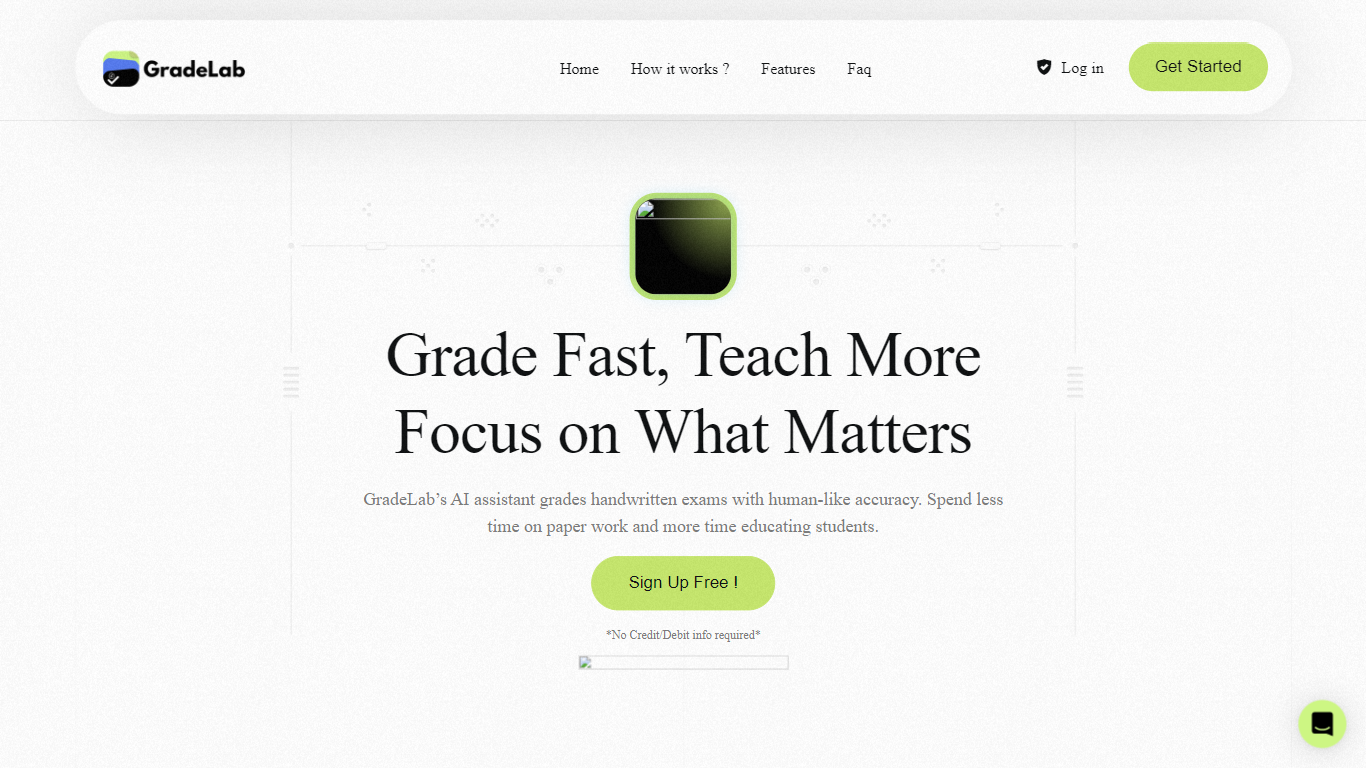
GradeLab is an assessment platform built for schools, universities, coaching centers, and government exam bodies that need to grade handwritten and digital exams faster without giving up teacher control. Upload scanned answer sheets or run online tests, and the system applies your rubrics to score essays, math, diagrams, and mixed-format papers while flagging anything that needs a human review.
What sets it apart is the focus on real exam workflows: OCR trained on student handwriting across 30+ languages, on-screen marking for distributed examiners, question generation from PDFs, LaTeX exam paper formatting, and REST APIs for LMS and EdTech integrations. Institutions can deploy on-premise so exam data stays inside their network.
GradeLab targets K-12 schools, higher-ed departments, test-prep centers, corporate training teams, and public-sector assessment programs that process large paper volumes and want consistent grading with analytics parents and administrators can actually read.
BrowseGPT

What is BrowseGPT?
BrowseGPT is a Chrome extension that turns natural language instructions into browser automation tasks. Users type commands like 'Find a hotel in Miami for March 15th' or 'Add a 16GB RAM laptop to cart on Best Buy' and the extension uses OpenAI’s GPT-3 to process web pages, decide next steps, and execute actions such as clicking buttons, filling forms, or navigating pages. Every action comes with a plain-language explanation so users can follow along and correct mistakes in real time.
The tool is designed for repetitive browsing tasks where speed matters more than perfect accuracy. It works best on public sites like travel booking, e-commerce, or directories where errors are easy to spot and undo. Because it’s still experimental, it can get stuck in loops or click the wrong element, so it’s not recommended for sensitive pages with private data or high-stakes actions.
GradeLab Upvotes
BrowseGPT Upvotes
GradeLab Top Features
Grade 200 handwritten exams in under 30 minutes with 99%+ OCR accuracy
Handles essays, math, diagrams, and MCQs across 30+ languages including Arabic and Chinese
Teachers override any AI score with one click and add comments before release
Generate MCQs, short answers, and essay prompts from uploaded PDFs or text
Build LaTeX-formatted exam papers with complex math notation and export to PDF
REST API grades up to 500 submissions per batch with webhooks and sandbox keys
On-premise deployment keeps exam data inside your institution with zero cloud dependency
BrowseGPT Top Features
🔧 Natural language commands – Type tasks like 'book a flight to Chicago' and let AI handle the rest
📝 Action explanations – See why each click or form fill happened and fix mistakes instantly
🔄 Loop detection – Automatically stops if it gets stuck repeating the same action
📊 Credit-based usage – Spend generation credits only when the AI completes a task
🛠️ Template library – Start with pre-built workflows for common tasks like hotel booking or product searches
GradeLab Category
- Automation
BrowseGPT Category
- Automation
GradeLab Pricing Type
- Paid
BrowseGPT Pricing Type
- Freemium