GradeLab vs Microsoft Power Automate
In the clash of GradeLab vs Microsoft Power Automate, which AI Automation tool emerges victorious? We assess reviews, pricing, alternatives, features, upvotes, and more.
When we put GradeLab and Microsoft Power Automate head to head, which one emerges as the victor?
Let's take a closer look at GradeLab and Microsoft Power Automate, both of which are AI-driven automation tools, and see what sets them apart. Both tools have received the same number of upvotes from aitools.fyi users. Your vote matters! Help us decide the winner among aitools.fyi users by casting your vote.
Does the result make you go "hmm"? Cast your vote and turn that frown upside down!
GradeLab
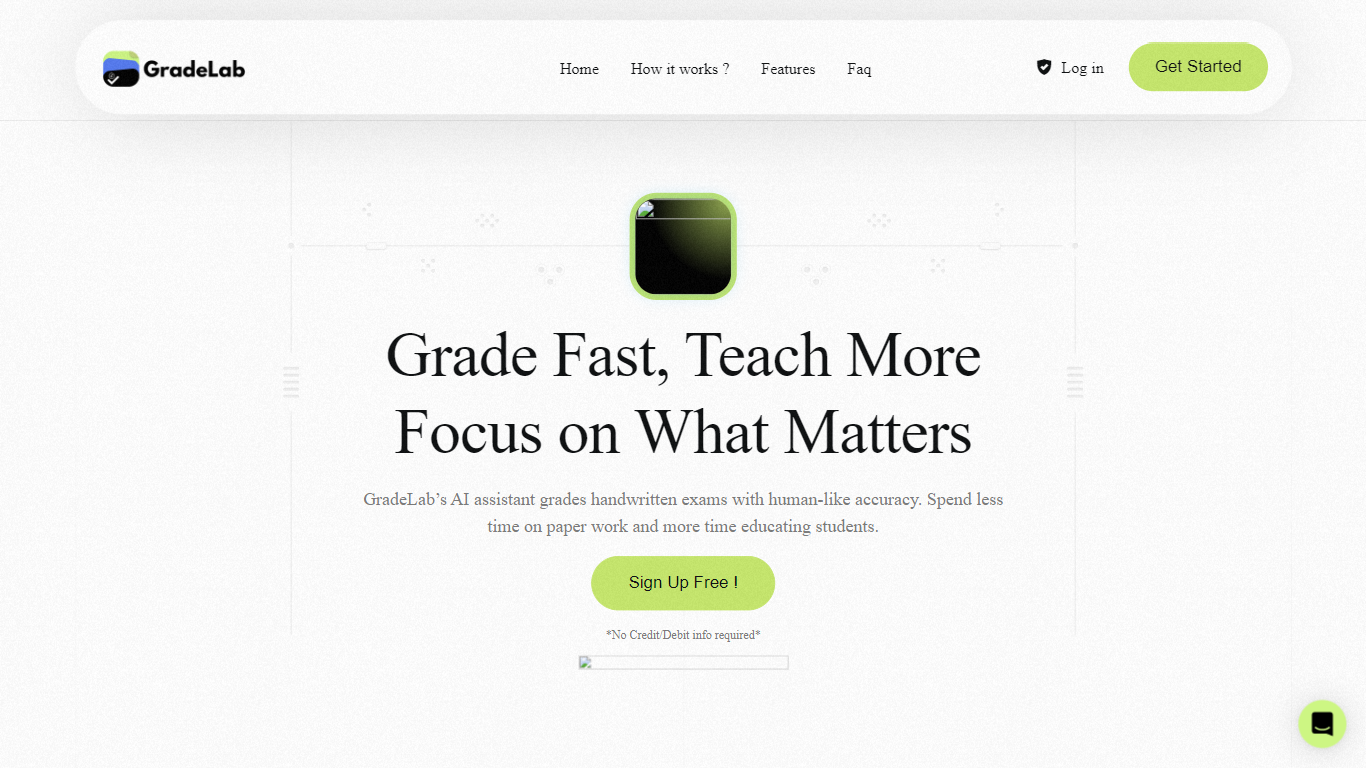

What is GradeLab?
GradeLab is an assessment platform built for schools, universities, coaching centers, and government exam bodies that need to grade handwritten and digital exams faster without giving up teacher control. Upload scanned answer sheets or run online tests, and the system applies your rubrics to score essays, math, diagrams, and mixed-format papers while flagging anything that needs a human review.
What sets it apart is the focus on real exam workflows: OCR trained on student handwriting across 30+ languages, on-screen marking for distributed examiners, question generation from PDFs, LaTeX exam paper formatting, and REST APIs for LMS and EdTech integrations. Institutions can deploy on-premise so exam data stays inside their network.
GradeLab targets K-12 schools, higher-ed departments, test-prep centers, corporate training teams, and public-sector assessment programs that process large paper volumes and want consistent grading with analytics parents and administrators can actually read.
Microsoft Power Automate
What is Microsoft Power Automate?
Microsoft Power Automate is Microsoft's workflow automation platform for connecting apps, data, and desktop software without writing code. Teams use it to build cloud flows that trigger actions across services, desktop flows that automate legacy Windows apps, and process mining tools that reveal where manual work is slowing things down. It fits organizations that want end-to-end automation inside the Microsoft ecosystem and beyond.
The platform combines digital process automation for cloud apps with robotic process automation for systems that lack APIs. Copilot in Power Automate lets you describe automations in natural language, while built-in AI models handle document processing, image analysis, and predictions. More than 1,400 certified connectors cover services like Dynamics 365, SAP, and Salesforce, with custom connectors available when you need something specific.
Governance features like Managed Environments, data loss prevention, and 360-degree monitoring help IT teams scale automation safely across large organizations. Native integration with Microsoft 365 apps such as Teams, Excel, and SharePoint means users can trigger and manage flows without leaving tools they already use daily.
GradeLab Upvotes
Microsoft Power Automate Upvotes
GradeLab Top Features
Grade 200 handwritten exams in under 30 minutes with 99%+ OCR accuracy
Handles essays, math, diagrams, and MCQs across 30+ languages including Arabic and Chinese
Teachers override any AI score with one click and add comments before release
Generate MCQs, short answers, and essay prompts from uploaded PDFs or text
Build LaTeX-formatted exam papers with complex math notation and export to PDF
REST API grades up to 500 submissions per batch with webhooks and sandbox keys
On-premise deployment keeps exam data inside your institution with zero cloud dependency
Microsoft Power Automate Top Features
Describe automations in plain language and Copilot drafts the cloud flow steps for you
Choose from more than 1,400 certified API connectors, or build a custom one for your stack
Run attended or unattended desktop RPA on Windows 10 and 11, with hosted bots that scale on demand
Map real workflows with task and process mining before you automate the slowest steps
Extract data from documents and images using built-in AI models inside your flows
Kick off approvals and notifications directly from Teams, Excel, and SharePoint
GradeLab Category
- Automation
Microsoft Power Automate Category
- Automation
GradeLab Pricing Type
- Paid
Microsoft Power Automate Pricing Type
- Freemium