Green Screen AI vs Instant AI for Google Slides
In the clash of Green Screen AI vs Instant AI for Google Slides, which AI Photo Editing tool emerges victorious? We assess reviews, pricing, alternatives, features, upvotes, and more.
When we put Green Screen AI and Instant AI for Google Slides head to head, which one emerges as the victor?
Let's take a closer look at Green Screen AI and Instant AI for Google Slides, both of which are AI-driven photo editing tools, and see what sets them apart. Both tools have received the same number of upvotes from aitools.fyi users. Your vote matters! Help us decide the winner among aitools.fyi users by casting your vote.
Not your cup of tea? Upvote your preferred tool and stir things up!
Green Screen AI

What is Green Screen AI?
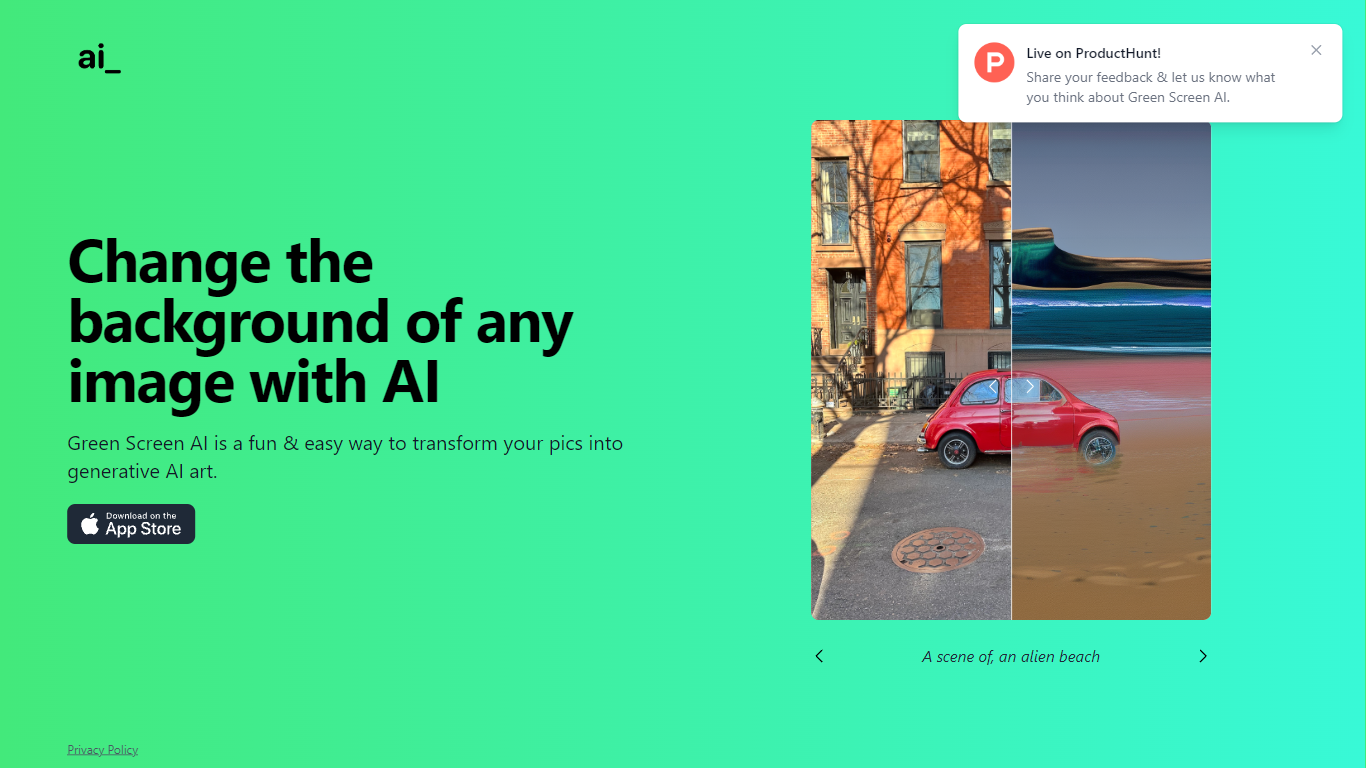
Green Screen AI swaps the background of a photo for a generative scene you describe in text, no physical green screen required. Upload a picture, type a prompt like "an alien beach," and the site replaces the backdrop with AI-generated art.
Dedicated keying software expects studio lighting and manual masks. Green Screen AI targets casual creators who want a one-step background swap in the browser, with a Product Hunt launch page collecting community feedback on the experience.
Social creators, hobby photographers, and anyone making quick profile or post images can use it when they want a fun scene change without opening Photoshop. The marketing site keeps the workflow short: upload, prompt, and share the result.
Instant AI for Google Slides
What is Instant AI for Google Slides?
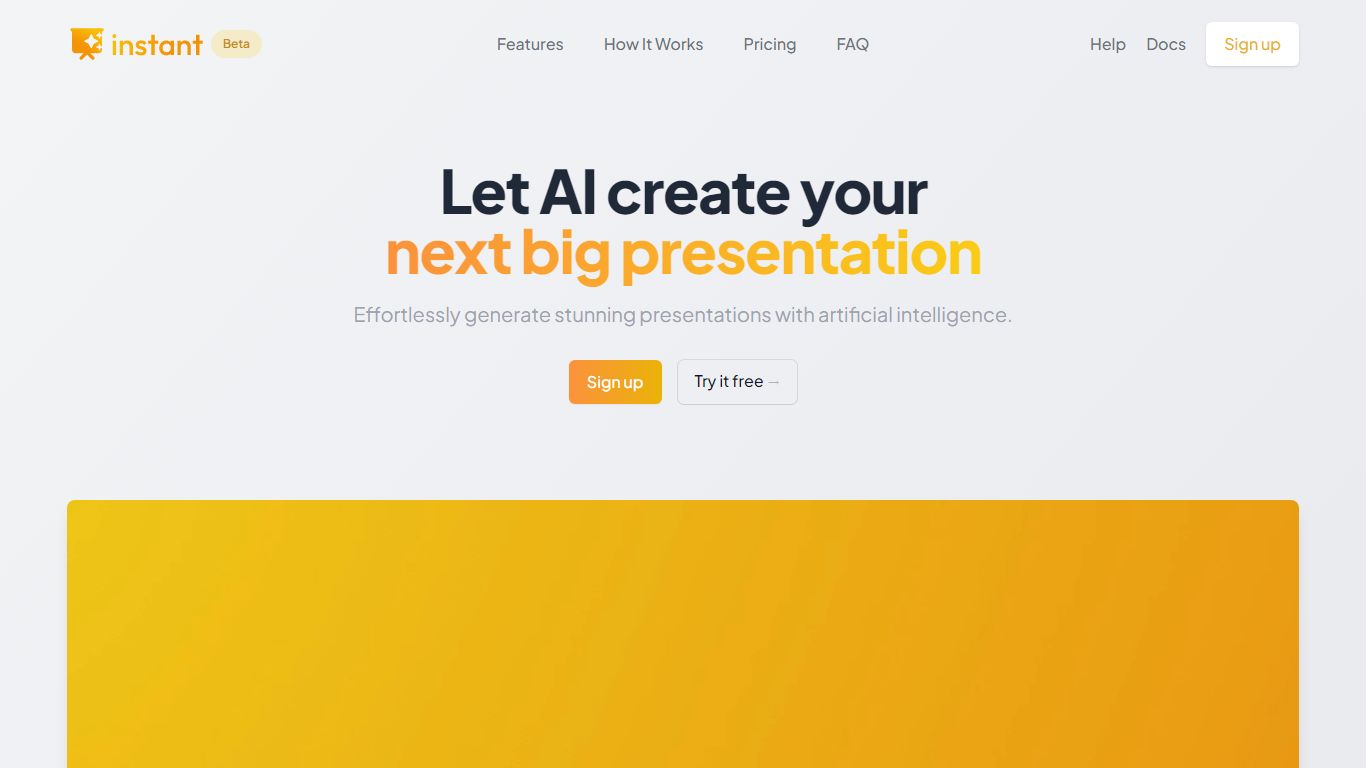
Instant AI for Google Slides drafts full presentations inside Google Slides from a topic prompt. You pick length and deck type (investor, sales, and others), edit the AI outline, then auto-generate slides with suggested layouts. Finished decks stay fully editable in the Slides editor you already use.
Generic slide generators export static files or dump text blocks into default templates. Instant combines layout suggestions with 100+ designer-built templates, including flowcharts and infographics, and runs natively under the Extensions menu in Google Slides. That keeps your team in one tool instead of copying from a separate web app.
Startup founders, sales teams, and consultants who live in Google Workspace fit the workflow. The entry tier includes 15 slides and 10 rewrites at $0, while paid plans scale to 150 slides per month on Pro ($99) or unlimited slides on Premium ($199 per month).
Green Screen AI Upvotes
Instant AI for Google Slides Upvotes
Green Screen AI Top Features
Replaces image backgrounds using text prompts such as "an alien beach"
Runs in the browser at greenscreenai.com with no physical green screen
Generates unique AI art backgrounds for each upload
Product Hunt launch page for community feedback
Preview image hosted at greenscreenai.com/assets/preview.png
Instant AI for Google Slides Top Features
Installs as a Google Workspace extension with access under the Extensions menu in Slides
100+ expert-designed templates with flowchart and infographic layout support
$0 entry tier includes 15 slides and 10 rewrites
Pro plan includes 150 slides per month for $99 and 90 rewrites
Premium plan at $199 per month offers unlimited slides and rewrites
Customize brand colors and fonts before generating each deck
Green Screen AI Category
- Photo Editing
Instant AI for Google Slides Category
- Photo Editing
Green Screen AI Pricing Type
- Free
Instant AI for Google Slides Pricing Type
- Freemium