Green Screen AI vs Photoleap
Dive into the comparison of Green Screen AI vs Photoleap and discover which AI Photo Editing tool stands out. We examine alternatives, upvotes, features, reviews, pricing, and beyond.
When comparing Green Screen AI and Photoleap, which one rises above the other?
When we compare Green Screen AI and Photoleap, two exceptional photo editing tools powered by artificial intelligence, and place them side by side, several key similarities and differences come to light. The users have made their preference clear, Photoleap leads in upvotes. Photoleap has attracted 10 upvotes from aitools.fyi users, and Green Screen AI has attracted 7 upvotes.
Does the result make you go "hmm"? Cast your vote and turn that frown upside down!
Green Screen AI
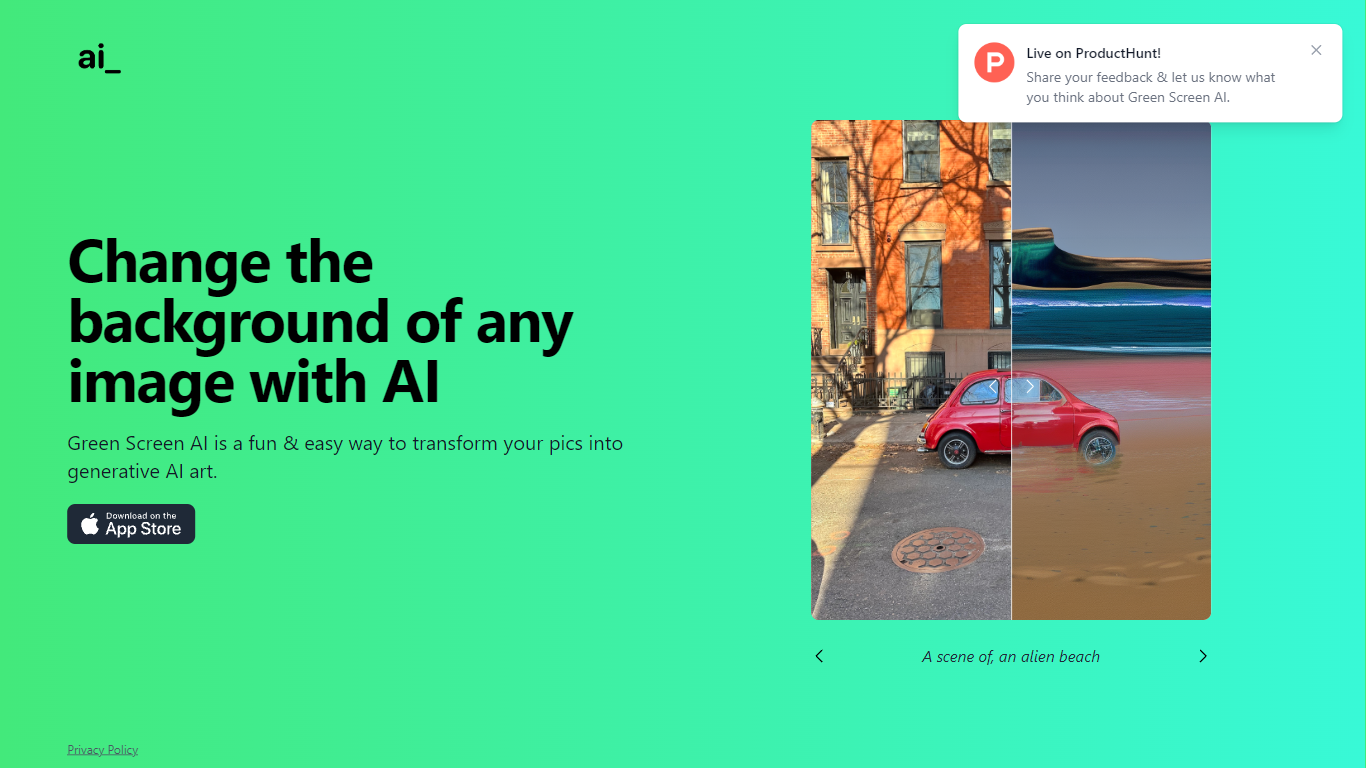

What is Green Screen AI?
Green Screen AI swaps the background of a photo for a generative scene you describe in text, no physical green screen required. Upload a picture, type a prompt like "an alien beach," and the site replaces the backdrop with AI-generated art.
Dedicated keying software expects studio lighting and manual masks. Green Screen AI targets casual creators who want a one-step background swap in the browser, with a Product Hunt launch page collecting community feedback on the experience.
Social creators, hobby photographers, and anyone making quick profile or post images can use it when they want a fun scene change without opening Photoshop. The marketing site keeps the workflow short: upload, prompt, and share the result.
Photoleap
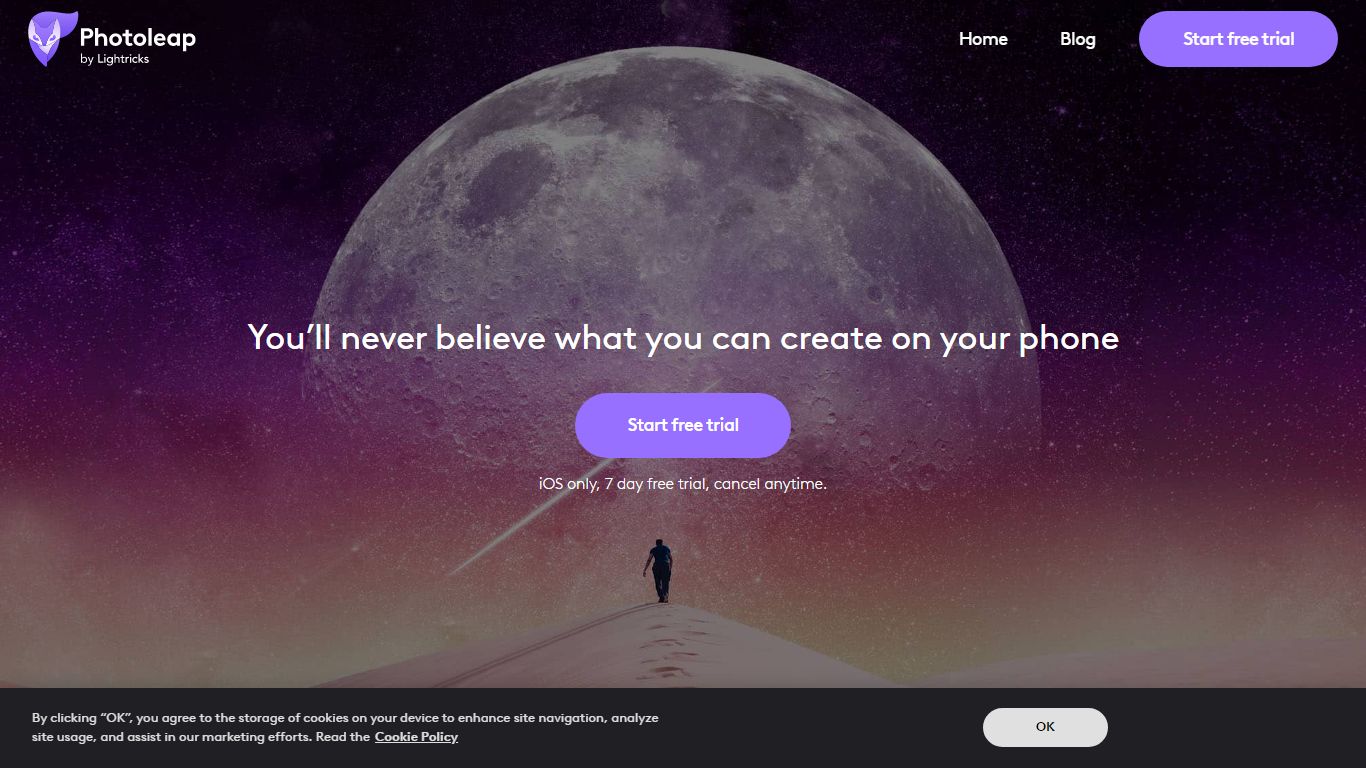
What is Photoleap?
Lightricks built Photoleap as a phone-first photo editor where AI handles retouching, background swaps, text-to-image generation, and novelty filters through tap-friendly controls. Free tools include the Cutout background remover, and a Pro subscription unlocks the full creative suite after a 7-day trial.
Desktop editors like Photoshop expect manual layers and masking. Photoleap instead ships one-tap AI transforms such as face swaps, yearbook filters, tattoo previews, and sketch-to-image directly on mobile. Text-to-Image works in the browser, but Sketch-to-Image, AI Rooms, and AI Selfies remain app-only, so the web experience stays narrower than the full mobile app.
With 65M+ downloads and a 4.7/5 rating from 600K users, Photoleap fits Instagram creators, small business marketers, and casual photographers who edit on iOS or Android without design training. Pro subscribers get up to 12 layers plus every AI tool listed on the site.
Green Screen AI Upvotes
Photoleap Upvotes
Green Screen AI Top Features
Replaces image backgrounds using text prompts such as "an alien beach"
Runs in the browser at greenscreenai.com with no physical green screen
Generates unique AI art backgrounds for each upload
Product Hunt launch page for community feedback
Preview image hosted at greenscreenai.com/assets/preview.png
Photoleap Top Features
65M+ downloads across iOS and Android app stores
7-day free Pro trial before subscription billing starts
Annual Pro plan bills at $47.99 per year ($3.99 per month effective)
Text-to-Image runs in the browser; Sketch-to-Image and AI Rooms are app-only
Cutout tool removes or replaces backgrounds with preset or custom backdrops
Pro unlocks up to 12 layers for complex edits
Green Screen AI Category
- Photo Editing
Photoleap Category
- Photo Editing
Green Screen AI Pricing Type
- Free
Photoleap Pricing Type
- Freemium