Guidemaker vs Dash AI
Compare Guidemaker vs Dash AI and see which AI Productivity tool is better when we compare features, reviews, pricing, alternatives, upvotes, etc.
Which one is better? Guidemaker or Dash AI?
When we compare Guidemaker with Dash AI, which are both AI-powered productivity tools, Neither tool takes the lead, as they both have the same upvote count. Your vote matters! Help us decide the winner among aitools.fyi users by casting your vote.
Not your cup of tea? Upvote your preferred tool and stir things up!
Guidemaker
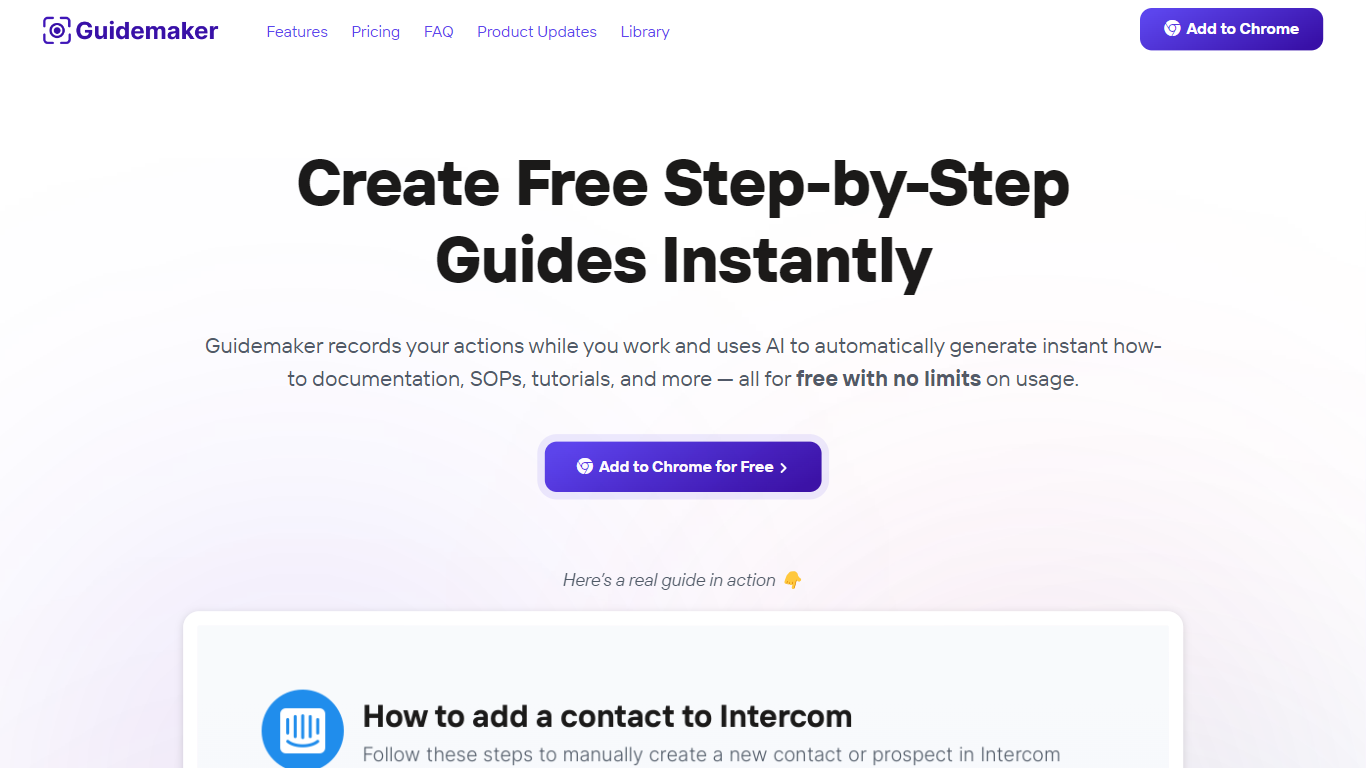

What is Guidemaker?
Guidemaker is a productivity Chrome extension that records your clicks while you work and turns the session into step-by-step how-to guides, SOPs, and tutorials. Its AI drafts the written steps and screenshots, then outputs web, video, and slide versions from the same capture.
Compared with manual screenshot tools, Guidemaker runs in the background so you do not stop to document each click. The homepage demo claims all three guide formats are generated in 25 seconds, and paid tiers add PDF, HTML, markdown, and video exports plus team workspaces.
Customer success teams, onboarding managers, and internal ops leads who need repeatable process docs are the core users. The free Basic plan caps you at 10 guides, while Plus and Team seats unlock unlimited guides, branding controls, and shared workspaces.
Dash AI
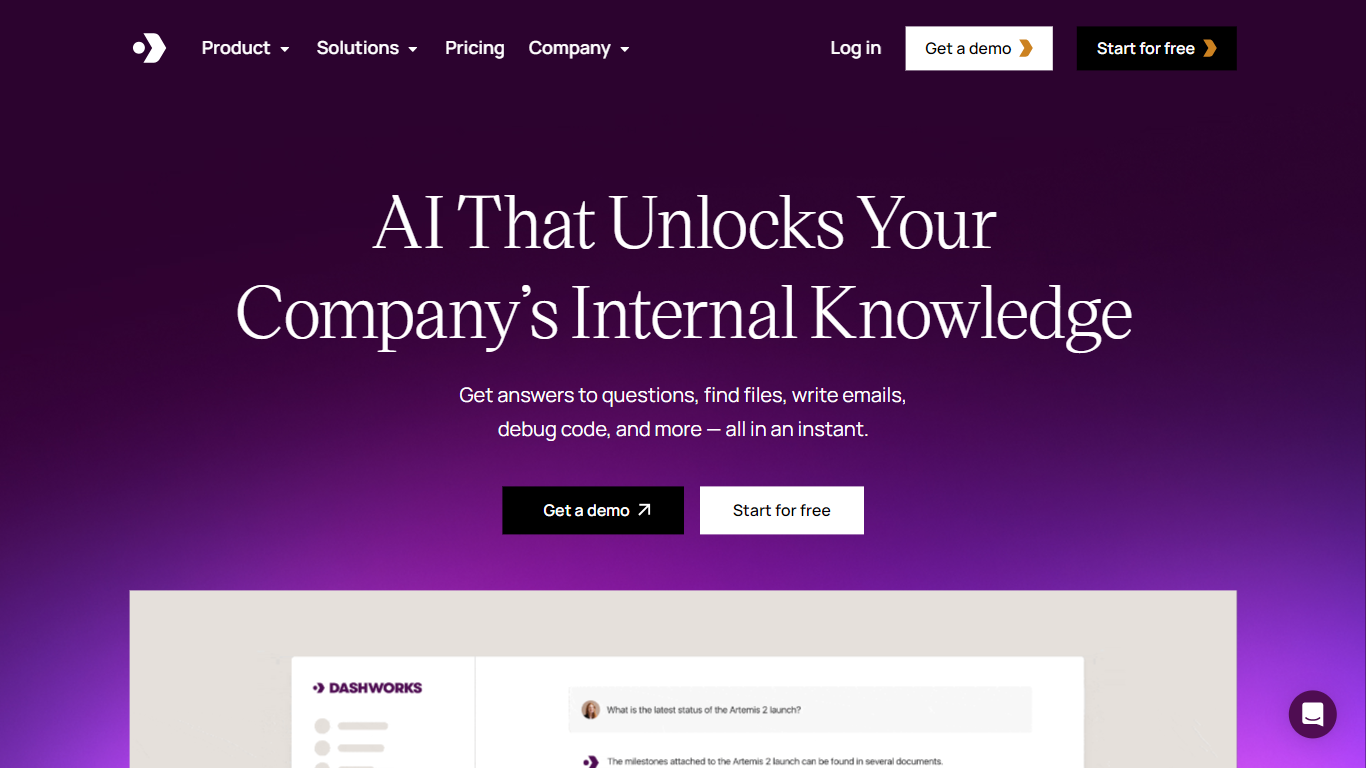
What is Dash AI?
Dash AI is an enterprise AI assistant that answers workplace questions by searching across all connected company apps and knowledge bases in real time. It unifies data from emails, documents, CRM, project management, support tickets, and more to provide instant, accurate answers with source citations.
What sets Dash AI apart is its live API-based search that eliminates data indexing delays and security risks. It respects real-time permissions and offers zero data retention, ensuring enterprise-grade security with SOC-2 Type 2, GDPR, and HIPAA compliance.
Dash AI supports natural language queries and adapts to company-specific language. It personalizes responses based on user roles and departments, and offers customizable AI assistants and workflows to automate repetitive questions and onboard new hires faster.
The platform integrates with hundreds of popular enterprise tools including Slack, Salesforce, Jira, Google Workspace, and HubSpot. Dash AI is suitable for teams in customer support, sales, engineering, and product management, helping reduce response times, increase satisfaction, and improve productivity across workflows.
Guidemaker Upvotes
Dash AI Upvotes
Guidemaker Top Features
Chrome extension records browser workflows and drafts AI-written step lists
Generates web, video, and slideshow guide formats from one capture
Basic plan is free with a 10-guide limit and link sharing
Plus plan at $10 per seat per month adds PDF, HTML, markdown, and video export
Team plan includes 5 editor seats and 10 viewer seats on annual billing
4.7-star rating listed on the Guidemaker Chrome Web Store page
Embeds into knowledge bases such as Tettra through share links
Dash AI Top Features
Real-time search across all connected apps ensures up-to-date answers without data indexing delays.
Customizable AI assistants and workflows tailored to team needs improve efficiency and reduce repetitive questions.
Enterprise-grade security with SOC-2 Type 2, GDPR, HIPAA compliance, zero data retention, and instant permission updates.
Slackbot integration allows users to ask questions and get answers directly within Slack channels or DMs.
Supports hundreds of integrations including CRM, project management, support, and communication tools for unified knowledge access.
Flexible pricing plans starting at $10 per seat per month with no minimum seat requirements on the Team Plan.
Access to top AI models like GPT-4o, Claude, Gemini Pro, and Llama 3 in one platform.
Guidemaker Category
- Productivity
Dash AI Category
- Productivity
Guidemaker Pricing Type
- Freemium
Dash AI Pricing Type
- Paid