Guidemaker vs Google Workspace
Compare Guidemaker vs Google Workspace and see which AI Productivity tool is better when we compare features, reviews, pricing, alternatives, upvotes, etc.
Which one is better? Guidemaker or Google Workspace?
When we compare Guidemaker with Google Workspace, which are both AI-powered productivity tools, The upvote count is neck and neck for both Guidemaker and Google Workspace. You can help us determine the winner by casting your vote and tipping the scales in favor of one of the tools.
Does the result make you go "hmm"? Cast your vote and turn that frown upside down!
Guidemaker

What is Guidemaker?
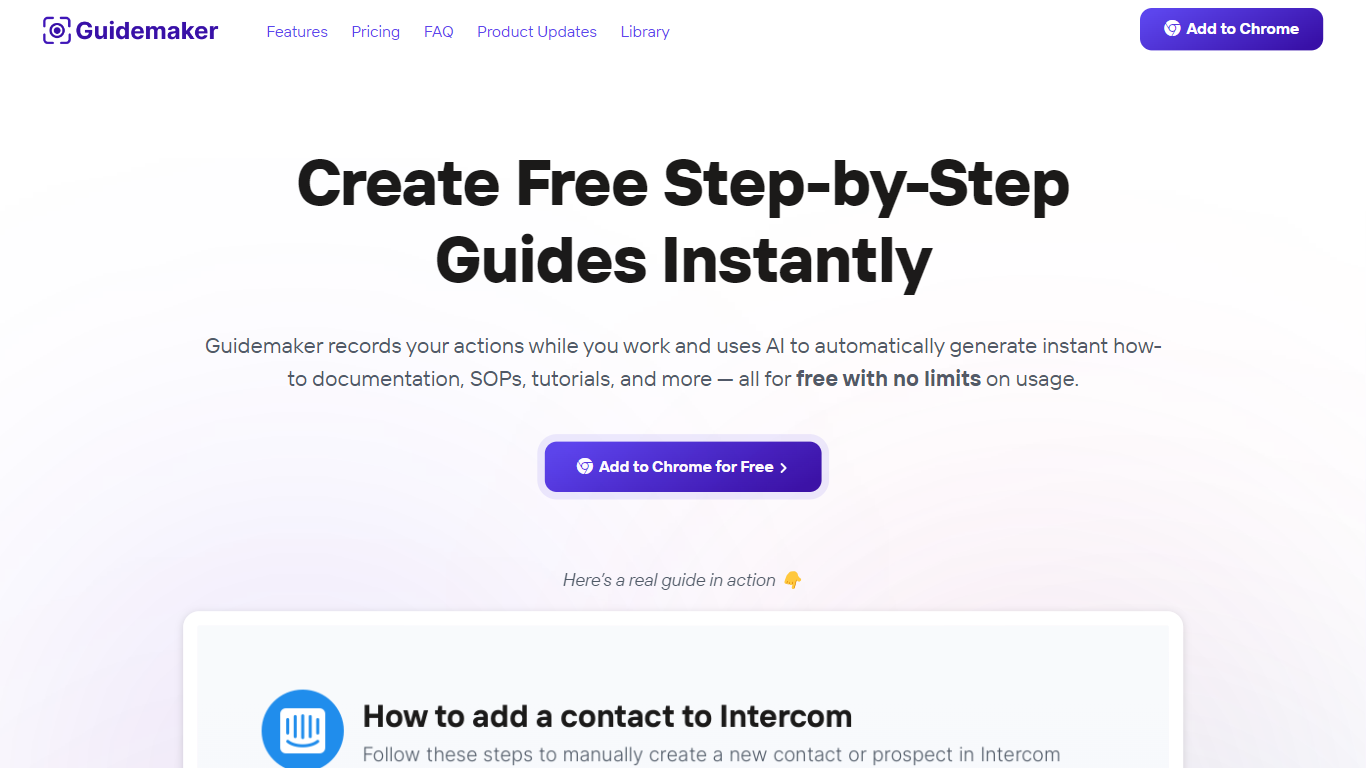
Guidemaker is a productivity Chrome extension that records your clicks while you work and turns the session into step-by-step how-to guides, SOPs, and tutorials. Its AI drafts the written steps and screenshots, then outputs web, video, and slide versions from the same capture.
Compared with manual screenshot tools, Guidemaker runs in the background so you do not stop to document each click. The homepage demo claims all three guide formats are generated in 25 seconds, and paid tiers add PDF, HTML, markdown, and video exports plus team workspaces.
Customer success teams, onboarding managers, and internal ops leads who need repeatable process docs are the core users. The free Basic plan caps you at 10 guides, while Plus and Team seats unlock unlimited guides, branding controls, and shared workspaces.
Google Workspace
What is Google Workspace?
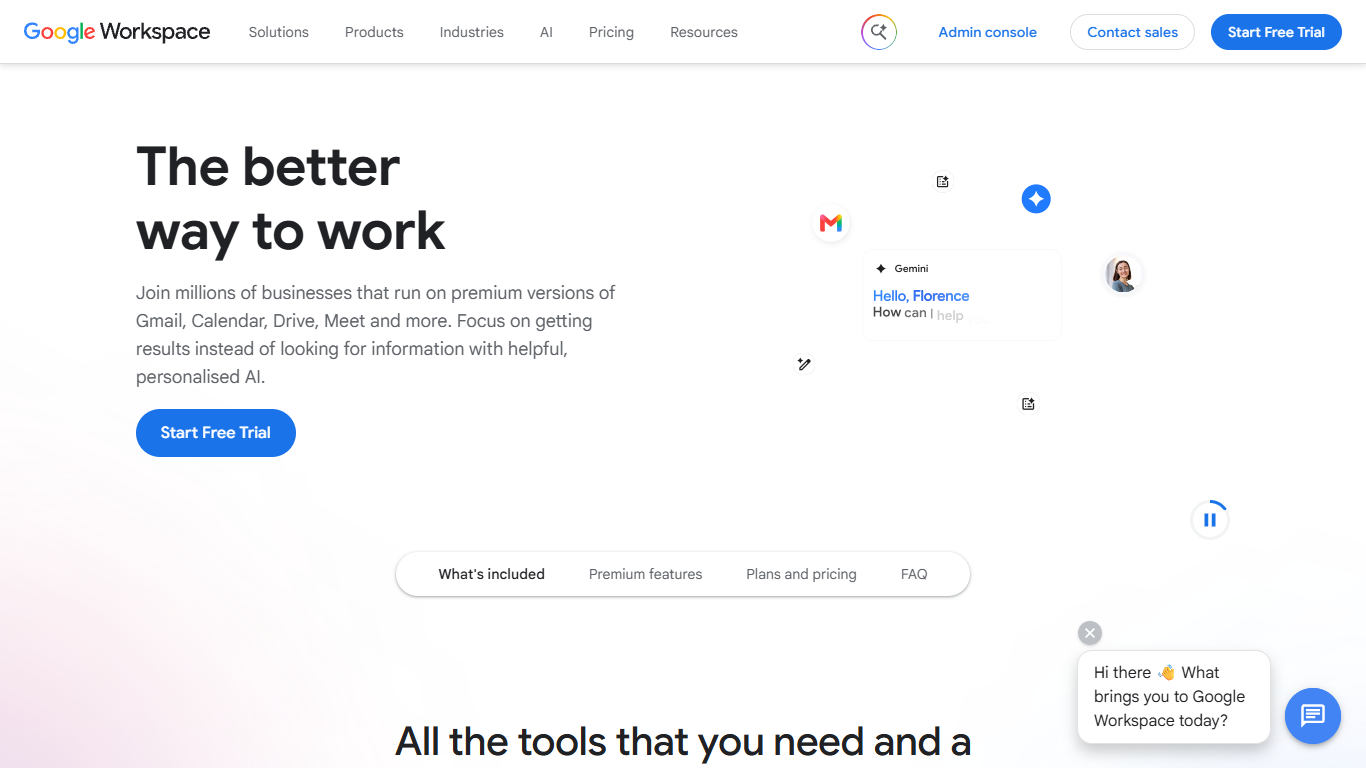
Google Workspace bundles Gmail, Calendar, Drive, Docs, Meet, Chat, and other cloud apps into one subscription for businesses, teams, and organizations. Instead of juggling separate tools, you get custom email at your domain, shared calendars, file storage, and office apps that talk to each other.
The apps are built to work together. Turn an email into a calendar event, start a Meet call from your inbox, or co-edit a Doc while teammates see changes in real time. Higher plans add Gemini assistants in Gmail, Docs, Sheets, Slides, and Meet, plus tools like NotebookLM and Google Vids.
Plans range from small teams to enterprise, with an admin console for user management, security policies, and endpoint controls. Google offers a 14-day trial for new customers before billing begins.
Guidemaker Upvotes
Google Workspace Upvotes
Guidemaker Top Features
Chrome extension records browser workflows and drafts AI-written step lists
Generates web, video, and slideshow guide formats from one capture
Basic plan is free with a 10-guide limit and link sharing
Plus plan at $10 per seat per month adds PDF, HTML, markdown, and video export
Team plan includes 5 editor seats and 10 viewer seats on annual billing
4.7-star rating listed on the Guidemaker Chrome Web Store page
Embeds into knowledge bases such as Tettra through share links
Google Workspace Top Features
Custom business email at your domain with spam and phishing protection
Gemini assistants in Gmail, Docs, Sheets, Slides, and Meet on Standard plans and up
Real-time co-editing in Docs, Sheets, and Slides with built-in chat and comments
Meet video calls with recording, noise cancellation, and up to 500 participants on Plus
Pooled cloud storage from 30 GB per user on Starter to 5 TB on Plus and Enterprise
Admin console for users, security settings, endpoint management, and Vault archiving
NotebookLM for research synthesis and Google Vids for creating and editing videos
Guidemaker Category
- Productivity
Google Workspace Category
- Productivity
Guidemaker Pricing Type
- Freemium
Google Workspace Pricing Type
- Paid