Guidemaker vs Hayt
In the battle of Guidemaker vs Hayt, which AI Productivity tool comes out on top? We compare reviews, pricing, alternatives, upvotes, features, and more.
Between Guidemaker and Hayt, which one is superior?
Upon comparing Guidemaker with Hayt, which are both AI-powered productivity tools, The upvote count reveals a draw, with both tools earning the same number of upvotes. Every vote counts! Cast yours and contribute to the decision of the winner.
Think we got it wrong? Cast your vote and show us who's boss!
Guidemaker

What is Guidemaker?
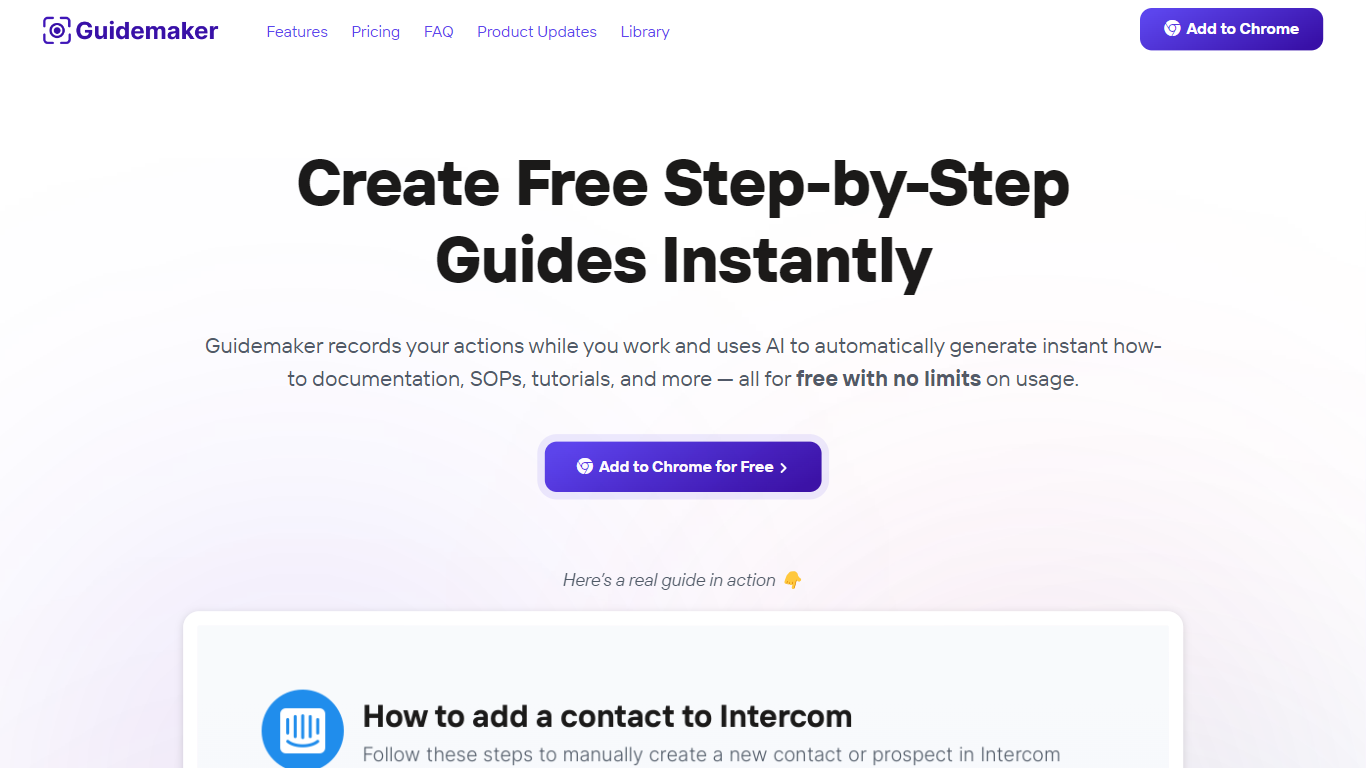
Guidemaker is a productivity Chrome extension that records your clicks while you work and turns the session into step-by-step how-to guides, SOPs, and tutorials. Its AI drafts the written steps and screenshots, then outputs web, video, and slide versions from the same capture.
Compared with manual screenshot tools, Guidemaker runs in the background so you do not stop to document each click. The homepage demo claims all three guide formats are generated in 25 seconds, and paid tiers add PDF, HTML, markdown, and video exports plus team workspaces.
Customer success teams, onboarding managers, and internal ops leads who need repeatable process docs are the core users. The free Basic plan caps you at 10 guides, while Plus and Team seats unlock unlimited guides, branding controls, and shared workspaces.
Hayt
What is Hayt?
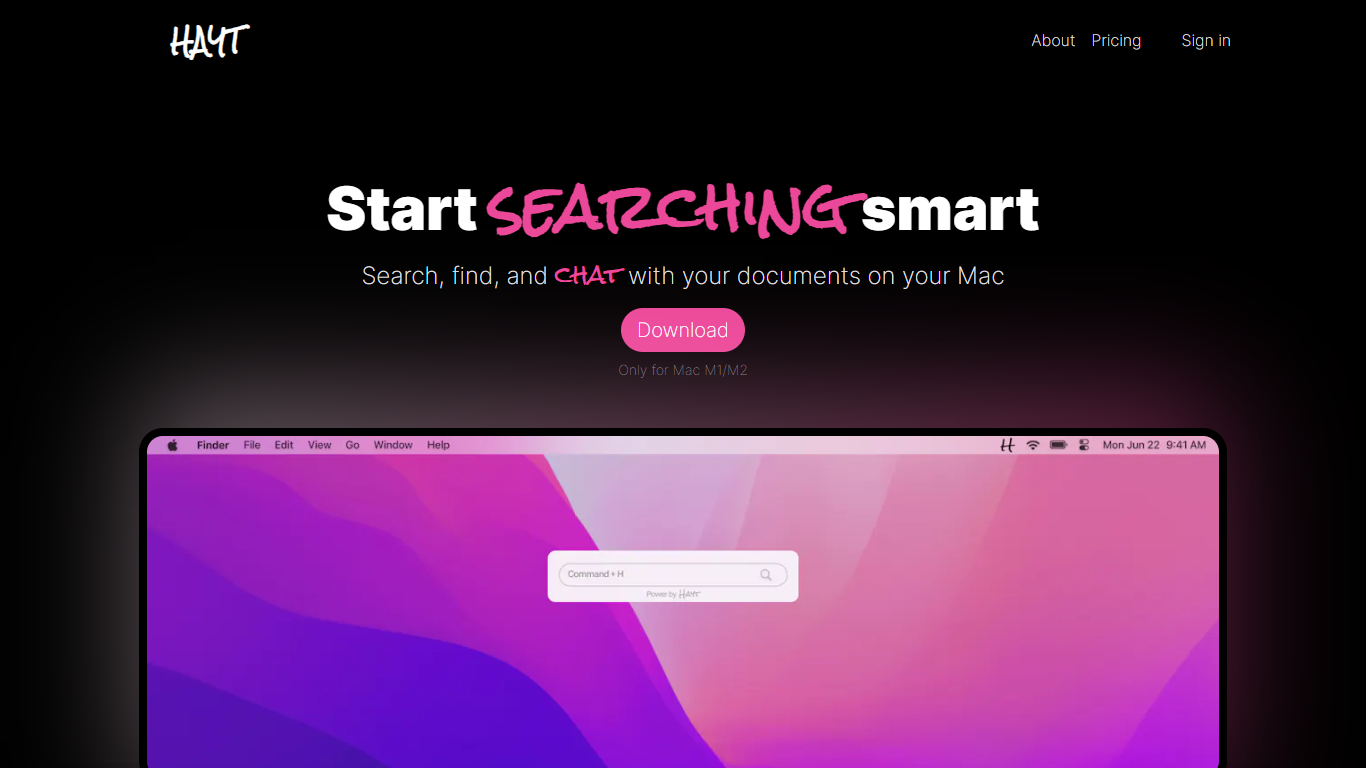
Enhance your productivity with Hayt, the ultimate document search solution for Mac M1/M2. Hayt is designed to streamline your workflow significantly by providing advanced search capabilities, making it easier to manage and interact with a variety of documents on your Mac.
Our Mac-based tool offers a privacy-first approach with all documents stored locally, ensuring the security of your data.
With Hayt, you can perform content similarity searches, have AI-powered conversations with your documents, and even summarize books or explain legal documents with ease.
The intuitive interface brings searching, finding, and chatting with documents to a new level of convenience. Embrace the future of document management on your Mac with Hayt.
Guidemaker Upvotes
Hayt Upvotes
Guidemaker Top Features
Chrome extension records browser workflows and drafts AI-written step lists
Generates web, video, and slideshow guide formats from one capture
Basic plan is free with a 10-guide limit and link sharing
Plus plan at $10 per seat per month adds PDF, HTML, markdown, and video export
Team plan includes 5 editor seats and 10 viewer seats on annual billing
4.7-star rating listed on the Guidemaker Chrome Web Store page
Embeds into knowledge bases such as Tettra through share links
Hayt Top Features
Privacy: Ensures all documents are stored and searched locally on your Mac, maintaining the privacy and security of your data.
Smart Searching: Content similarity search functionality to find files based on their content, not just file names, improving search intuitiveness.
Unified Search Box: A single search interface to locate various file types such as PDFs, Word, and Excel documents easily.
AI-Powered Chat: Engage in natural conversations with your documents to extract information and gain insights instantly.
Local Chat Feature (Upcoming): An option to enable local chat on your Mac, which will provide document interaction without the need for external services.
Guidemaker Category
- Productivity
Hayt Category
- Productivity
Guidemaker Pricing Type
- Freemium
Hayt Pricing Type
- Freemium