Guidemaker vs Rotime
When comparing Guidemaker vs Rotime, which AI Productivity tool shines brighter? We look at pricing, alternatives, upvotes, features, reviews, and more.
In a comparison between Guidemaker and Rotime, which one comes out on top?
When we put Guidemaker and Rotime side by side, both being AI-powered productivity tools, Interestingly, both tools have managed to secure the same number of upvotes. Every vote counts! Cast yours and contribute to the decision of the winner.
Think we got it wrong? Cast your vote and show us who's boss!
Guidemaker

What is Guidemaker?
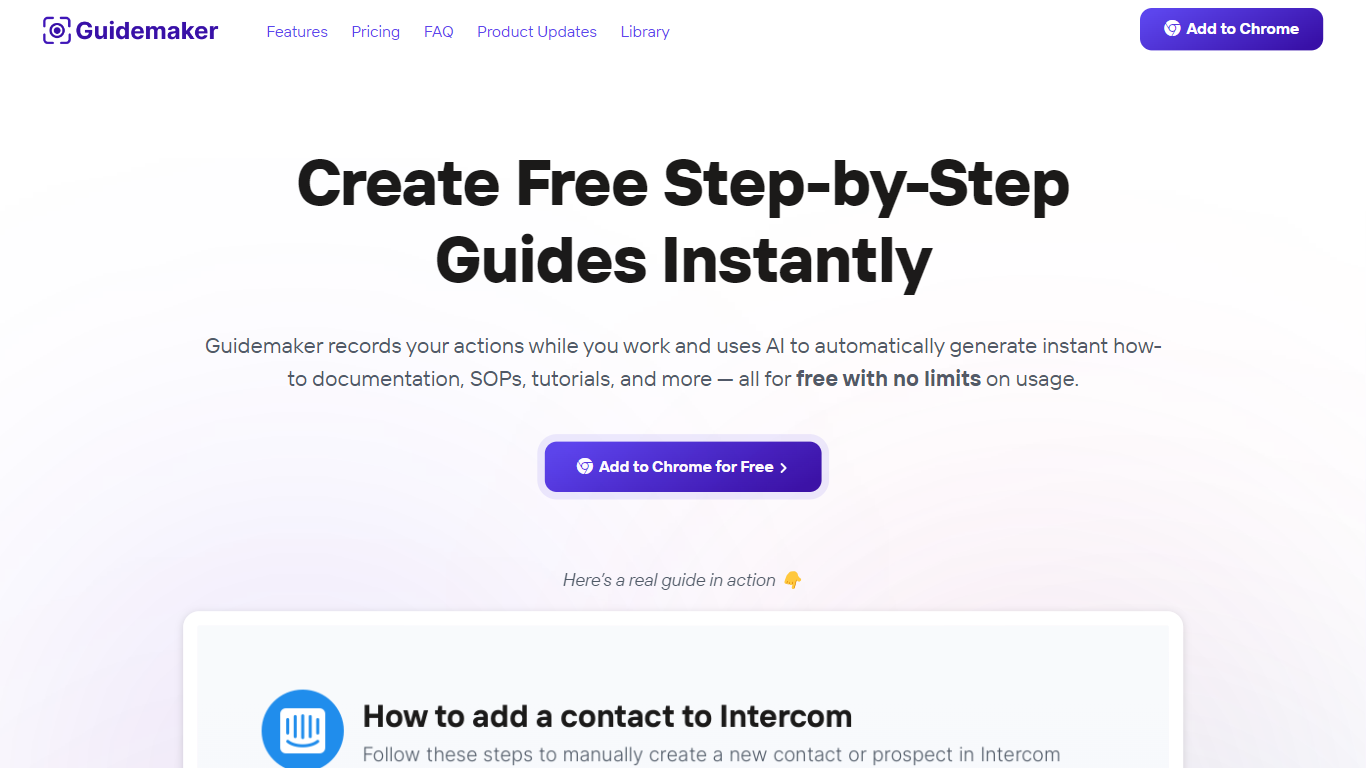
Guidemaker is a productivity Chrome extension that records your clicks while you work and turns the session into step-by-step how-to guides, SOPs, and tutorials. Its AI drafts the written steps and screenshots, then outputs web, video, and slide versions from the same capture.
Compared with manual screenshot tools, Guidemaker runs in the background so you do not stop to document each click. The homepage demo claims all three guide formats are generated in 25 seconds, and paid tiers add PDF, HTML, markdown, and video exports plus team workspaces.
Customer success teams, onboarding managers, and internal ops leads who need repeatable process docs are the core users. The free Basic plan caps you at 10 guides, while Plus and Team seats unlock unlimited guides, branding controls, and shared workspaces.
Rotime
What is Rotime?
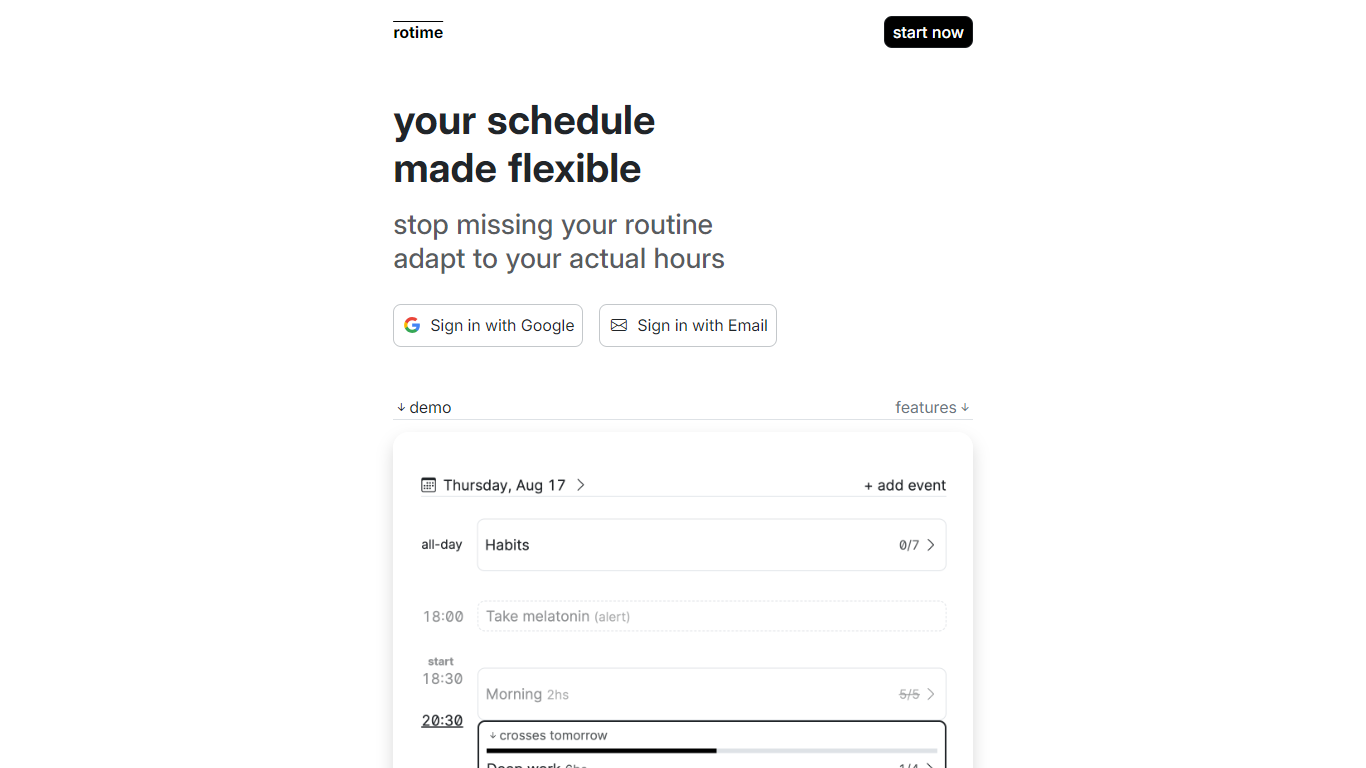
Rotime is a dynamic and versatile platform designed to revolutionize how you manage your daily schedule. It offers features that allow users to create events with flexible start and end times, set time-fixed alerts for essential appointments, and mark all-day events for days that require special attention.
Rotime provides routine templates which can be reused for recurring events and tasks, ensuring you maintain productivity without the stress of constant planning. The start time of your day can be manually set or automatically detected by the application, catering to the spontaneous changes in your routine.
One of the standout features is the timeboard, which presents a comprehensive overview of your routine, enabling you to visualize and organize your day efficiently. The focus-aware user interface is another ingenious addition that minimizes distractions by emphasizing the current event and dimming the rest, allowing you to focus on the task at hand. Along with all these features, Rotime includes a checklist feature to create tasks within events that can be marked as completed or skipped, ensuring you stay on track throughout the day.
Furthermore, Rotime acknowledges the importance of historical data, providing access to all past dates and the option to export your personal data for record-keeping or analysis. It also seamlessly adapts to the dark/light mode based on your device or operating system theme, ensuring comfort during usage at any hour.
Rotime's goal is simple yet impactful – to offer you a schedule that molds to your life, not the other way around, ensuring you never miss out on your routine again by adapting to your actual waking hours.
Guidemaker Upvotes
Rotime Upvotes
Guidemaker Top Features
Chrome extension records browser workflows and drafts AI-written step lists
Generates web, video, and slideshow guide formats from one capture
Basic plan is free with a 10-guide limit and link sharing
Plus plan at $10 per seat per month adds PDF, HTML, markdown, and video export
Team plan includes 5 editor seats and 10 viewer seats on annual billing
4.7-star rating listed on the Guidemaker Chrome Web Store page
Embeds into knowledge bases such as Tettra through share links
Rotime Top Features
Flexible Event Scheduling: Create events with adjustable start and end times.
Alerts for Appointments: Set timely alerts for critical, time-sensitive engagements.
All-Day Events: Designate full days for holidays, theming, or habits.
Routine Templates: Access reusable blueprints for frequent tasks and events.
Focus-Aware Interface: Highlight the current event while keeping others in the backdrop to reduce distractions.
Guidemaker Category
- Productivity
Rotime Category
- Productivity
Guidemaker Pricing Type
- Freemium
Rotime Pricing Type
- Freemium