Guidemaker vs Todo.is
Explore the showdown between Guidemaker vs Todo.is and find out which AI Productivity tool wins. We analyze upvotes, features, reviews, pricing, alternatives, and more.
In a face-off between Guidemaker and Todo.is, which one takes the crown?
When we contrast Guidemaker with Todo.is, both of which are exceptional AI-operated productivity tools, and place them side by side, we can spot several crucial similarities and divergences. The upvote count reveals a draw, with both tools earning the same number of upvotes. You can help us determine the winner by casting your vote and tipping the scales in favor of one of the tools.
You don't agree with the result? Cast your vote to help us decide!
Guidemaker

What is Guidemaker?
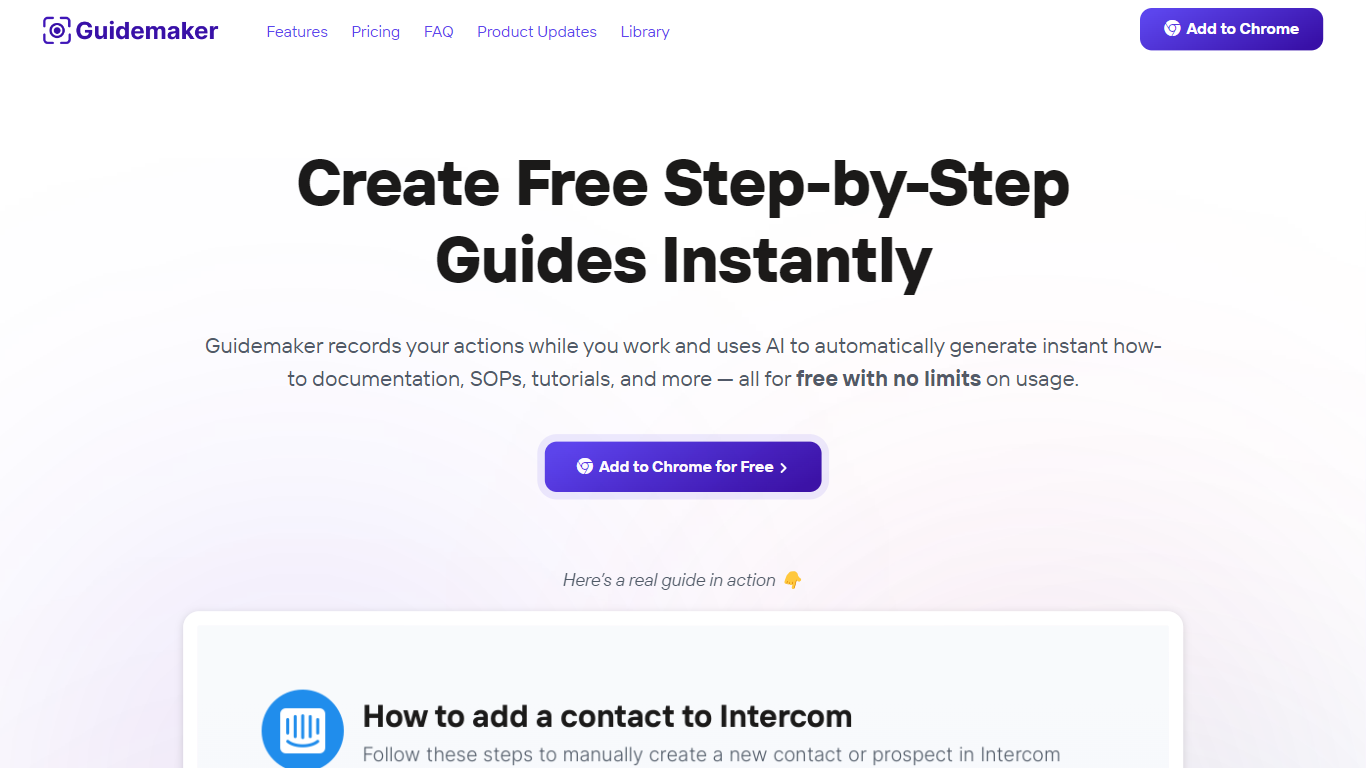
Guidemaker is a productivity Chrome extension that records your clicks while you work and turns the session into step-by-step how-to guides, SOPs, and tutorials. Its AI drafts the written steps and screenshots, then outputs web, video, and slide versions from the same capture.
Compared with manual screenshot tools, Guidemaker runs in the background so you do not stop to document each click. The homepage demo claims all three guide formats are generated in 25 seconds, and paid tiers add PDF, HTML, markdown, and video exports plus team workspaces.
Customer success teams, onboarding managers, and internal ops leads who need repeatable process docs are the core users. The free Basic plan caps you at 10 guides, while Plus and Team seats unlock unlimited guides, branding controls, and shared workspaces.
Todo.is

What is Todo.is?
Todo.is is a web-based to-do list and task manager that uses natural language and voice input to create tasks, notes, and projects. You describe what you need in plain words, and the app turns that into organized items with subtasks, checklists, and project folders.
Most checklist apps make you fill out forms field by field. Todo.is leans on AI task creation and natural language processing so you spend less time structuring lists and more time doing the work. The interface stays lightweight with drag-and-drop ordering, dark mode, and a layout that works on mobile browsers as well as desktop.
It fits students tracking assignments, freelancers juggling client work, and small teams that want shared projects without a heavy project management suite. Google Sign-In handles account access, and Paddle checkout on the site signals paid upgrades beyond the free tier.
Guidemaker Upvotes
Todo.is Upvotes
Guidemaker Top Features
Chrome extension records browser workflows and drafts AI-written step lists
Generates web, video, and slideshow guide formats from one capture
Basic plan is free with a 10-guide limit and link sharing
Plus plan at $10 per seat per month adds PDF, HTML, markdown, and video export
Team plan includes 5 editor seats and 10 viewer seats on annual billing
4.7-star rating listed on the Guidemaker Chrome Web Store page
Embeds into knowledge bases such as Tettra through share links
Todo.is Top Features
Create tasks, notes, and projects from natural language descriptions on the web app
Voice input with transcription for hands-free task capture
Subtasks and checklists for breaking down larger goals
Project folders to group related tasks in one workspace
Dark mode and a mobile-responsive layout for phone and desktop browsers
Google Sign-In for quick account access without a separate password
Guidemaker Category
- Productivity
Todo.is Category
- Productivity
Guidemaker Pricing Type
- Freemium
Todo.is Pricing Type
- Freemium