Handinger vs UseScraper
In the contest of Handinger vs UseScraper, which AI Web Scraping tool is the champion? We evaluate pricing, alternatives, upvotes, features, reviews, and more.
If you had to choose between Handinger and UseScraper, which one would you go for?
When we examine Handinger and UseScraper, both of which are AI-enabled web scraping tools, what unique characteristics do we discover? The upvote count favors UseScraper, making it the clear winner. The number of upvotes for UseScraper stands at 7, and for Handinger it's 6.
Want to flip the script? Upvote your favorite tool and change the game!
Handinger
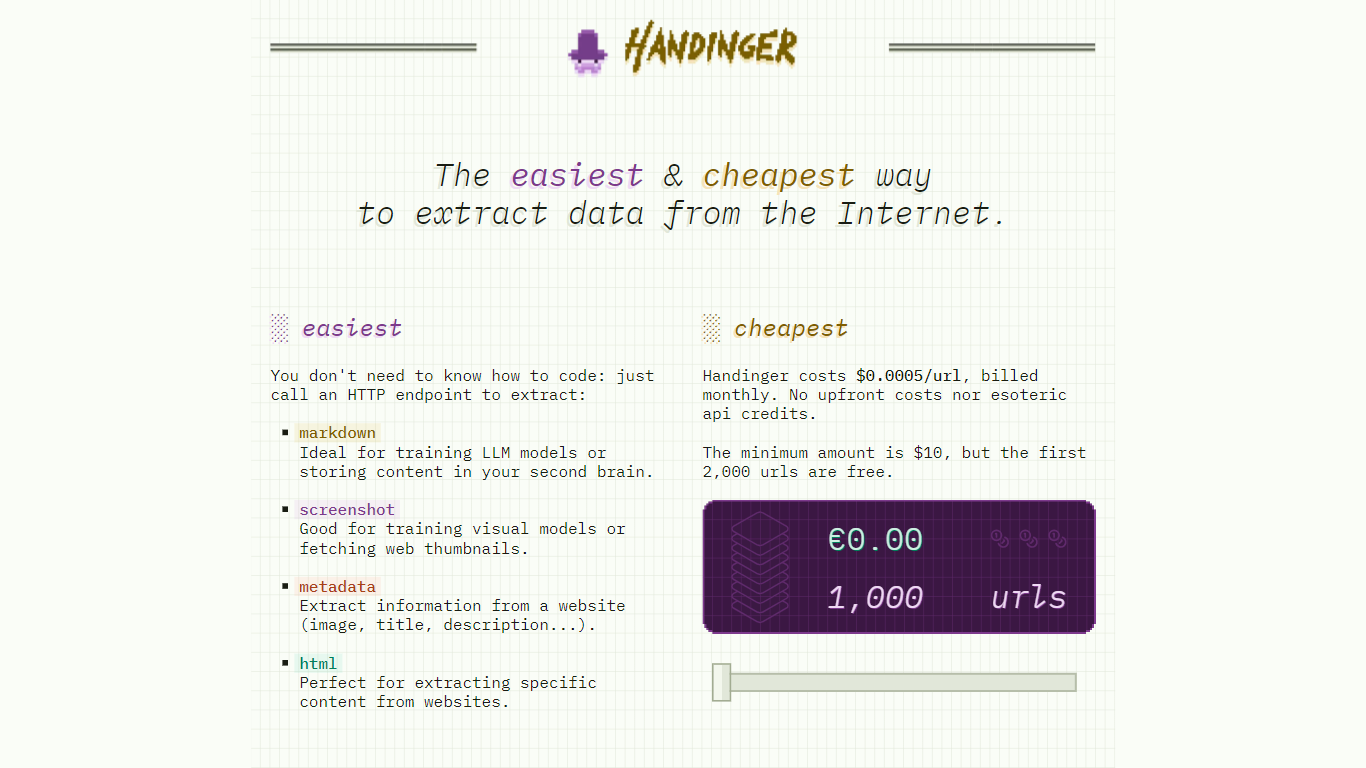

What is Handinger?
Handinger is a platform for building company AI agents from plain-English instructions. You describe an agent's role, connect it to the tools your team already uses, and hand off repetitive work like research, monitoring, document handling, and reporting.
The workflow starts by picking an agent template, explaining the job in natural language, and connecting integrations. Agents can be triggered from the app, on a schedule, or by emailing their dedicated inbox. Handinger positions itself as faster, cheaper, and smarter than doing the same admin work manually.
Built-in capabilities include web search, web fetch, file handling, image processing, browser automation, email, scheduling, and third-party integrations. Solution pages cover sales, marketing, customer support, finance, legal, and HR workflows such as lead enrichment, competitor monitoring, and PDF extraction.
Pricing starts free with 500 lifetime credits, then scales through monthly plans with included credits and per-credit overage rates. Every plan includes all tools.
UseScraper
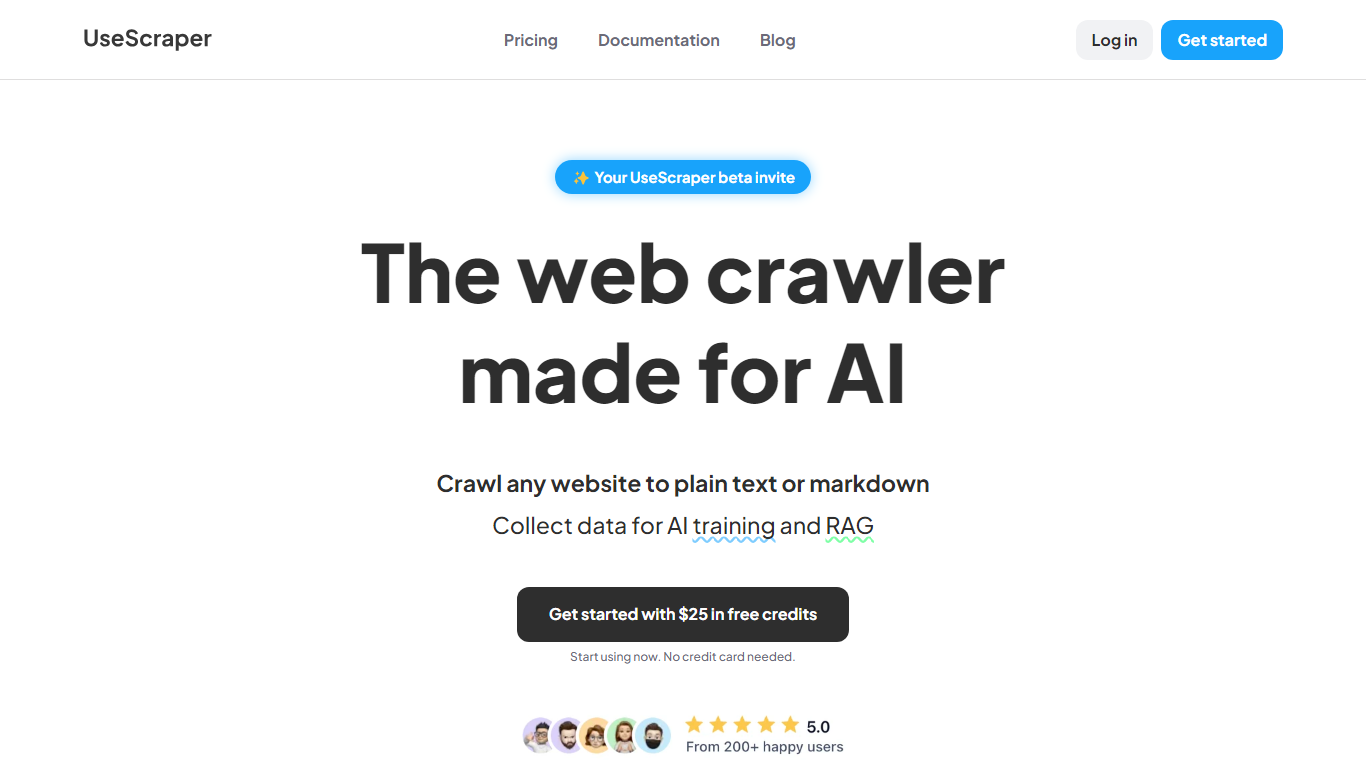
What is UseScraper?
Experience hyper-fast web crawling and scraping with UseScraper, a cutting-edge API designed for efficiency. Simplify data collection with a service that allows you to transform any website into plain text or markdown, perfect for AI training and RAG tasks. Start immediately with $25 in free credits, no credit card required. Our robust web crawling can process thousands of pages a minute, offering full browser rendering, even with complex JavaScript elements. Enjoy versatile content extraction in markdown, plain text, or HTML and stay ahead of rate limits with our automatic rotating proxies. Choose from flexible pricing plans and benefit from features like multi-site crawling, page exclusions, webhook updates, and a convenient output data store.
Handinger Upvotes
UseScraper Upvotes
Handinger Top Features
Build agents from plain-English instructions without coding
Connect web search, browser, email, files, and scheduler tools
Trigger agents from the app, on a schedule, or via email
Templates and solutions for sales, marketing, finance, and support teams
All agent tools included on every pricing plan
UseScraper Top Features
Hyper-Fast Web Crawling: Crawl and scrape thousands of web pages per minute with an instantly scalable web crawler.
Markdown & Text Extraction: Perfectly convert website content to markdown or plain text ideal for use with AI systems.
Full Browser Rendering: Utilize headless Chrome browsing to render and scrape complex websites with JavaScript.
Automatic Rotating Proxies: Overcome scraping blocks with auto-rotating proxies that prevent rate limiting.
Flexible Pricing & Free Credits: Access UseScraper's services with no upfront cost and get started with $25 in free credits.
Handinger Category
- Web Scraping
UseScraper Category
- Web Scraping
Handinger Pricing Type
- Freemium
UseScraper Pricing Type
- Freemium