HappyChat AI vs TypingMind
When comparing HappyChat AI vs TypingMind, which AI Chat Bot tool shines brighter? We look at pricing, alternatives, upvotes, features, reviews, and more.
In a comparison between HappyChat AI and TypingMind, which one comes out on top?
When we put HappyChat AI and TypingMind side by side, both being AI-powered chat bot tools, Both tools are equally favored, as indicated by the identical upvote count. Every vote counts! Cast yours and contribute to the decision of the winner.
Want to flip the script? Upvote your favorite tool and change the game!
HappyChat AI
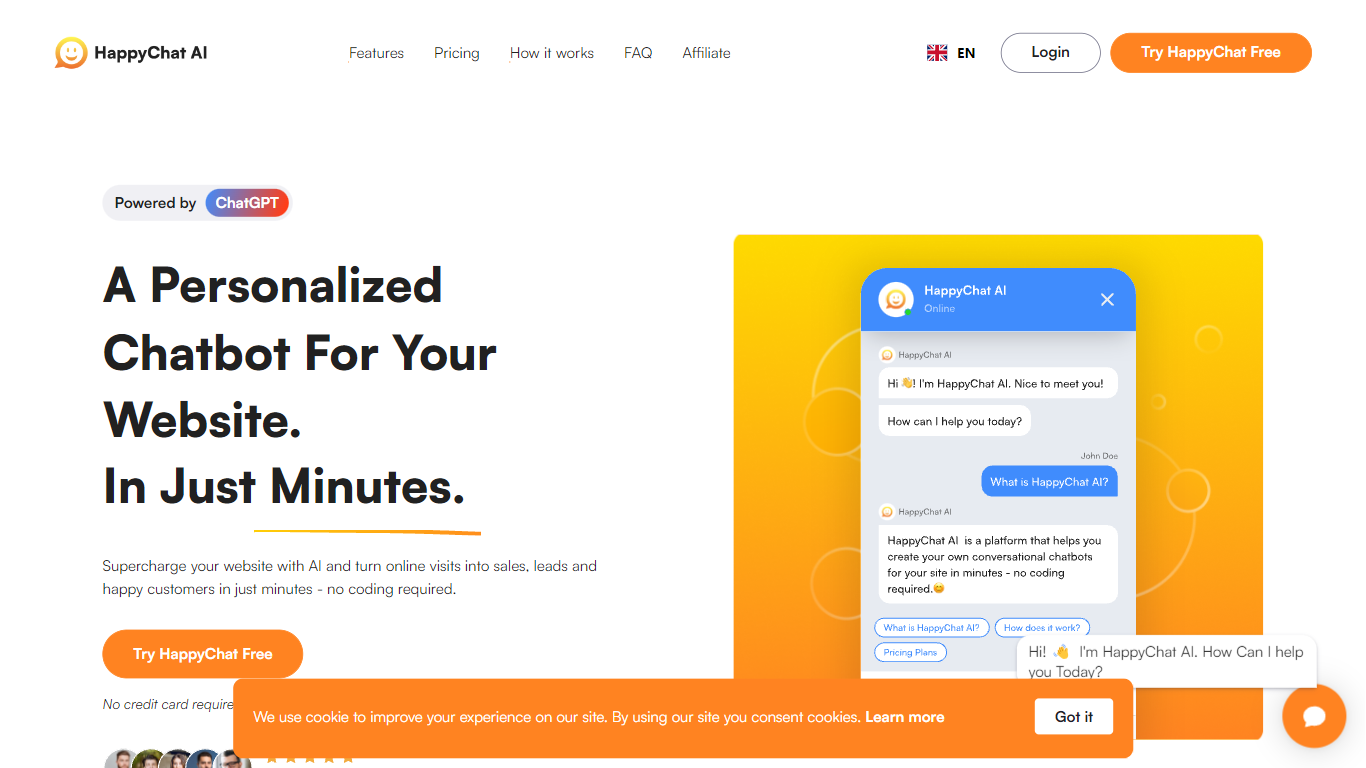

What is HappyChat AI?
HappyChat AI lets you launch a ChatGPT-powered chatbot on your website by uploading documents or linking your site, training the bot, and dropping in a widget. The homepage pitches a three-step flow that takes minutes and does not require coding. Signup is free and the site says no credit card is needed to start.
Compared with generic live-chat widgets, HappyChat focuses on answers pulled from your own knowledge base rather than scripted macros. Growth plans add GPT-4 access, unbranded widgets, and API access, while the free tier caps you at 1 chatbot and 50 messages per month. Integrations shown on the site include Shopify, Wix, WhatsApp, Messenger, Telegram, and Slack.
Small business site owners, support teams, and marketers who want 24/7 FAQ coverage without hiring round-the-clock staff are the natural fit. The reporting dashboard tracks chat volume and engagement, and multilingual mode lets one English knowledge base serve visitors in other languages.
TypingMind
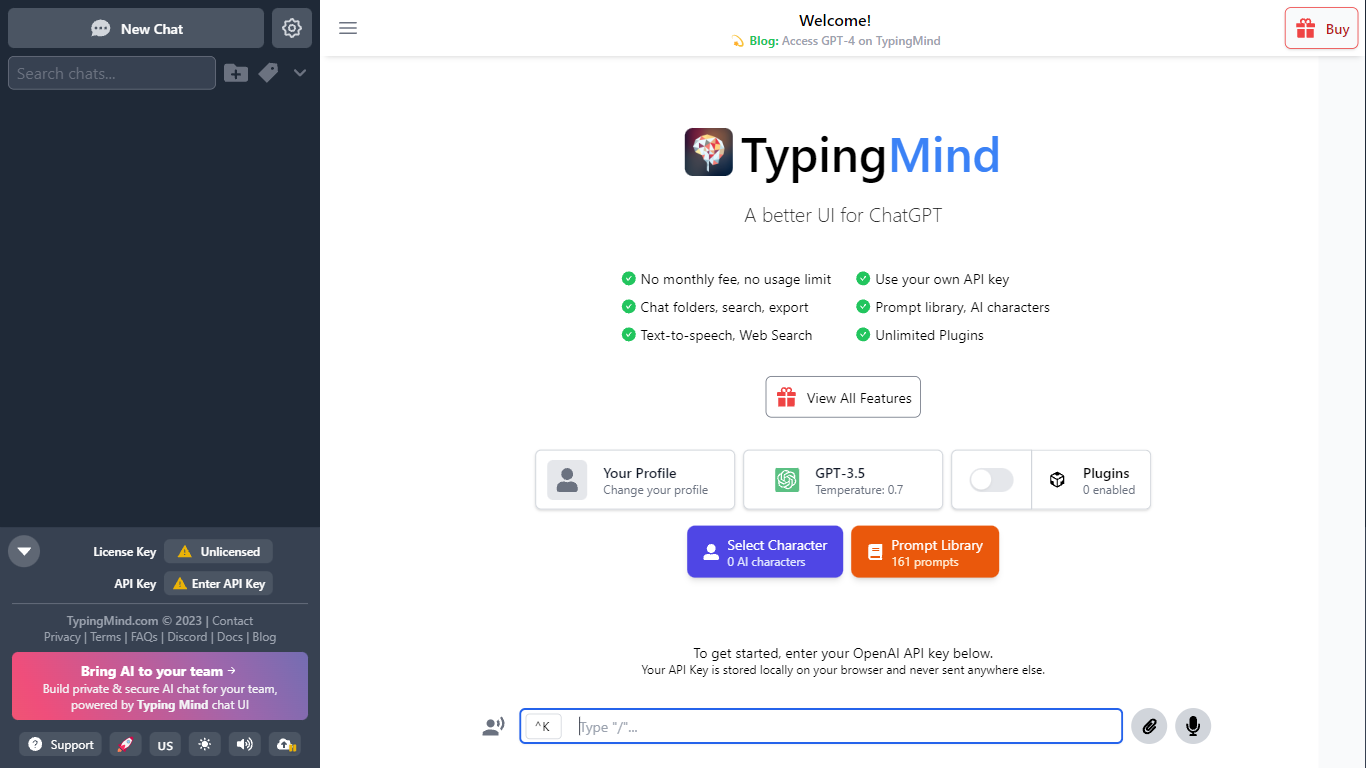
What is TypingMind?
TypingMind gives you one chat interface for ChatGPT, Claude, Gemini, DeepSeek, and other LLMs while you bring your own API keys. You pay a one-time license fee to TypingMind, then only for the tokens each model provider charges. Chats, folders, agents, and API credentials stay in local browser storage by default, so your conversations are not sent for model training.
Where ChatGPT Plus locks you into OpenAI and caps usage, TypingMind lets you switch models mid-conversation, run multi-model parallel chats, and connect MCP tools, RAG knowledge bases, and custom plugins. Prompt caching can cut token costs up to 90% on supported models. Over 50 pre-built agents cover coding, research, and marketing workflows out of the box.
TypingMind suits power users and teams who already pay for API access and want a richer UI than vendor defaults. More than 20,641 customers use it daily, and a separate TypingMind for Teams product adds admin controls, custom branding, and self-hosting for companies.
HappyChat AI Upvotes
TypingMind Upvotes
HappyChat AI Top Features
Train chatbots from uploaded documents or website URLs in three steps on the homepage
Free plan includes 1 chatbot, 50 messages per month, and 20 source pages
Growth plan at $49 per month adds GPT-4 access and an unbranded chat widget
Pro plan at $99 per month supports 30 chatbots and 10,000 messages per month
Multilingual mode answers from an English knowledge base in other languages
Integrations listed for Shopify, Wix, WhatsApp, Messenger, Telegram, and Slack
TypingMind Top Features
Access ChatGPT, Claude, Gemini, and 20+ LLMs from one interface
Lifetime licenses from $39 Standard to $99 Premium with no TypingMind subscription
Prompt caching reduces token costs up to 90% on supported models
50+ pre-built AI agents plus custom agent and plugin builder
MCP connectors for Figma, GitHub, GitLab, Redis, Make, and Apify
Local-first storage keeps chats and API keys on your device by default
HappyChat AI Category
- Chat Bot
TypingMind Category
- Chat Bot
HappyChat AI Pricing Type
- Freemium
TypingMind Pricing Type
- Paid