Hatchet vs Gorilla Terminal
When comparing Hatchet vs Gorilla Terminal, which AI Code Assistant tool shines brighter? We look at pricing, alternatives, upvotes, features, reviews, and more.
Between Hatchet and Gorilla Terminal, which one is superior?
When we put Hatchet and Gorilla Terminal side by side, both being AI-powered code assistant tools, Neither tool takes the lead, as they both have the same upvote count. Join the aitools.fyi users in deciding the winner by casting your vote.
Feeling rebellious? Cast your vote and shake things up!
Hatchet
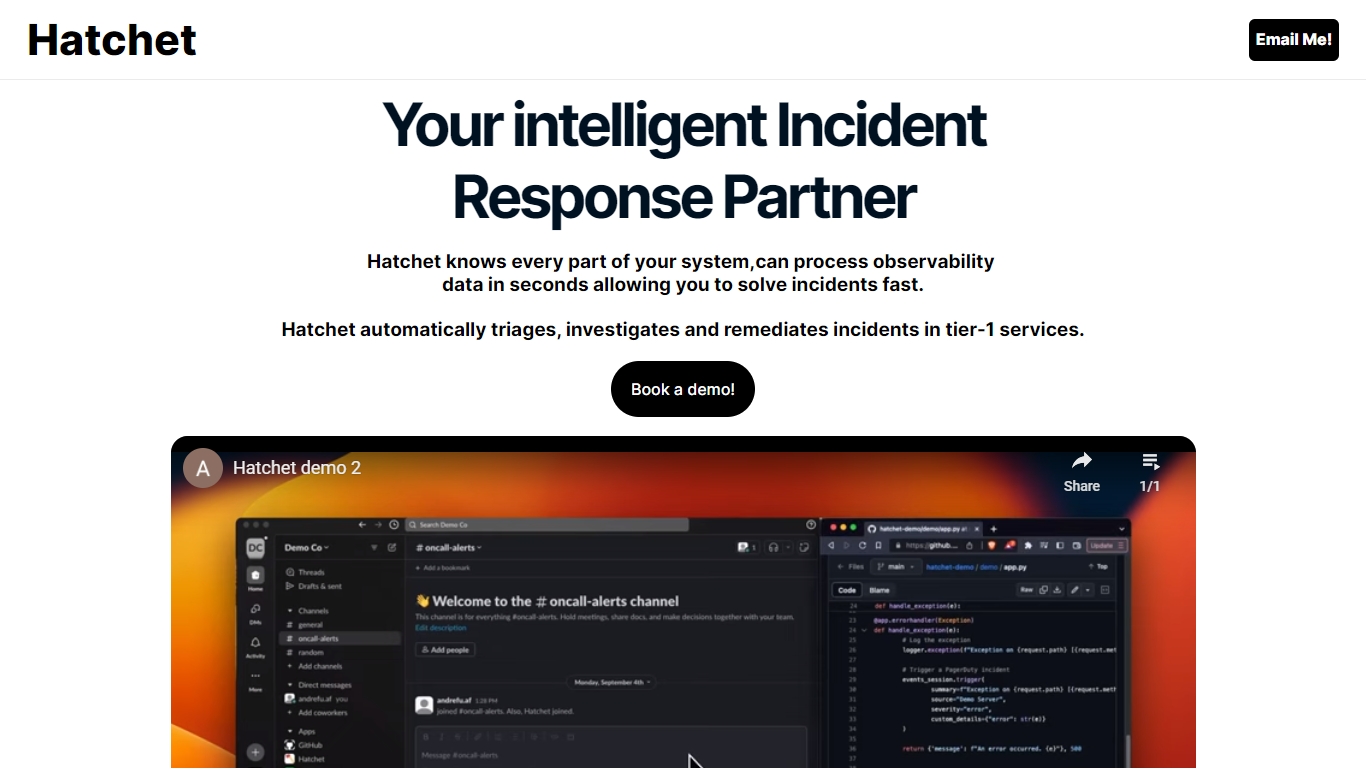

What is Hatchet?
Hatchet is your go-to AI companion designed to streamline incident responses for on-call engineers—offering a swift and smart solution to triage, investigate, and deploy fixes faster. This intelligent system understands every part of your infrastructure, processing observability data in mere seconds, so you can resolve issues rapidly and efficiently. With its ability to automatically triage, investigate, and remediate incidents, especially in critical tier-1 services, Hatchet injects relevant context into incidents to save time and resources.
For enhanced data security, Hatchet is deployed as an on-premises, self-hosted solution with robust security features—including Code Llama 2, no telemetry, permissions management, audit trails, single sign-on (SSO), and version control—ensuring your data remains within your virtual private cloud (VPC). Hatchet boasts easy integration into any alerting system by calling it at the service's entrypoint and pointing it to the log file, after which it takes over to work its magic.
Gorilla Terminal

What is Gorilla Terminal?
Gorilla Terminal pulls stock data, SEC filings, macro indicators, and earnings call transcripts into one terminal-style dashboard in your browser. Search by ticker and you get charts, quarterly reports, insider trades, Twitter sentiment, and live futures without hopping between Bloomberg tabs and scattered finance sites.
Most research terminals either dump raw data tables or lean on generic summaries. Gorilla Terminal focuses on earnings calls: it runs sentiment analysis on what executives actually said, flags positive and negative statements, and lets you filter by quarter. That transcript-first angle is the trade-off. You get deeper call breakdowns than a charting site, but the product is built for equity research rather than crypto or forex.
Portfolio managers, solo investors, and finance students use this investment research tool to prep for earnings season, scan sector averages, and stress-test holdings with value-at-risk and regression tools. The macro panel covers CPI, unemployment, retail sales, and consumer sentiment in one click.
Hatchet Upvotes
Gorilla Terminal Upvotes
Hatchet Top Features
Automated Triage & Investigation: Automatically processes incidents, streamlining the workflow of resolving issues.
Data Security: Ensures data security with 100% on-prem training and zero telemetry for in-VPC data privacy.
Intelligent Context Injection: Provides relevant context into incidents to save time and minimize resource expenditure.
Rapid Problem Resolution: Capable of ingesting logs, codebases, and knowledge hubs for instant issue resolution.
Easy Integration: Offers effortless integration into alerting systems for streamlined incident handling.
Gorilla Terminal Top Features
Earnings call transcripts with AI sentiment scoring and positive/negative statement filters per quarter
Macro dashboard covering CPI, unemployment, retail sales, and consumer sentiment in one view
Stock search returns charts, 10-Ks, 10-Qs, insider buying, and Twitter sentiment on one page
Value-at-risk and regression analysis for portfolio risk modeling
Industry average metrics across revenue growth, margins, and tax rates by sector
Pro plan at $29 per month, down from a listed $49 per month on the pricing page
7-day pass at $9.99 for short-term access without a monthly commitment
Hatchet Category
- Code Assistant
Gorilla Terminal Category
- Code Assistant
Hatchet Pricing Type
- Freemium
Gorilla Terminal Pricing Type
- Paid