Hatchet vs Programming-Helper
In the clash of Hatchet vs Programming-Helper, which AI Code Assistant tool emerges victorious? We assess reviews, pricing, alternatives, features, upvotes, and more.
When we put Hatchet and Programming-Helper head to head, which one emerges as the victor?
Let's take a closer look at Hatchet and Programming-Helper, both of which are AI-driven code assistant tools, and see what sets them apart. Hatchet stands out as the clear frontrunner in terms of upvotes. Hatchet has 6 upvotes, and Programming-Helper has 3 upvotes.
Not your cup of tea? Upvote your preferred tool and stir things up!
Hatchet
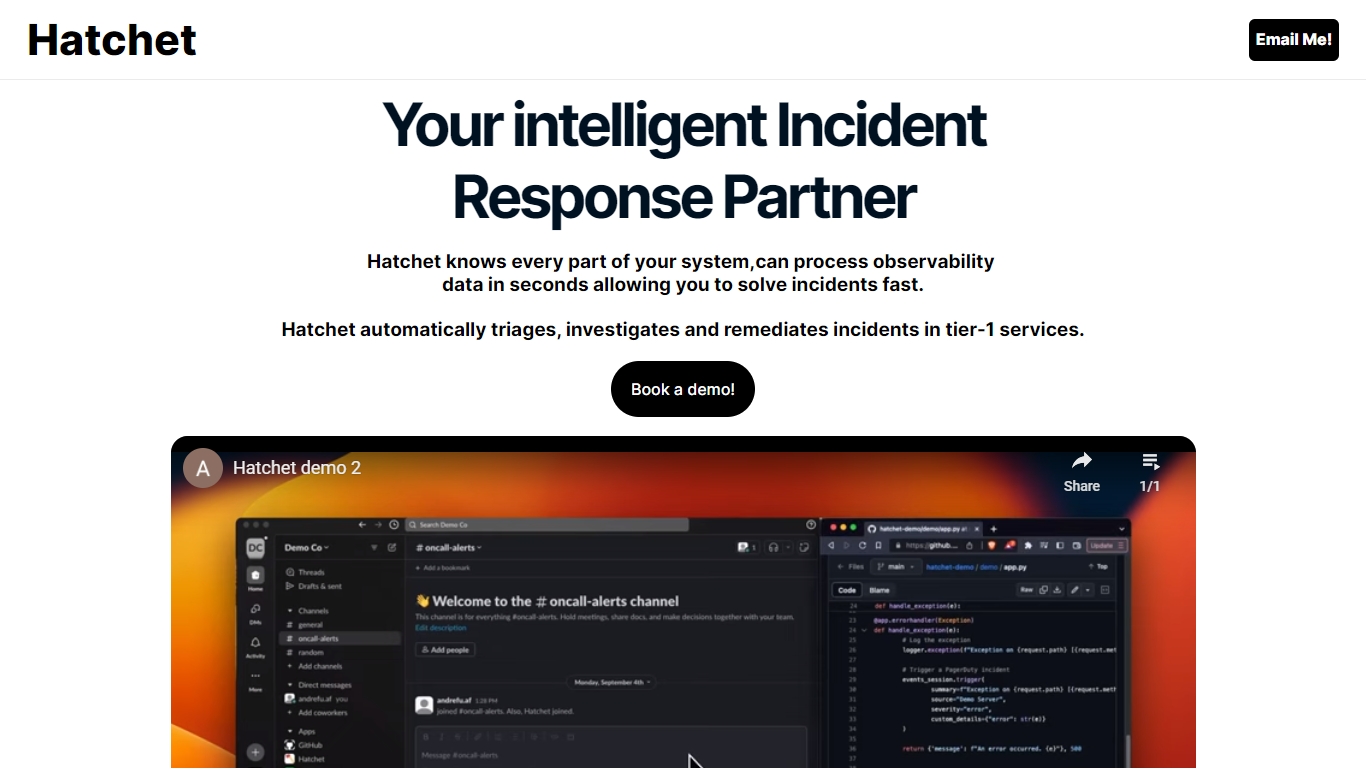

What is Hatchet?
Hatchet is your go-to AI companion designed to streamline incident responses for on-call engineers—offering a swift and smart solution to triage, investigate, and deploy fixes faster. This intelligent system understands every part of your infrastructure, processing observability data in mere seconds, so you can resolve issues rapidly and efficiently. With its ability to automatically triage, investigate, and remediate incidents, especially in critical tier-1 services, Hatchet injects relevant context into incidents to save time and resources.
For enhanced data security, Hatchet is deployed as an on-premises, self-hosted solution with robust security features—including Code Llama 2, no telemetry, permissions management, audit trails, single sign-on (SSO), and version control—ensuring your data remains within your virtual private cloud (VPC). Hatchet boasts easy integration into any alerting system by calling it at the service's entrypoint and pointing it to the log file, after which it takes over to work its magic.
Programming-Helper
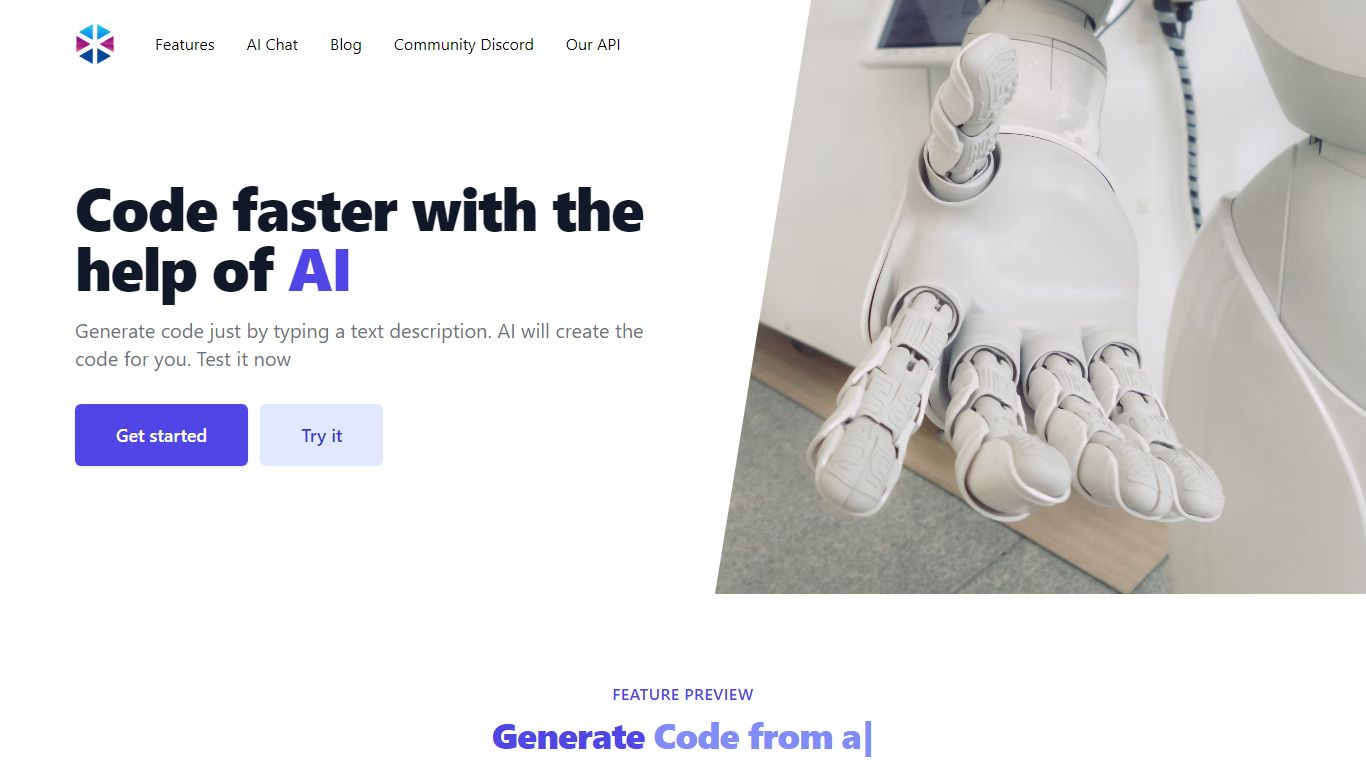
What is Programming-Helper?
Programming-Helper is a browser-based code assistant that turns plain-English prompts into functions, SQL, HTML, regex, Git commands, and more. You pick a task like generate function or text to SQL, describe what you need, and the site returns code you can copy, with community generations visible to other users.
Most code assistants chase one workflow, usually chat inside an IDE. Programming-Helper spreads dozens of narrow generators across a single site, from docstring-to-function and fix invalid code to Linux command lookup and time-complexity analysis. That breadth trades deep project context for quick one-off answers.
It fits students, indie developers, and analysts who need a specific snippet without opening a full IDE copilot. The newer AI Studio bundles the tools behind one interface with workflows, collaboration, and one-click exports for heavier use.
Hatchet Upvotes
Programming-Helper Upvotes
Hatchet Top Features
Automated Triage & Investigation: Automatically processes incidents, streamlining the workflow of resolving issues.
Data Security: Ensures data security with 100% on-prem training and zero telemetry for in-VPC data privacy.
Intelligent Context Injection: Provides relevant context into incidents to save time and minimize resource expenditure.
Rapid Problem Resolution: Capable of ingesting logs, codebases, and knowledge hubs for instant issue resolution.
Easy Integration: Offers effortless integration into alerting systems for streamlined incident handling.
Programming-Helper Top Features
Generate functions from text descriptions across many programming languages
Text-to-SQL converts plain English into SQL commands
Translate code between programming languages from a description
Regex from description and regex-to-English explanation tools
Fix invalid code, add typing, and generate unit tests from existing code
AI Studio bundles all generators with workflows, collaboration, and one-click exports
Hatchet Category
- Code Assistant
Programming-Helper Category
- Code Assistant
Hatchet Pricing Type
- Freemium
Programming-Helper Pricing Type
- Freemium