HeyEditor vs Clipchamp
In the battle of HeyEditor vs Clipchamp, which AI Video Editing tool comes out on top? We compare reviews, pricing, alternatives, upvotes, features, and more.
Between HeyEditor and Clipchamp, which one is superior?
Upon comparing HeyEditor with Clipchamp, which are both AI-powered video editing tools, In the race for upvotes, HeyEditor takes the trophy. HeyEditor has 88 upvotes, and Clipchamp has 6 upvotes.
You don't agree with the result? Cast your vote to help us decide!
HeyEditor

What is HeyEditor?
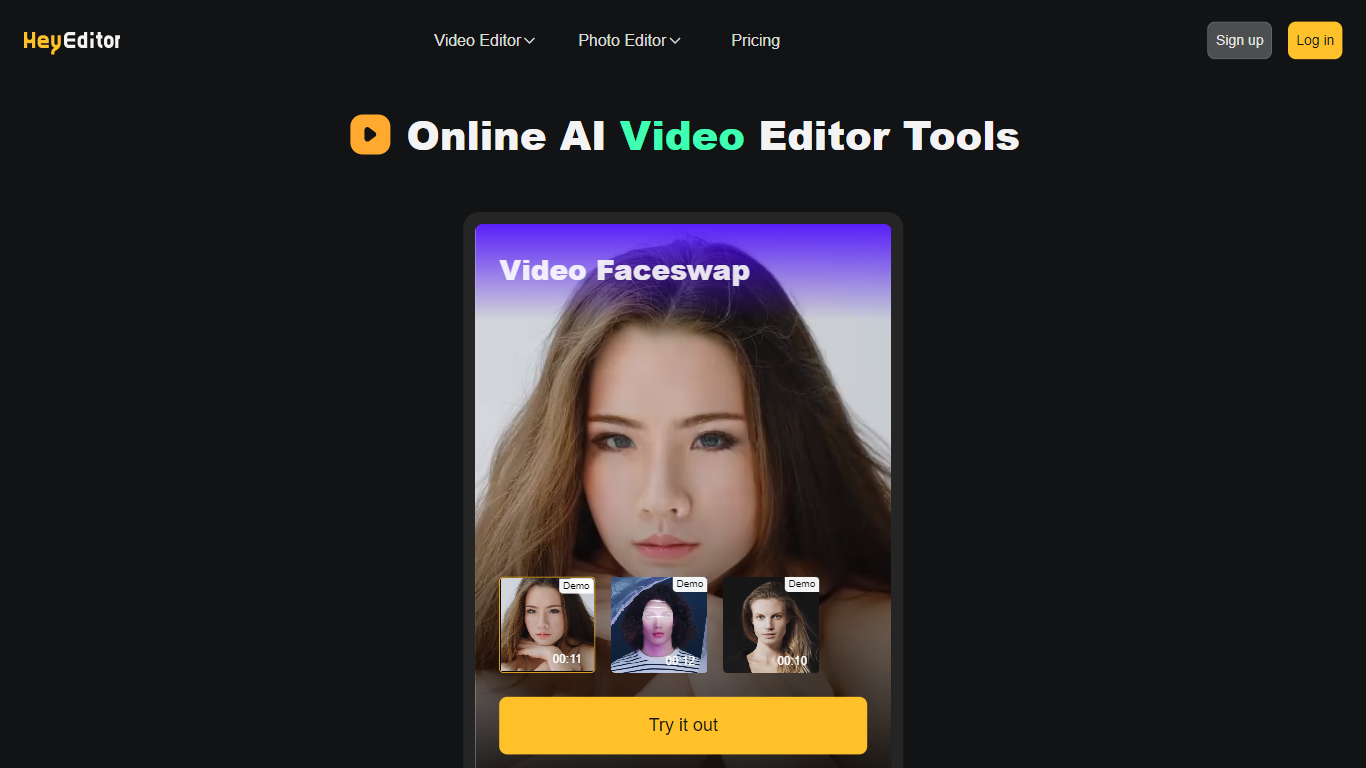
HeyEditor lets you edit videos and photos in the browser with AI tools like face swap, photo enhancement, and anime-style conversion. You upload a file on the site and run each effect from its own editor page, with no desktop software to install.
Unlike timeline editors built for long-form cuts, HeyEditor splits work into task-specific tools. Video face swap accepts files up to 10 minutes and 500 MB, while photo tools cap uploads at 10 MB and GIFs at 15 MB.
HeyEditor suits creators who want fast results for social posts, memes, or stylized images. You can browse the editors from the homepage, then sign up and add credits or a Pro plan when you need more usage.
Clipchamp

What is Clipchamp?
Clipchamp enables users to record, edit, and share high-definition videos directly from their web browser or Windows app. It offers tools for creating videos with webcam, screen, and voice recordings, combined with AI-powered editing features like noise suppression and automatic subtitle generation.
What distinguishes Clipchamp from other video editors is its integration of advanced AI tools such as a natural voiceover generator with over 400 voices and an AI silence remover that automatically cuts long pauses. It also provides customizable color and gradient backgrounds and supports exporting videos up to 4K resolution without watermarks for premium users.
Clipchamp's content library includes royalty-free stock videos, images, music, and templates tailored for social media, education, and business use. Its privacy-first approach ensures all recordings remain on the user's device unless shared, making it a secure choice for video creation.
With features like multi-item editing, grouping, and a flexible video resizer supporting multiple aspect ratios, Clipchamp offers a comprehensive editing experience suitable for creators of all skill levels. It works seamlessly in Microsoft Edge and Google Chrome browsers, with an optional Windows app available for enhanced performance.
HeyEditor Upvotes
Clipchamp Upvotes
HeyEditor Top Features
Swap faces in videos up to 10 minutes (500 MB) or in still photos and GIFs up to 10 MB and 15 MB
Enhance photo resolution and detail with a dedicated AI photo enhancer
Turn uploaded photos into anime-style artwork from the browser
Buy credit packs from 100 to 3,000 credits or subscribe to Pro monthly or yearly
Pay with debit or credit card directly on the pricing page
Start with zero credits and add more when you need heavier usage
Clipchamp Top Features
🎤 Natural AI voiceover generator with 400+ voices and adjustable pitch and pace
📝 AI subtitle generator creating accurate captions in 80+ languages with editable styles
📹 Screen and webcam recorder with unlimited retakes and no watermarks
🔇 AI silence remover to automatically cut long pauses and silences from videos
🎨 Custom color and gradient video backgrounds with HSV and HEX color picker
📺 Video exports up to 4K resolution available with premium subscription
🎬 Multi-item editing and grouping tools for efficient workflow
HeyEditor Category
- Video Editing
Clipchamp Category
- Video Editing
HeyEditor Pricing Type
- Freemium
Clipchamp Pricing Type
- Freemium