HeyEditor vs RivetAI
In the clash of HeyEditor vs RivetAI, which AI Video Editing tool emerges victorious? We assess reviews, pricing, alternatives, features, upvotes, and more.
When we put HeyEditor and RivetAI head to head, which one emerges as the victor?
Let's take a closer look at HeyEditor and RivetAI, both of which are AI-driven video editing tools, and see what sets them apart. HeyEditor stands out as the clear frontrunner in terms of upvotes. HeyEditor has garnered 88 upvotes, and RivetAI has garnered 7 upvotes.
You don't agree with the result? Cast your vote to help us decide!
HeyEditor
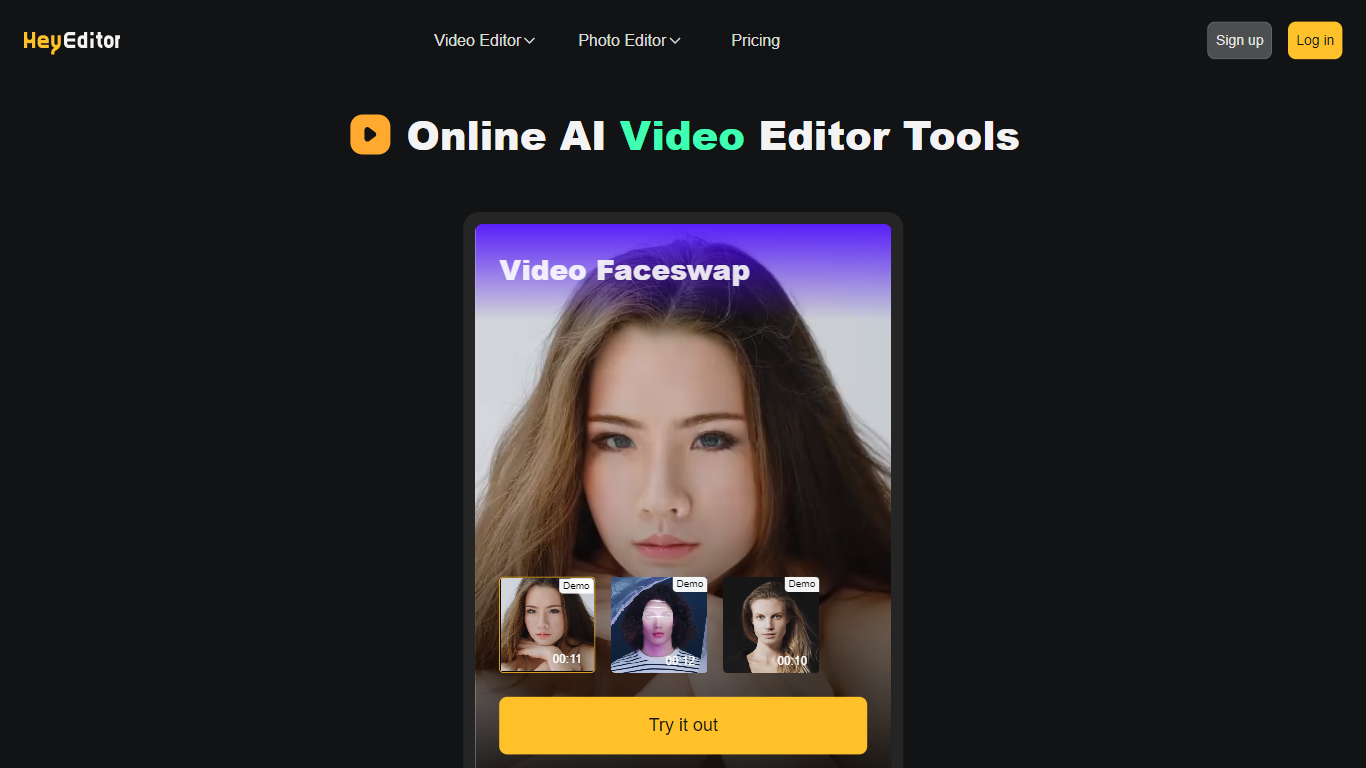

What is HeyEditor?
HeyEditor lets you edit videos and photos in the browser with AI tools like face swap, photo enhancement, and anime-style conversion. You upload a file on the site and run each effect from its own editor page, with no desktop software to install.
Unlike timeline editors built for long-form cuts, HeyEditor splits work into task-specific tools. Video face swap accepts files up to 10 minutes and 500 MB, while photo tools cap uploads at 10 MB and GIFs at 15 MB.
HeyEditor suits creators who want fast results for social posts, memes, or stylized images. You can browse the editors from the homepage, then sign up and add credits or a Pro plan when you need more usage.
RivetAI
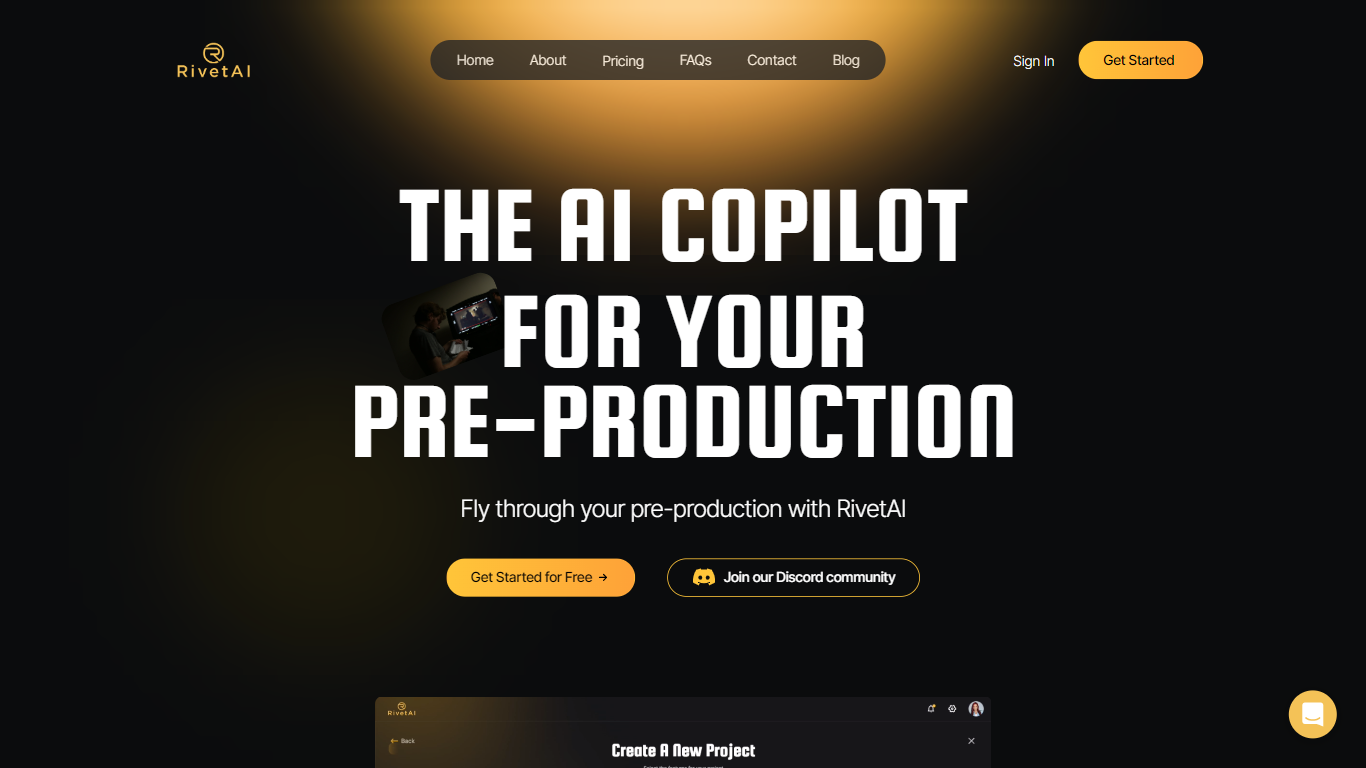
What is RivetAI?
RivetAI is a film and television pre-production platform that keeps scriptwriting, breakdown, scheduling, and budgeting on one shared screenplay. You draft and tag scenes in an industry-standard editor, then downstream modules read the same draft without export handoffs. Writers and production crews buy a per-project license with no subscription, and your script is never used to train AI models.
Most pre-production stacks split script, breakdown, schedule, and budget across separate apps that need constant file exports. RivetAI runs all four on one connected draft, so a scene edit ripples into stripboards and top sheets automatically. Pay-once Writer and Studio licenses also skip recurring SaaS fees that tools like StudioBinder or Movie Magic charge for comparable workflows.
Screenwriters use Writer for tagging, AI breakdown, and coverage while sharing password-gated links with partners. Production teams upgrade to Studio for stripboards, DOOD calendars, budget topsheets, REST API keys, and MCP client integration. Enterprise customers get SAML/OIDC SSO, pooled AI credits, and procurement support for multi-show studios.
HeyEditor Upvotes
RivetAI Upvotes
HeyEditor Top Features
Swap faces in videos up to 10 minutes (500 MB) or in still photos and GIFs up to 10 MB and 15 MB
Enhance photo resolution and detail with a dedicated AI photo enhancer
Turn uploaded photos into anime-style artwork from the browser
Buy credit packs from 100 to 3,000 credits or subscribe to Pro monthly or yearly
Pay with debit or credit card directly on the pricing page
Start with zero credits and add more when you need heavier usage
RivetAI Top Features
Writer license costs $49.99 per project with 30 AI credits and 2 collaborator seats
Studio license costs $150 per project with 100 AI credits and 9 collaborator seats
Import scripts from Final Draft (.fdx), PDF, Celtx, and Fountain formats
Export to PDF, Final Draft, Fountain, Markdown, and Word (.docx)
Six connected modules sync breakdown, schedule, and budget from one screenplay
REST API and MCP client integration included on the Studio tier
Free tier drafts up to 5 scenes with the same AES-256 encryption as paid licenses
HeyEditor Category
- Video Editing
RivetAI Category
- Video Editing
HeyEditor Pricing Type
- Freemium
RivetAI Pricing Type
- Freemium