HomeDesignsAI vs REimagine Home
In the battle of HomeDesignsAI vs REimagine Home, which AI Real Estate tool comes out on top? We compare reviews, pricing, alternatives, upvotes, features, and more.
Between HomeDesignsAI and REimagine Home, which one is superior?
Upon comparing HomeDesignsAI with REimagine Home, which are both AI-powered real estate tools, The users have made their preference clear, REimagine Home leads in upvotes. REimagine Home has 10 upvotes, and HomeDesignsAI has 8 upvotes.
Don't agree with the result? Cast your vote and be a part of the decision-making process!
HomeDesignsAI

What is HomeDesignsAI?
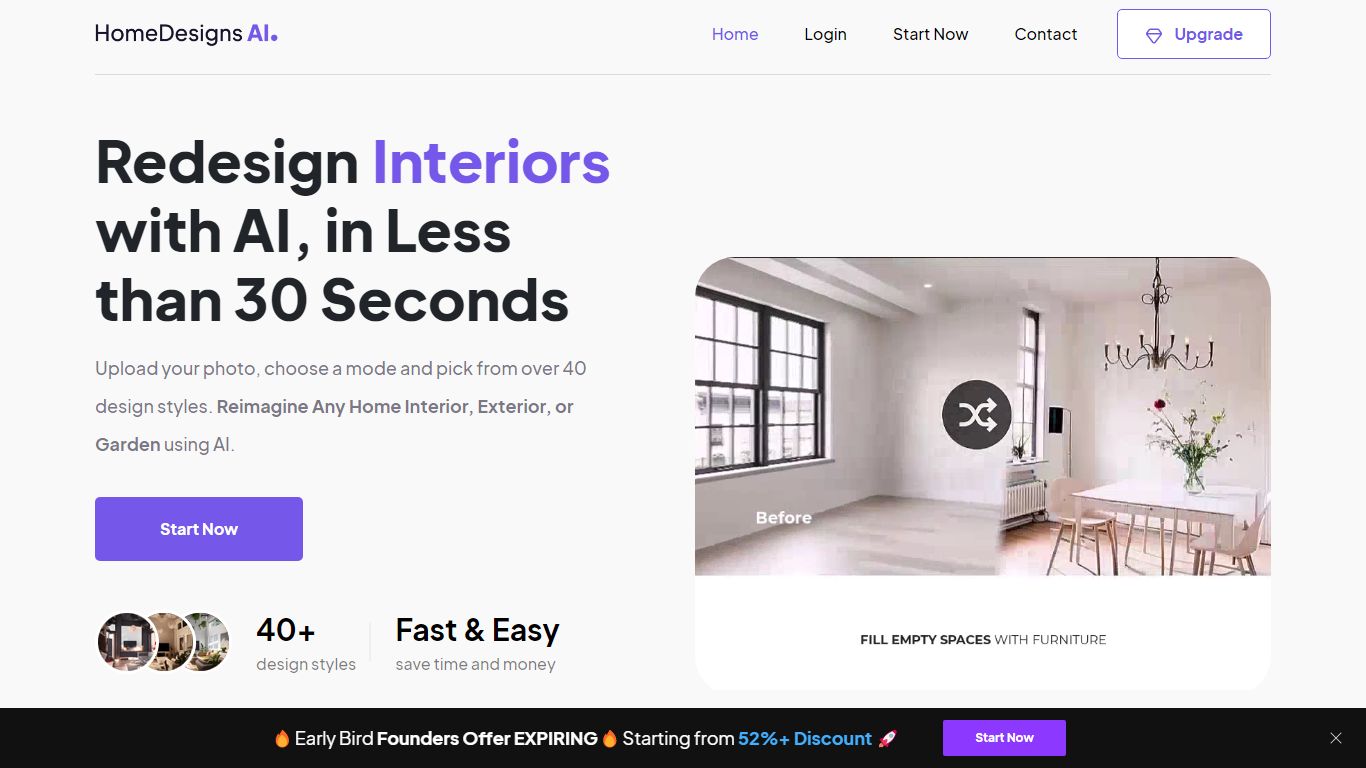
HomeDesignsAI redesigns interiors, exteriors, gardens, and patios from a single uploaded photo in about 30 seconds. Its Structure-Lock keeps your real walls, windows, and layout fixed while swapping furniture, materials, lighting, and landscaping across 160 plus style presets.
Generic image generators invent new rooms with wrong proportions. HomeDesignsAI locks structure first, then offers virtual staging, declutter, sky and weather swaps, sketch-to-render, 2D-to-3D floor plans, and a shop-the-look furniture finder in one login. The trade-off is a credit system on the free tier and metered video exports on some plans.
Real estate agents stage vacant listings without furniture rental. Interior designers cut concept time by showing photoreal versions instead of mood boards. Homeowners test kitchen finishes and exterior facades before committing to contractor quotes.
REimagine Home

What is REimagine Home?
REimagine Home redesigns interior and exterior spaces from a single photo upload. You pick a room image, set a budget and ZIP code, and the tool generates shoppable design concepts while locking structural elements like walls, windows, and doors. It targets real estate agents, interior designers, landscapers, and homeowners who need listing-ready visuals fast.
Generic AI image editors repaint whatever you ask for. REimagine Home is built around property decisions: virtual staging, empty-room furnishing, landscaping, sky replacement, day-to-dusk edits, and 20+ specialized tools for listings. The Pro plan adds real product discovery tied to your budget and area, plus batch processing for agents.
New users get 5 free designs with the same AI quality as paid plans, no credit card required. The site reports 2.1M+ users and 30M+ designs generated.
HomeDesignsAI Upvotes
REimagine Home Upvotes
HomeDesignsAI Top Features
Structure-Lock keeps real walls, windows, and layout while redesigning in about 30 seconds
160 plus design styles across interiors, exteriors, gardens, patios, and terraces
7.76 million plus projects completed for 2.68 million plus users worldwide
Virtual staging, declutter, sketch-to-render, and 2D-to-3D floor plan tools in one platform
One-click video walkthroughs with 10, 20, or 30 second clip lengths
Shop-the-look furniture finder links real products seen in generated designs
Rated 4.8 out of 5 from 2,400 plus reviews on the public homepage
REimagine Home Top Features
5 free designs for new users with the same AI quality as paid plans, no credit card required
Structural Lock keeps walls, windows, and ceiling lines fixed for listing-safe edits
Pro plan ($36/month) includes 200 credits, real product discovery, and listing batch processing
20+ tools including virtual staging, landscaping, object removal, sky replacement, and day-to-dusk
Design with real shoppable products filtered by budget and ZIP code on paid plans
2.1M+ users and 30M+ designs generated, per the homepage
HomeDesignsAI Category
- Real Estate
REimagine Home Category
- Real Estate
HomeDesignsAI Pricing Type
- Freemium
REimagine Home Pricing Type
- Freemium