HomeScore vs ReRoom AI
In the battle of HomeScore vs ReRoom AI, which AI Real Estate tool comes out on top? We compare reviews, pricing, alternatives, upvotes, features, and more.
Which one is better? HomeScore or ReRoom AI?
Upon comparing HomeScore with ReRoom AI, which are both AI-powered real estate tools, Both tools have received the same number of upvotes from aitools.fyi users. Be a part of the decision-making process. Your vote could determine the winner.
Not your cup of tea? Upvote your preferred tool and stir things up!
HomeScore

What is HomeScore?
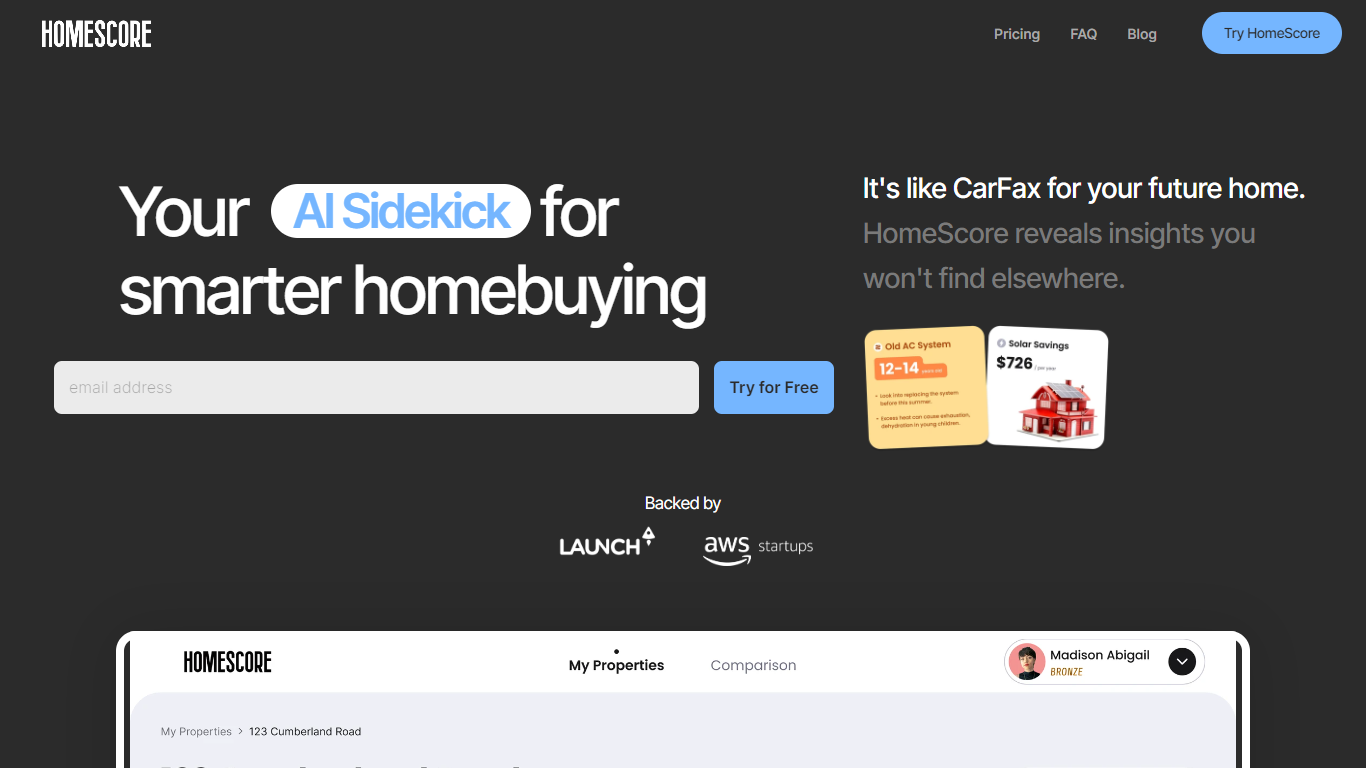
HomeScore is a home intelligence platform that turns scattered inspection reports, maintenance records, and repair guesses into one structured profile for your house. It tracks 40+ systems, documents, projects, and projected costs so homeowners can see what needs attention now and what is coming in the next few years.
The platform reads inspection PDFs and contractor quotes, extracts system details, and ties them to regional cost benchmarks built from repair data across U.S. markets. A 0-100 HomeScore summarizes overall condition while forecasts map likely replacement windows and spending clusters.
Built-in conversational guidance answers questions using your specific home data, such as roof age, HVAC inventory, and local permit costs. Free browser tools include an inspection analyzer and cost calculators; the full dashboard runs on a single paid plan with a 30-day trial.
HomeScore targets first-time buyers navigating inspections, current owners planning maintenance and upgrades, and inspectors or agents who want clients to leave with a clear post-inspection action plan.
ReRoom AI
What is ReRoom AI?
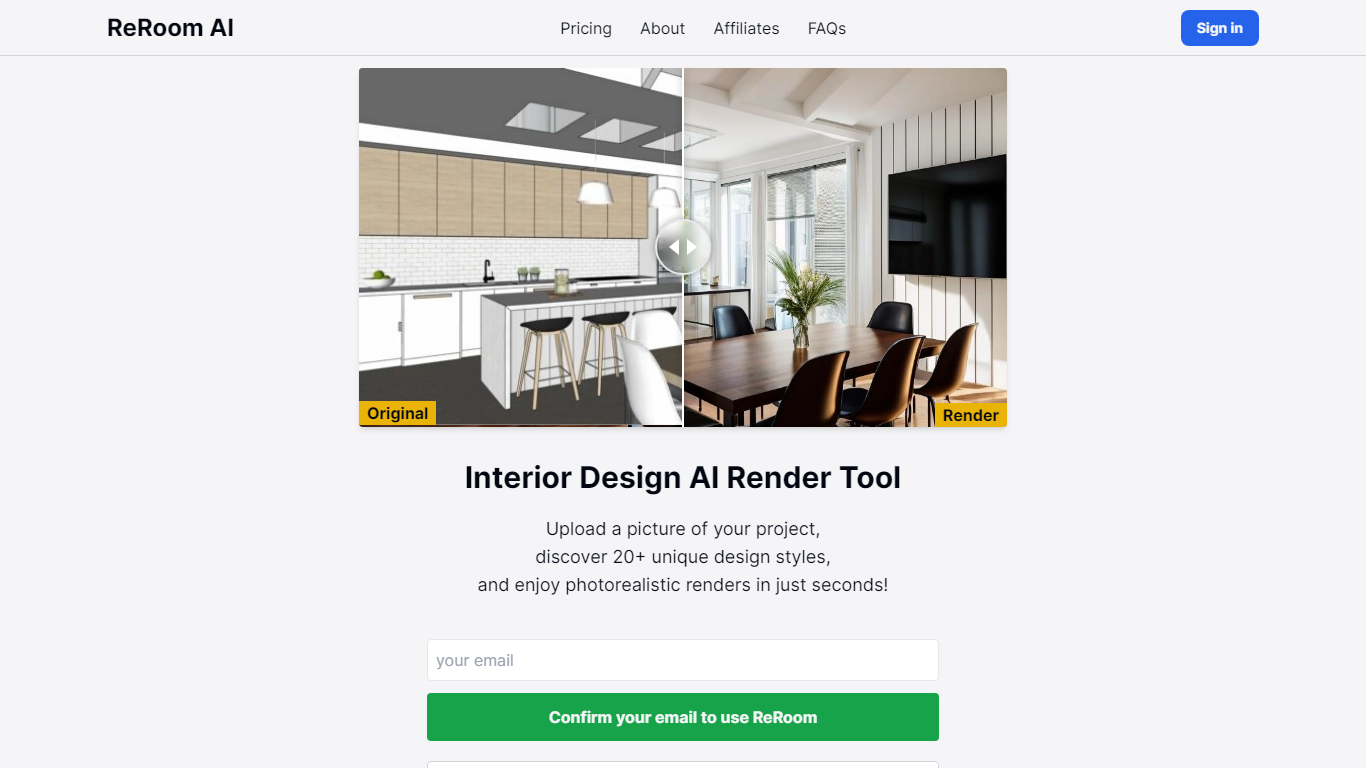
ReRoom AI turns interior photos, floor plans, SketchUp scenes, and clay models into photorealistic renders and virtual staging shots for real estate and design clients. You upload a source image, pick styles or prompts, and get presentation-ready interiors without a full 3D rebuild.
Compared with traditional rendering suites, ReRoom leans on fast AI passes with prompt control, 4x upscaling, and optional walkthrough video credits on paid plans. The free tier caps you at 3 watermarked renders per day, while paid plans unlock unlimited output, private mode, and commercial rights.
Interior designers, architects, and listing teams use it to pitch concepts, stage empty rooms, and refresh client decks. The about page cites 9,000+ daily renders across 150+ countries, with team billing and shared moodboards for agencies that need consistent styles.
HomeScore Upvotes
ReRoom AI Upvotes
HomeScore Top Features
Tracks 40+ home systems with model numbers, warranties, and health scores in one dashboard
Turns inspection PDFs into prioritized findings and cost ranges in about 60 seconds
Maps a 5-year cost forecast across major systems using regional repair benchmarks
Built-in chat answers questions using your roof age, systems inventory, and local permit costs
Parses contractor quotes and flags line items against regional pricing data
Free browser tools include inspection analysis, cost calculators, and a home health quiz
ReRoom AI Top Features
Free trial includes 3 renders per day with theme-based styling
Paid plans offer unlimited renders with 4x image upscaling
Private rendering mode removes watermarks on Pro and Team tiers
Prompt-based customization plus annotation edits on uploaded images
Video generation credits turn still renders into walkthrough clips
Team plans add shared projects, moodboards, and centralized billing
Tutorial library covers floor plans, SketchUp scenes, and satellite urban concepts
HomeScore Category
- Real Estate
ReRoom AI Category
- Real Estate
HomeScore Pricing Type
- Paid
ReRoom AI Pricing Type
- Freemium