Humanize AI vs Video To Blog
When comparing Humanize AI vs Video To Blog, which AI Content Creation tool shines brighter? We look at pricing, alternatives, upvotes, features, reviews, and more.
In a comparison between Humanize AI and Video To Blog, which one comes out on top?
When we put Humanize AI and Video To Blog side by side, both being AI-powered content creation tools, The upvote count favors Humanize AI, making it the clear winner. Humanize AI has received 7 upvotes from aitools.fyi users, while Video To Blog has received 6 upvotes.
Want to flip the script? Upvote your favorite tool and change the game!
Humanize AI

What is Humanize AI?
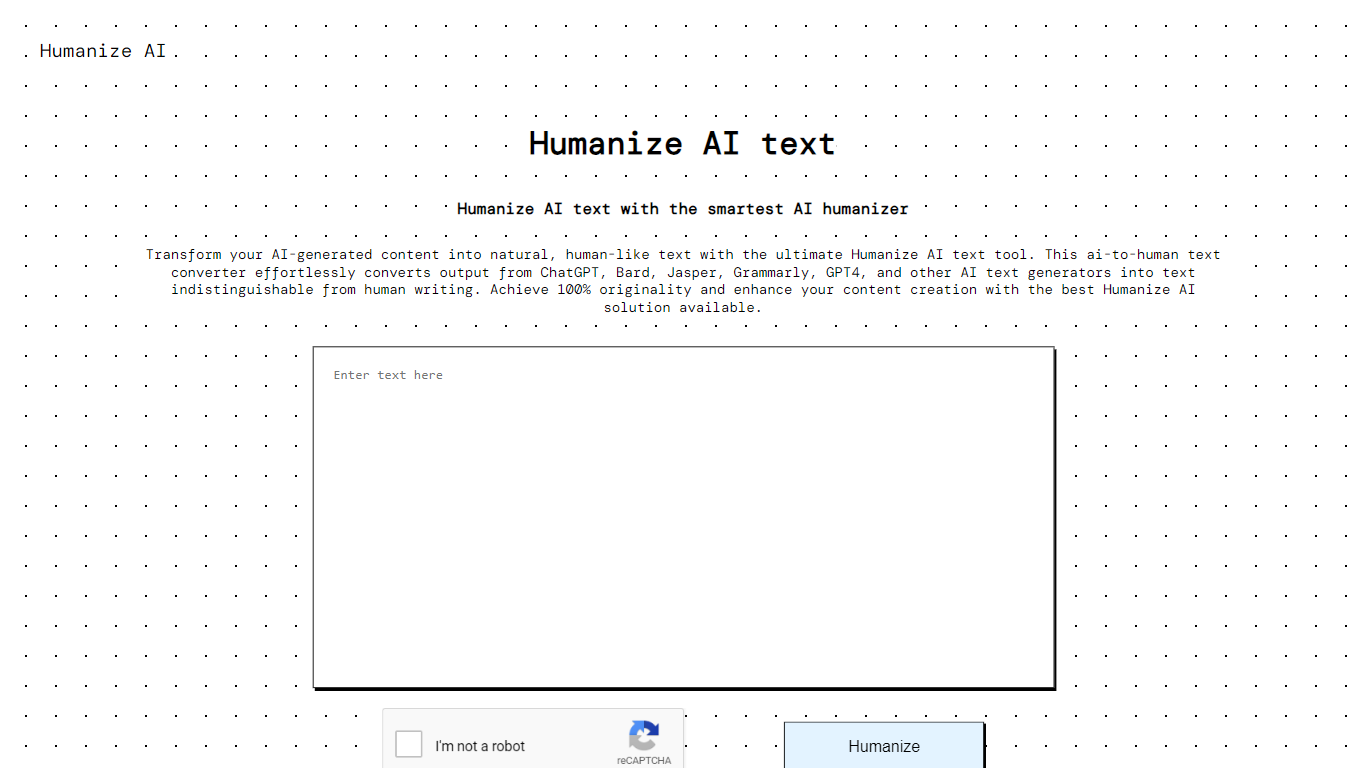
Humanize AI turns machine-generated drafts into natural-sounding content from one browser-based writing hub. You paste AI copy into the humanizer, pick a tone mode like Academic or Formal, and get rewritten output designed to pass detectors such as GPTZero, Turnitin, and Originality.ai. The same site also runs a paraphraser, plagiarism checker, grammar checker, and essay writer without sending you to separate apps.
Where most AI humanizers stop at rewriting, Humanize AI keeps the full check-and-fix loop on one domain. Its AI detector is free with unlimited scans and cross-checks results against third-party models like Copyleaks and ZeroGPT, then offers a one-click humanize path when text gets flagged. The grammar checker runs on a self-hosted LanguageTool engine rather than routing drafts through another vendor's cloud, which matters if you are polishing client or academic work you do not want logged elsewhere.
Students use it to rework ChatGPT essays before submission, while bloggers and marketers run drafts through the paraphraser or humanizer when they need a different tone without starting over. Paid tiers unlock higher monthly word caps and unlimited per-run lengths, but the free plan still gives you 1,500 humanizer words and access to every tone mode on the homepage editor.
Video To Blog

What is Video To Blog?
Video To Blog turns spoken video and audio into publish-ready blog articles. Paste a YouTube link, upload a file, drop in a transcript, record audio, or connect a channel, and the service outputs structured posts with headings, screenshots, smart links, metadata, and calls to action you can send to a website, newsletter, or download as HTML, Markdown, PDF, or Word.
Transcript-to-ChatGPT workflows still leave you stitching screenshots, links, and publishing steps by hand. Video To Blog bundles those production tasks: auto screenshots from the source video, reusable CTA blocks, SEO and GEO formatting, YouTube upload automations, and a built-in Publications feature for hosting a blog plus email newsletter on a custom domain. The homepage cites 500,000+ articles created and a 4.8 average across 500+ reviews on Trustpilot, G2, and Capterra.
YouTube creators, podcasters, agencies, and teams publishing sermons or webinars are the target users. Pricing starts free with one monthly upload, scales to Business at $69 per month (yearly billing) for 50 videos, and every paid tier adds publications, website integrations, and longer runtime limits.
Humanize AI Upvotes
Video To Blog Upvotes
Humanize AI Top Features
Free plan includes 1,500 humanizer words with a 300-word cap per run
Ten humanizer tone modes: Free, Standard, Academic, Simple, Flowing, Informal, Formal, Expand, Shorten, and Custom
AI detector offers unlimited free scans and cross-checks against Turnitin, GPTZero, Copyleaks, and Originality.ai
Upload drafts as .txt, .docx, .pdf, or .md files directly into the editor
Lite plan costs $4.99 per month on yearly billing for 10,000 humanizer words and 5,000 paraphraser words
Paraphraser includes seven modes, from Academic and Formal to Expand and Shorten
Grammar checker supports US, UK, Canadian, and Australian English variants
Video To Blog Top Features
Imports YouTube links, uploaded video/audio, transcripts, Google Drive files, and channel automations
Auto screenshots pull key visual moments from source videos into each article
Smart links and reusable CTA blocks insert internal and external links automatically
Publications host a blog, email newsletter, and custom domain without extra services
Free plan includes 1 monthly upload for videos up to 30 minutes with no credit card
Pro plan ($39/mo yearly) allows 15 monthly uploads up to 1.5 hours with 3 team members
Exports finished posts as HTML, Markdown, PDF, or Word and publishes to connected websites
Humanize AI Category
- Content Creation
Video To Blog Category
- Content Creation
Humanize AI Pricing Type
- Freemium
Video To Blog Pricing Type
- Freemium