Hyper Notepad vs Airgram
In the contest of Hyper Notepad vs Airgram, which AI Productivity tool is the champion? We evaluate pricing, alternatives, upvotes, features, reviews, and more.
If you had to choose between Hyper Notepad and Airgram, which one would you go for?
When we examine Hyper Notepad and Airgram, both of which are AI-enabled productivity tools, what unique characteristics do we discover? Airgram stands out as the clear frontrunner in terms of upvotes. Airgram has received 8 upvotes from aitools.fyi users, while Hyper Notepad has received 6 upvotes.
Feeling rebellious? Cast your vote and shake things up!
Hyper Notepad


What is Hyper Notepad?
Hyper Notepad is a browser-based productivity notepad for writing, saving, and sharing notes without installing software. You open the page, start typing, and get a unique link to share the note with anyone. Notes are encrypted at rest, autosave as you type, and work on desktop or mobile browsers.
Unlike Google Docs or Notion, Hyper Notepad stays intentionally lightweight. There are no workspaces, databases, or collaboration threads. You trade team features for zero-friction sharing, optional password locks, and auto-expiring notes that delete themselves after a set time.
It suits students, freelancers, and teams who need a quick scratchpad or a shareable doc without accounts. Writers who want rich text, code blocks, and optional Premium extras like tables, image embeds, and custom themes can upgrade when the free tier is not enough.
Airgram
What is Airgram?
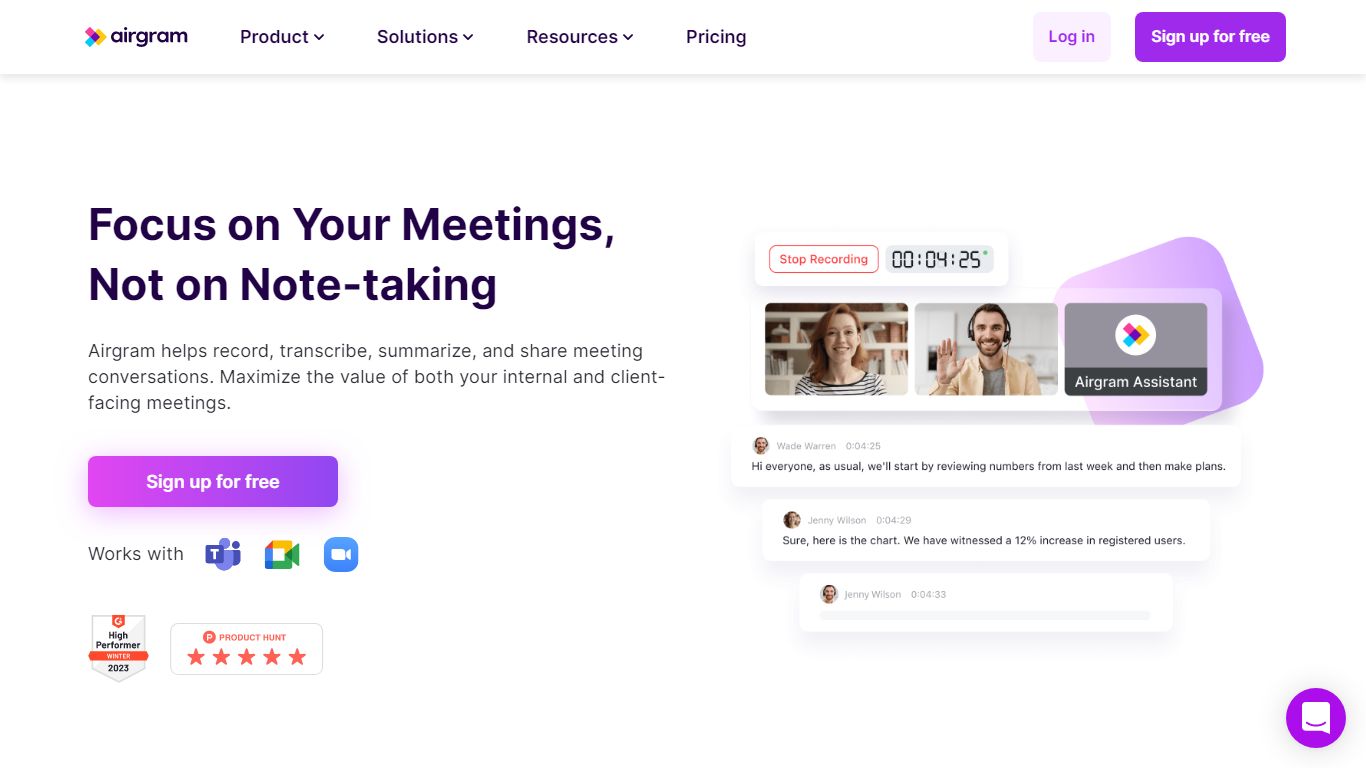
Airgram is a GPT-4 powered AI meeting assistant that can record, transcribe, and summarize online meetings held on Google Meet, Zoom, and Microsoft Teams. Its GPT-4 powered meeting summary helps users easily identify key information. Airgram also integrates with productivity tools like Notion, Zapier, and Hubspot, making it easy to streamline workflows and improve collaboration.
Hyper Notepad Upvotes
Airgram Upvotes
Hyper Notepad Top Features
Create and share unlimited notes with unique links, no account required
Notes encrypt at rest with optional password protection and auto-expiry timers
Premium adds image uploads, tables, live inline math, and custom themes from $3.99 per month
Rich text editor with code blocks, autosave, and download or print support
Light and dark mode with cross-device access when you sign in
Airgram Top Features
Transcribe
Record
GPT-4 summary
Hyper Notepad Category
- Productivity
Airgram Category
- Productivity
Hyper Notepad Pricing Type
- Freemium
Airgram Pricing Type
- Freemium