Hyper Notepad vs Albus
Compare Hyper Notepad vs Albus and see which AI Productivity tool is better when we compare features, reviews, pricing, alternatives, upvotes, etc.
Which one is better? Hyper Notepad or Albus?
When we compare Hyper Notepad with Albus, which are both AI-powered productivity tools, Interestingly, both tools have managed to secure the same number of upvotes. Join the aitools.fyi users in deciding the winner by casting your vote.
Want to flip the script? Upvote your favorite tool and change the game!
Hyper Notepad


What is Hyper Notepad?
Hyper Notepad is a browser-based productivity notepad for writing, saving, and sharing notes without installing software. You open the page, start typing, and get a unique link to share the note with anyone. Notes are encrypted at rest, autosave as you type, and work on desktop or mobile browsers.
Unlike Google Docs or Notion, Hyper Notepad stays intentionally lightweight. There are no workspaces, databases, or collaboration threads. You trade team features for zero-friction sharing, optional password locks, and auto-expiring notes that delete themselves after a set time.
It suits students, freelancers, and teams who need a quick scratchpad or a shareable doc without accounts. Writers who want rich text, code blocks, and optional Premium extras like tables, image embeds, and custom themes can upgrade when the free tier is not enough.
Albus
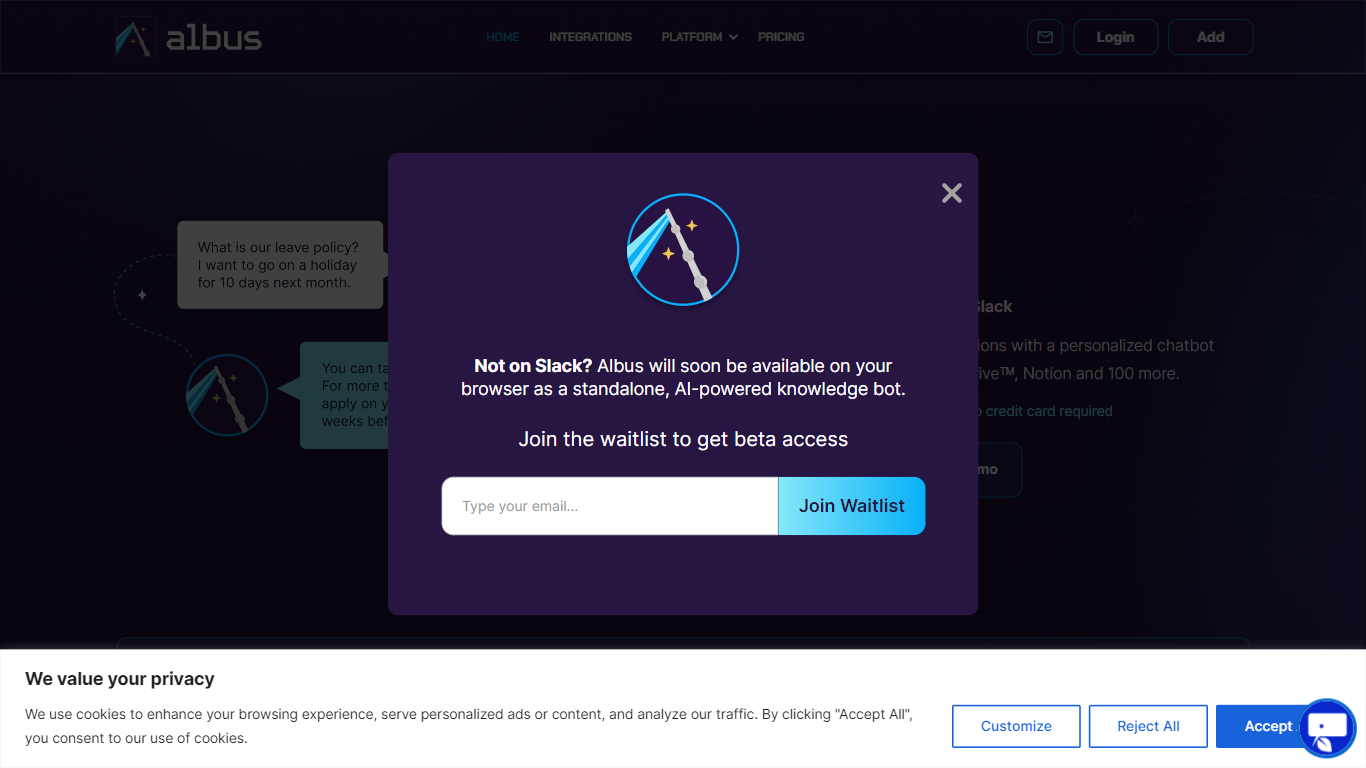
What is Albus?
Albus lets your team ask questions in Slack and on the web, then pulls answers from connected knowledge hubs like Notion, Jira, and Google Drive. It targets everyday workplace productivity gaps where employees waste time digging through scattered docs or pinging HR for the same policy answers.
Where a generic chatbot guesses from public training data, Albus only searches sources your organization wires in. Springworks positions it as a single source of truth that resolves queries in seconds rather than routing every question through a human inbox. That narrow focus on connected internal docs is the trade-off: it will not help with tasks outside what your admin has linked.
HR teams use it to field repetitive leave and benefits questions. Product managers can check Jira tickets and PRDs without leaving Slack. Customer success and sales reps can surface collateral buried in shared drives. Springworks reports more than 300 teams already use it across helpdesk, project management, and internal search workflows.
Hyper Notepad Upvotes
Albus Upvotes
Hyper Notepad Top Features
Create and share unlimited notes with unique links, no account required
Notes encrypt at rest with optional password protection and auto-expiry timers
Premium adds image uploads, tables, live inline math, and custom themes from $3.99 per month
Rich text editor with code blocks, autosave, and download or print support
Light and dark mode with cross-device access when you sign in
Albus Top Features
One-click integration with 50+ knowledge hubs including Notion, Jira, and Google Drive
Used by 300+ teams according to Springworks
Works inside Slack and on the web without switching between apps
Answers questions in a ChatGPT-style conversational interface
Connects Notion, Slack channels, Jira, Intercom, and HubSpot per Springworks docs
Admins choose which sources Albus searches before employees start asking questions
Hyper Notepad Category
- Productivity
Albus Category
- Productivity
Hyper Notepad Pricing Type
- Freemium
Albus Pricing Type
- Freemium