Hyper Notepad vs AppointEze
In the clash of Hyper Notepad vs AppointEze, which AI Productivity tool emerges victorious? We assess reviews, pricing, alternatives, features, upvotes, and more.
When we put Hyper Notepad and AppointEze head to head, which one emerges as the victor?
Let's take a closer look at Hyper Notepad and AppointEze, both of which are AI-driven productivity tools, and see what sets them apart. Both tools are equally favored, as indicated by the identical upvote count. The power is in your hands! Cast your vote and have a say in deciding the winner.
You don't agree with the result? Cast your vote to help us decide!
Hyper Notepad


What is Hyper Notepad?
Hyper Notepad is a browser-based productivity notepad for writing, saving, and sharing notes without installing software. You open the page, start typing, and get a unique link to share the note with anyone. Notes are encrypted at rest, autosave as you type, and work on desktop or mobile browsers.
Unlike Google Docs or Notion, Hyper Notepad stays intentionally lightweight. There are no workspaces, databases, or collaboration threads. You trade team features for zero-friction sharing, optional password locks, and auto-expiring notes that delete themselves after a set time.
It suits students, freelancers, and teams who need a quick scratchpad or a shareable doc without accounts. Writers who want rich text, code blocks, and optional Premium extras like tables, image embeds, and custom themes can upgrade when the free tier is not enough.
AppointEze
What is AppointEze?
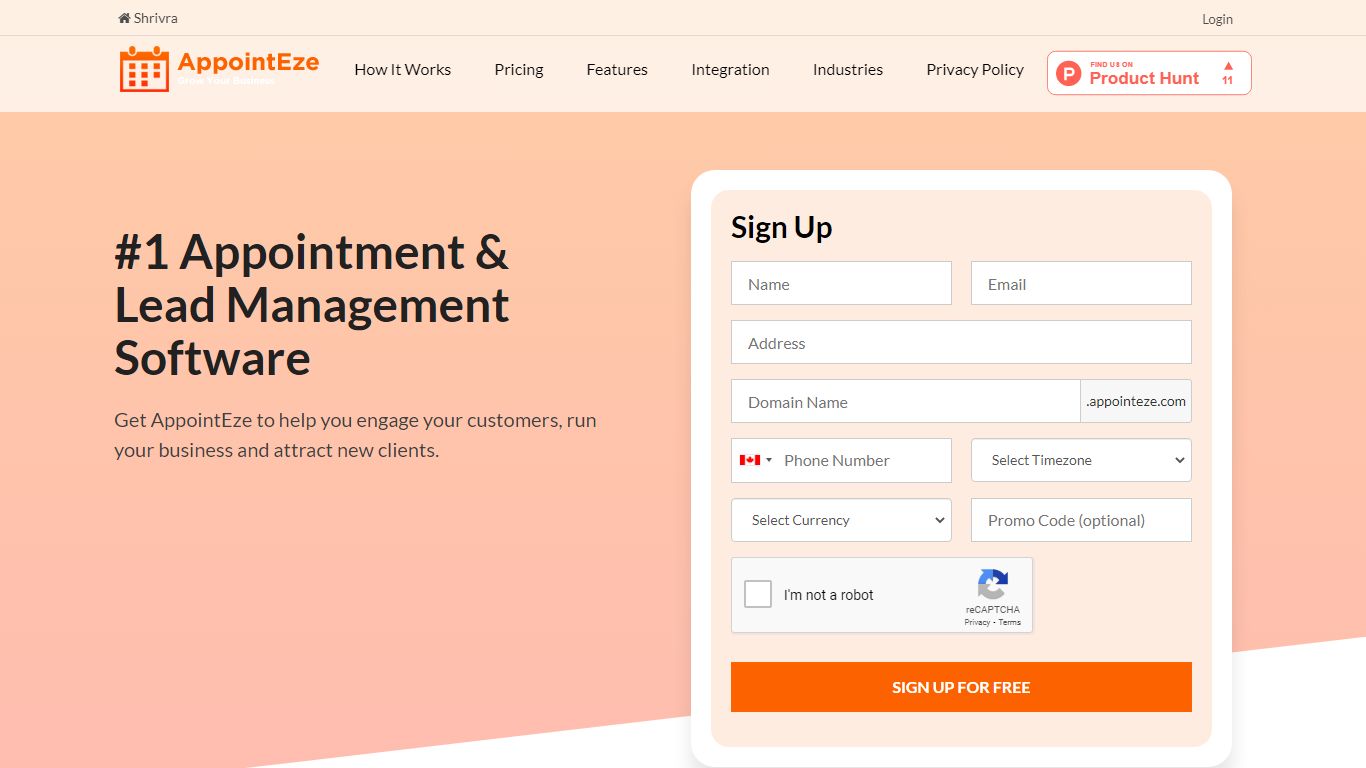
AppointEze lets service businesses share a booking link where clients pick open time slots without phone calls or email threads. The dashboard shows real-time availability, sends automated reminders, collects payments through Stripe or PayPal, and syncs with Google Calendar or Office 365. More than 10,000 businesses across 120 countries use it for client scheduling.
Calendly-style tools focus on one-to-one meetings for knowledge workers. AppointEze targets appointment-heavy service industries instead: barber shops, salons, spas, clinics, gyms, and similar businesses that juggle staff schedules, group classes, and walk-in capacity. It also includes lead management and client profiles, which generic schedulers typically skip.
Small business owners, solo practitioners, and front-desk teams are the main users. AppointEze fits anyone tired of email back-and-forth to confirm appointment times, especially service providers who need customers to book without creating an account first.
Hyper Notepad Upvotes
AppointEze Upvotes
Hyper Notepad Top Features
Create and share unlimited notes with unique links, no account required
Notes encrypt at rest with optional password protection and auto-expiry timers
Premium adds image uploads, tables, live inline math, and custom themes from $3.99 per month
Rich text editor with code blocks, autosave, and download or print support
Light and dark mode with cross-device access when you sign in
AppointEze Top Features
Custom booking page at yourname.appointeze.com that clients can use without registering
Two-way Google Calendar and Office 365 sync to prevent double bookings
Accept payments at booking time through Stripe and PayPal integrations
Host one-to-one meetings, group classes, webinars, and capped daily appointment limits
Automated email notifications and reminders with customizable templates
Lead management with client profiles and communication history in one place
Embeddable booking widget for your existing website plus Facebook integration
Hyper Notepad Category
- Productivity
AppointEze Category
- Productivity
Hyper Notepad Pricing Type
- Freemium
AppointEze Pricing Type
- Freemium