Hyper Notepad vs ContextClue
In the clash of Hyper Notepad vs ContextClue, which AI Productivity tool emerges victorious? We assess reviews, pricing, alternatives, features, upvotes, and more.
When we put Hyper Notepad and ContextClue head to head, which one emerges as the victor?
Let's take a closer look at Hyper Notepad and ContextClue, both of which are AI-driven productivity tools, and see what sets them apart. In the race for upvotes, ContextClue takes the trophy. The number of upvotes for ContextClue stands at 18, and for Hyper Notepad it's 6.
Does the result make you go "hmm"? Cast your vote and turn that frown upside down!
Hyper Notepad


What is Hyper Notepad?
Hyper Notepad is a browser-based productivity notepad for writing, saving, and sharing notes without installing software. You open the page, start typing, and get a unique link to share the note with anyone. Notes are encrypted at rest, autosave as you type, and work on desktop or mobile browsers.
Unlike Google Docs or Notion, Hyper Notepad stays intentionally lightweight. There are no workspaces, databases, or collaboration threads. You trade team features for zero-friction sharing, optional password locks, and auto-expiring notes that delete themselves after a set time.
It suits students, freelancers, and teams who need a quick scratchpad or a shareable doc without accounts. Writers who want rich text, code blocks, and optional Premium extras like tables, image embeds, and custom themes can upgrade when the free tier is not enough.
ContextClue
What is ContextClue?
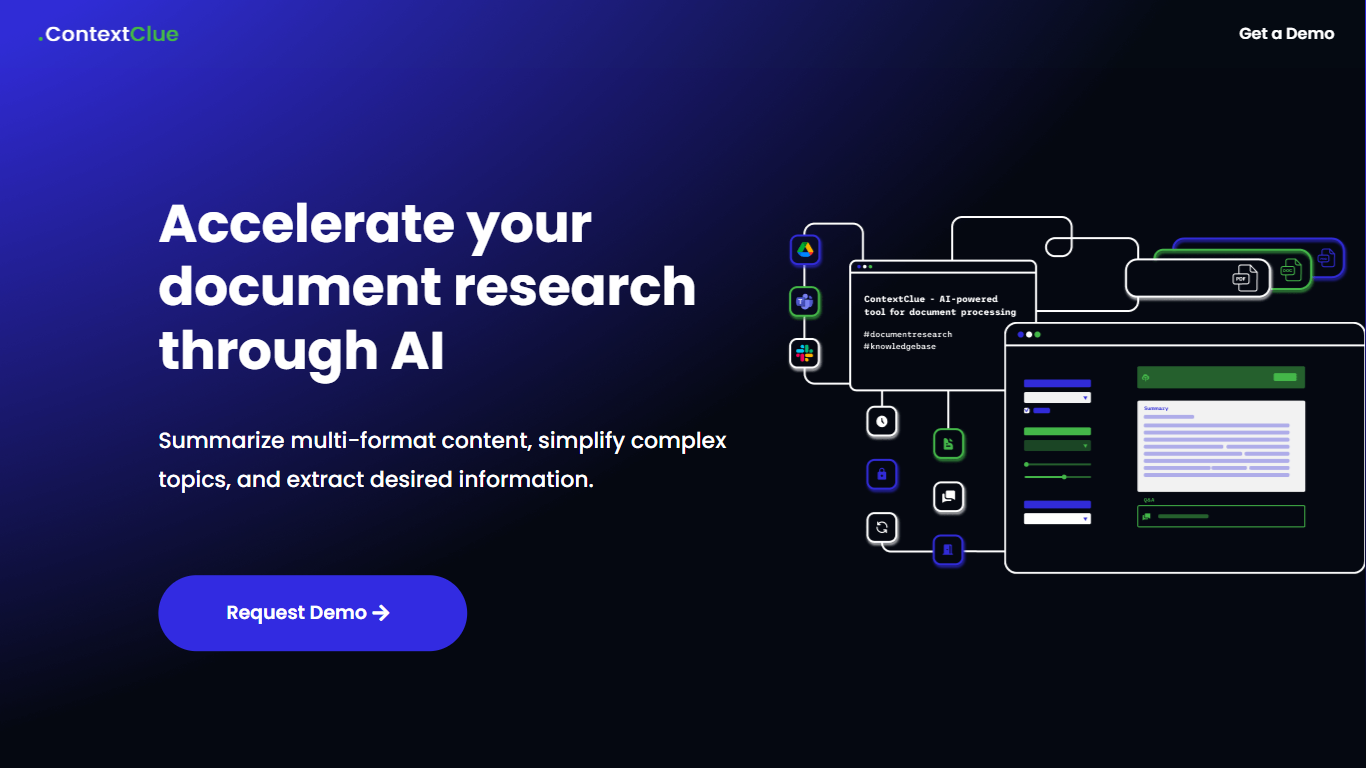
ContextClue turns scattered engineering files into searchable knowledge graphs for manufacturing and industrial teams. It ingests CAD files, ERP exports, PDFs, Excel sheets, and planning documents, then lets engineers query parts, systems, and specs through chat, graph views, or keyword search. The platform ships as an all-in-one product or as separate Ingest, Retrieve, and Generate modules.
Generic document chat tools stop at Q&A over uploaded PDFs. ContextClue maps part names, spatial relationships, and metadata across PLM, CAD, and ERP sources, which matters when you need spare parts planning or maintenance traces rather than a summary paragraph. The trade-off is an enterprise sales cycle with custom implementation instead of a self-serve signup.
Manufacturing planners, maintenance crews, and R&D teams use ContextClue for digital twin navigation, SOP generation, compliance reports, and tracing failures back to linked equipment docs. Addepto in Warsaw built the platform and offers a free planning phase with demo and LLM consultation before fixed-price implementation.
Hyper Notepad Upvotes
ContextClue Upvotes
Hyper Notepad Top Features
Create and share unlimited notes with unique links, no account required
Notes encrypt at rest with optional password protection and auto-expiry timers
Premium adds image uploads, tables, live inline math, and custom themes from $3.99 per month
Rich text editor with code blocks, autosave, and download or print support
Light and dark mode with cross-device access when you sign in
ContextClue Top Features
Ingest module classifies CAD, PDF, Excel, and planning exports across 20+ technical file formats
Retrieve module supports chat queries, graph navigation, system trees, and keyword search across PLM and ERP
Generate module outputs SOPs, compliance reports, and digital twin data as PDF, JSON, or graph maps
Modular deployment connects to existing PLM, ERP, and document systems without replacing them
Open-source ContextClue Graph Builder and MIT-licensed ContextCheck ship from production deployments
Cloud, on-premise, and hybrid deployment options with REST API integrations
Hyper Notepad Category
- Productivity
ContextClue Category
- Productivity
Hyper Notepad Pricing Type
- Freemium
ContextClue Pricing Type
- Paid