Hyper Notepad vs Core
When comparing Hyper Notepad vs Core, which AI Productivity tool shines brighter? We look at pricing, alternatives, upvotes, features, reviews, and more.
In a comparison between Hyper Notepad and Core, which one comes out on top?
When we put Hyper Notepad and Core side by side, both being AI-powered productivity tools, There's no clear winner in terms of upvotes, as both tools have received the same number. The power is in your hands! Cast your vote and have a say in deciding the winner.
Feeling rebellious? Cast your vote and shake things up!
Hyper Notepad
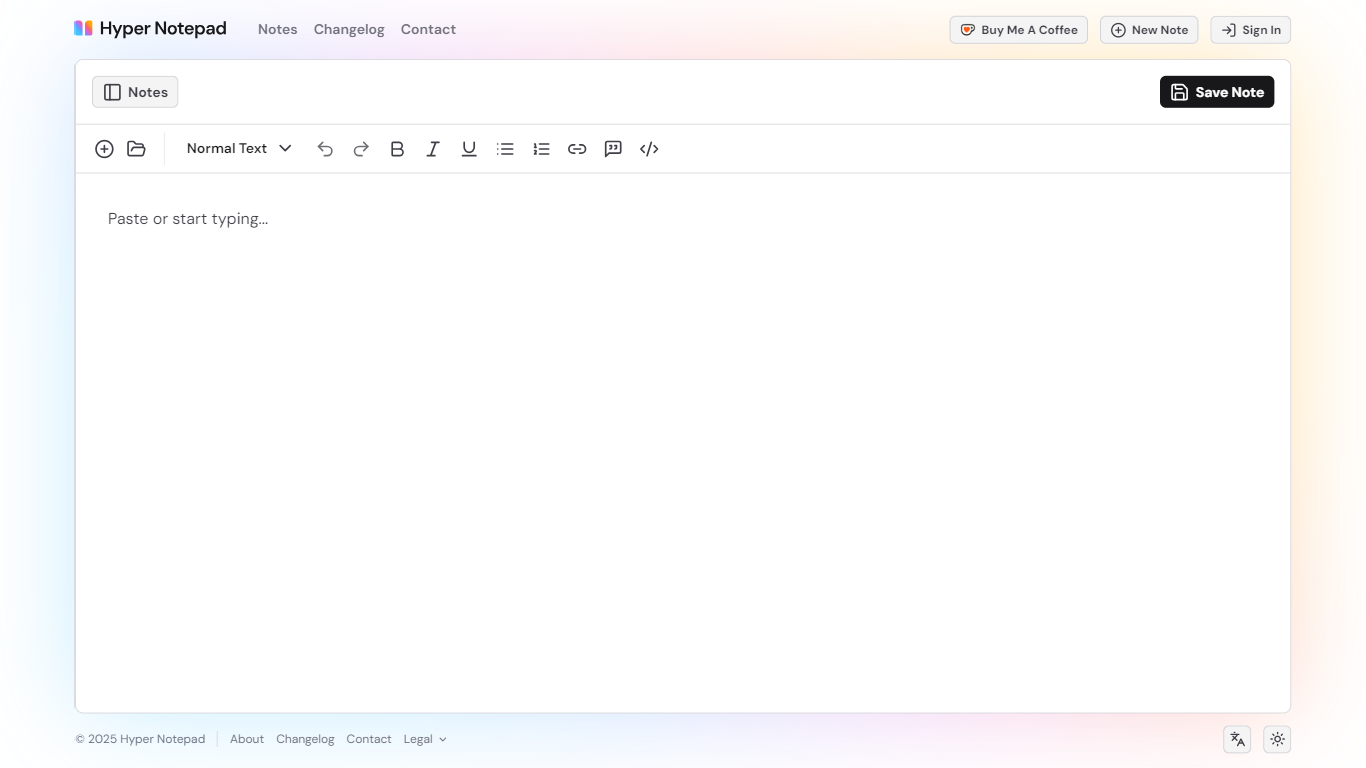

What is Hyper Notepad?
Hyper Notepad is a browser-based productivity notepad for writing, saving, and sharing notes without installing software. You open the page, start typing, and get a unique link to share the note with anyone. Notes are encrypted at rest, autosave as you type, and work on desktop or mobile browsers.
Unlike Google Docs or Notion, Hyper Notepad stays intentionally lightweight. There are no workspaces, databases, or collaboration threads. You trade team features for zero-friction sharing, optional password locks, and auto-expiring notes that delete themselves after a set time.
It suits students, freelancers, and teams who need a quick scratchpad or a shareable doc without accounts. Writers who want rich text, code blocks, and optional Premium extras like tables, image embeds, and custom themes can upgrade when the free tier is not enough.
Core

What is Core?
Core was a team communication platform built to replace the patchwork of Slack, Microsoft Teams, and Zoom with one central hub. After three years of development, Core Labs announced the project is winding down and has ceased further work on the product.
The platform combined topic-based chats and channels, a shared calendar, voice and video calls, and a native knowledge base in a single interface. Core marketed itself around reducing context switching and notification noise so distributed teams could stay aligned without juggling multiple apps.
Core offered a free tier for every module with no credit card required, plus paid subscription upgrades handled through Stripe. The product was developed by Core Labs, a Warsaw-based company, and targeted remote teams looking for an all-in-one workplace communication stack.
Hyper Notepad Upvotes
Core Upvotes
Hyper Notepad Top Features
Create and share unlimited notes with unique links, no account required
Notes encrypt at rest with optional password protection and auto-expiry timers
Premium adds image uploads, tables, live inline math, and custom themes from $3.99 per month
Rich text editor with code blocks, autosave, and download or print support
Light and dark mode with cross-device access when you sign in
Core Top Features
Topic-based channels keep team chats organized in one workspace
Built-in calendar for scheduling meetings and tracking events
Voice channels, calls, and screen sharing without a separate video app
Native knowledge base acts as a private wiki for team documentation
End-to-end encryption across communication with modular add-ons
Free plan available for every module with no credit card required
Hyper Notepad Category
- Productivity
Core Category
- Productivity
Hyper Notepad Pricing Type
- Freemium
Core Pricing Type
- Freemium