Hyper Notepad vs DashAI
When comparing Hyper Notepad vs DashAI, which AI Productivity tool shines brighter? We look at pricing, alternatives, upvotes, features, reviews, and more.
In a comparison between Hyper Notepad and DashAI, which one comes out on top?
When we put Hyper Notepad and DashAI side by side, both being AI-powered productivity tools, Both tools are equally favored, as indicated by the identical upvote count. Your vote matters! Help us decide the winner among aitools.fyi users by casting your vote.
You don't agree with the result? Cast your vote to help us decide!
Hyper Notepad


What is Hyper Notepad?
Hyper Notepad is a browser-based productivity notepad for writing, saving, and sharing notes without installing software. You open the page, start typing, and get a unique link to share the note with anyone. Notes are encrypted at rest, autosave as you type, and work on desktop or mobile browsers.
Unlike Google Docs or Notion, Hyper Notepad stays intentionally lightweight. There are no workspaces, databases, or collaboration threads. You trade team features for zero-friction sharing, optional password locks, and auto-expiring notes that delete themselves after a set time.
It suits students, freelancers, and teams who need a quick scratchpad or a shareable doc without accounts. Writers who want rich text, code blocks, and optional Premium extras like tables, image embeds, and custom themes can upgrade when the free tier is not enough.
DashAI
What is DashAI?
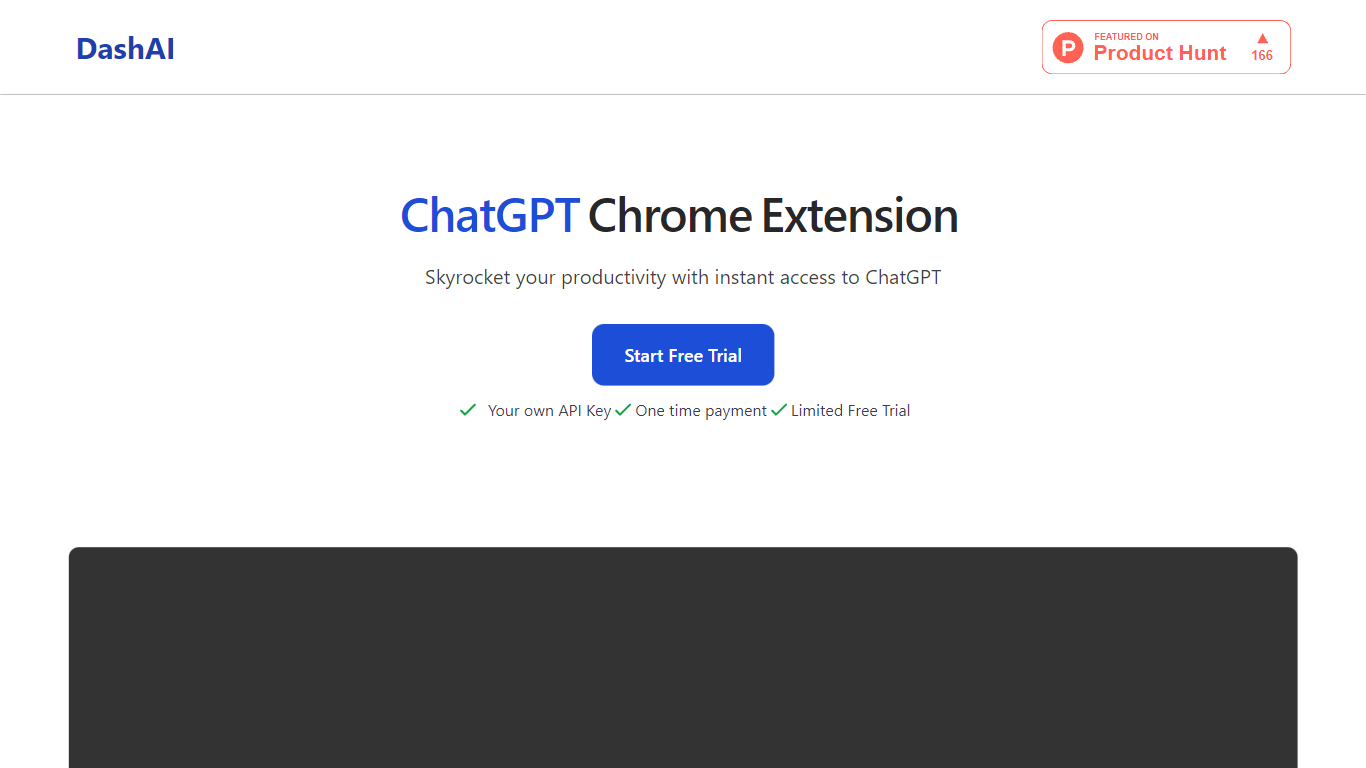
DashAI offers the convenience of instant ChatGPT access on every webpage with their Chrome extension, revolutionizing the way users interact with AI on the web. With the use of a simple ⌘ + K shortcut, you can summon a side chat on any page, tapping into a vast library of prompts for a variety of tasks. This tool saves time by summarizing content, executing text-based commands, and generating AI-crafted text in fields with a simple command. Suited for both personal and professional use, it's particularly beneficial for those looking to boost productivity through quick summaries, translations, audio transcriptions, and custom AI actions. DashAI is easy to install, data is stored locally, and support can be reached via email. Start with a free trial or opt for a one-time payment to enjoy unlimited usage.
Hyper Notepad Upvotes
DashAI Upvotes
Hyper Notepad Top Features
Create and share unlimited notes with unique links, no account required
Notes encrypt at rest with optional password protection and auto-expiry timers
Premium adds image uploads, tables, live inline math, and custom themes from $3.99 per month
Rich text editor with code blocks, autosave, and download or print support
Light and dark mode with cross-device access when you sign in
DashAI Top Features
Side Chat: Activate ChatGPT on any webpage with a shortcut to assist in various tasks.
Summaries: Quickly summarize webpage content to grasp essential points without reading the entire text.
AI Quick Actions: Highlight text and execute AI-powered commands to streamline online interactions.
Transcriptions: Effortlessly record audio and convert it to text on any webpage ideal for email replies or social posts.
AI Text Expander (Experimental): Generate AI content in text fields on websites to improve efficiency.
Hyper Notepad Category
- Productivity
DashAI Category
- Productivity
Hyper Notepad Pricing Type
- Freemium
DashAI Pricing Type
- Freemium