Hyper Notepad vs Dify.AI
When comparing Hyper Notepad vs Dify.AI, which AI Productivity tool shines brighter? We look at pricing, alternatives, upvotes, features, reviews, and more.
Between Hyper Notepad and Dify.AI, which one is superior?
When we put Hyper Notepad and Dify.AI side by side, both being AI-powered productivity tools, Both tools have received the same number of upvotes from aitools.fyi users. Every vote counts! Cast yours and contribute to the decision of the winner.
Want to flip the script? Upvote your favorite tool and change the game!
Hyper Notepad


What is Hyper Notepad?
Hyper Notepad is a browser-based productivity notepad for writing, saving, and sharing notes without installing software. You open the page, start typing, and get a unique link to share the note with anyone. Notes are encrypted at rest, autosave as you type, and work on desktop or mobile browsers.
Unlike Google Docs or Notion, Hyper Notepad stays intentionally lightweight. There are no workspaces, databases, or collaboration threads. You trade team features for zero-friction sharing, optional password locks, and auto-expiring notes that delete themselves after a set time.
It suits students, freelancers, and teams who need a quick scratchpad or a shareable doc without accounts. Writers who want rich text, code blocks, and optional Premium extras like tables, image embeds, and custom themes can upgrade when the free tier is not enough.
Dify.AI
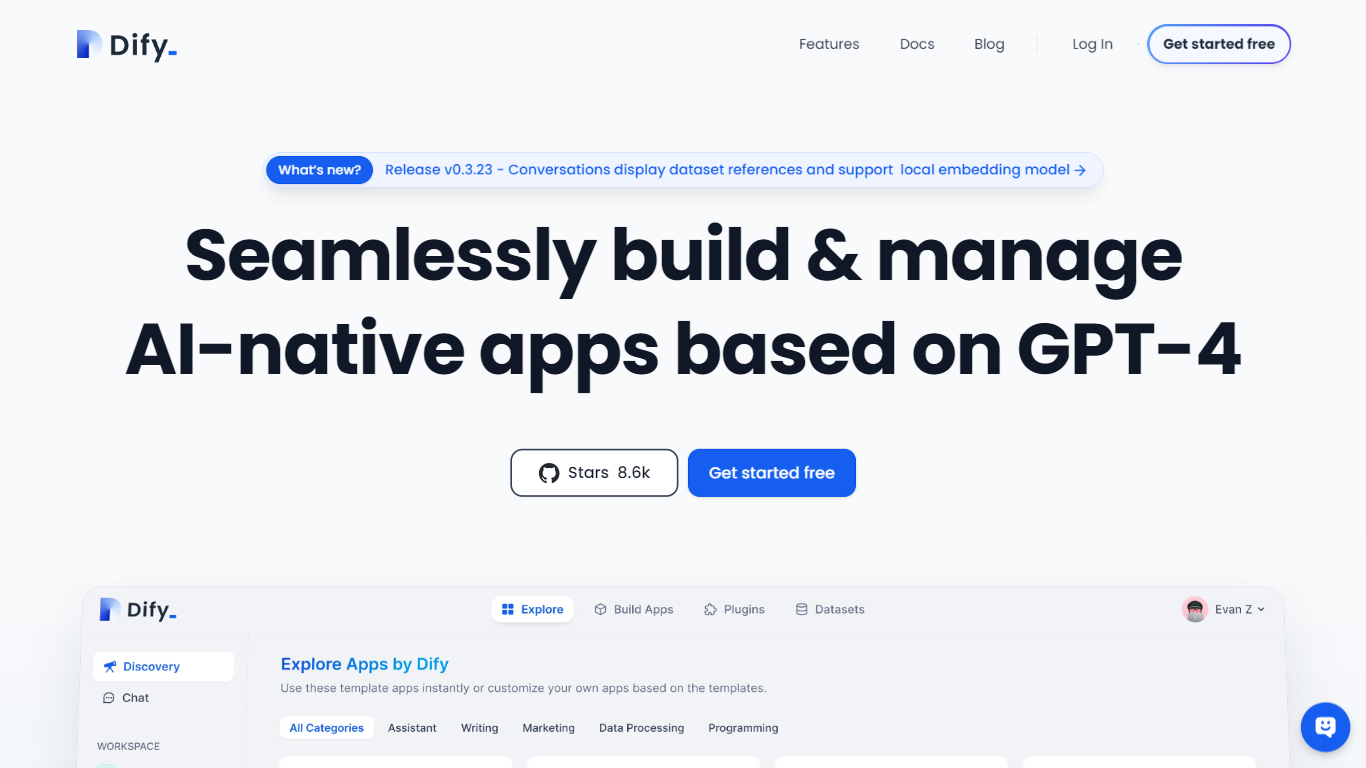
What is Dify.AI?
Dify.AI lets teams build agentic workflows, RAG pipelines, and AI agents on a visual canvas, then ship them to cloud, VPC, or self-hosted Docker without rewriting the stack. The Workflow Studio connects model calls, knowledge retrieval, tool use, branching, and human-review nodes into one debuggable execution path that publishes as a web app, API, embed, or MCP tool.
Where many AI builders stop at a chat wrapper, Dify treats the workflow as the product. Every node, variable, and run is traceable in logs, and the open-source Community Edition has 152,000+ GitHub stars. Dify Cloud adds managed hosting with message credits for trying models from OpenAI, Anthropic, Gemini, and others before you plug in your own API keys.
Developers, product teams, and enterprise IT groups use Dify for customer support bots, document processing pipelines, assessment generation, and internal knowledge assistants. The Marketplace supplies model providers, data sources, and MCP integrations teams can reuse across projects instead of wiring each app from scratch.
Hyper Notepad Upvotes
Dify.AI Upvotes
Hyper Notepad Top Features
Create and share unlimited notes with unique links, no account required
Notes encrypt at rest with optional password protection and auto-expiry timers
Premium adds image uploads, tables, live inline math, and custom themes from $3.99 per month
Rich text editor with code blocks, autosave, and download or print support
Light and dark mode with cross-device access when you sign in
Dify.AI Top Features
Workflow Studio visual canvas with LLM, knowledge retrieval, branching, code, and human-review nodes
Knowledge Pipeline ingests files, websites, and drives with chunking, indexing, and retrieval testing
Agents get tools, memory, and boundary limits usable standalone or inside larger workflows
Marketplace installs model providers, data sources, and MCP integrations across projects
Publish apps as web experiences, API endpoints, embeds, or MCP-compatible tools with run logs
Community Edition deploys via single-command Docker with Apache-2.0-derivative license and 152K+ GitHub stars
Hyper Notepad Category
- Productivity
Dify.AI Category
- Productivity
Hyper Notepad Pricing Type
- Freemium
Dify.AI Pricing Type
- Freemium