Hyper Notepad vs Google Workspace
In the contest of Hyper Notepad vs Google Workspace, which AI Productivity tool is the champion? We evaluate pricing, alternatives, upvotes, features, reviews, and more.
If you had to choose between Hyper Notepad and Google Workspace, which one would you go for?
When we examine Hyper Notepad and Google Workspace, both of which are AI-enabled productivity tools, what unique characteristics do we discover? Interestingly, both tools have managed to secure the same number of upvotes. You can help us determine the winner by casting your vote and tipping the scales in favor of one of the tools.
Want to flip the script? Upvote your favorite tool and change the game!
Hyper Notepad


What is Hyper Notepad?
Hyper Notepad is a browser-based productivity notepad for writing, saving, and sharing notes without installing software. You open the page, start typing, and get a unique link to share the note with anyone. Notes are encrypted at rest, autosave as you type, and work on desktop or mobile browsers.
Unlike Google Docs or Notion, Hyper Notepad stays intentionally lightweight. There are no workspaces, databases, or collaboration threads. You trade team features for zero-friction sharing, optional password locks, and auto-expiring notes that delete themselves after a set time.
It suits students, freelancers, and teams who need a quick scratchpad or a shareable doc without accounts. Writers who want rich text, code blocks, and optional Premium extras like tables, image embeds, and custom themes can upgrade when the free tier is not enough.
Google Workspace
What is Google Workspace?
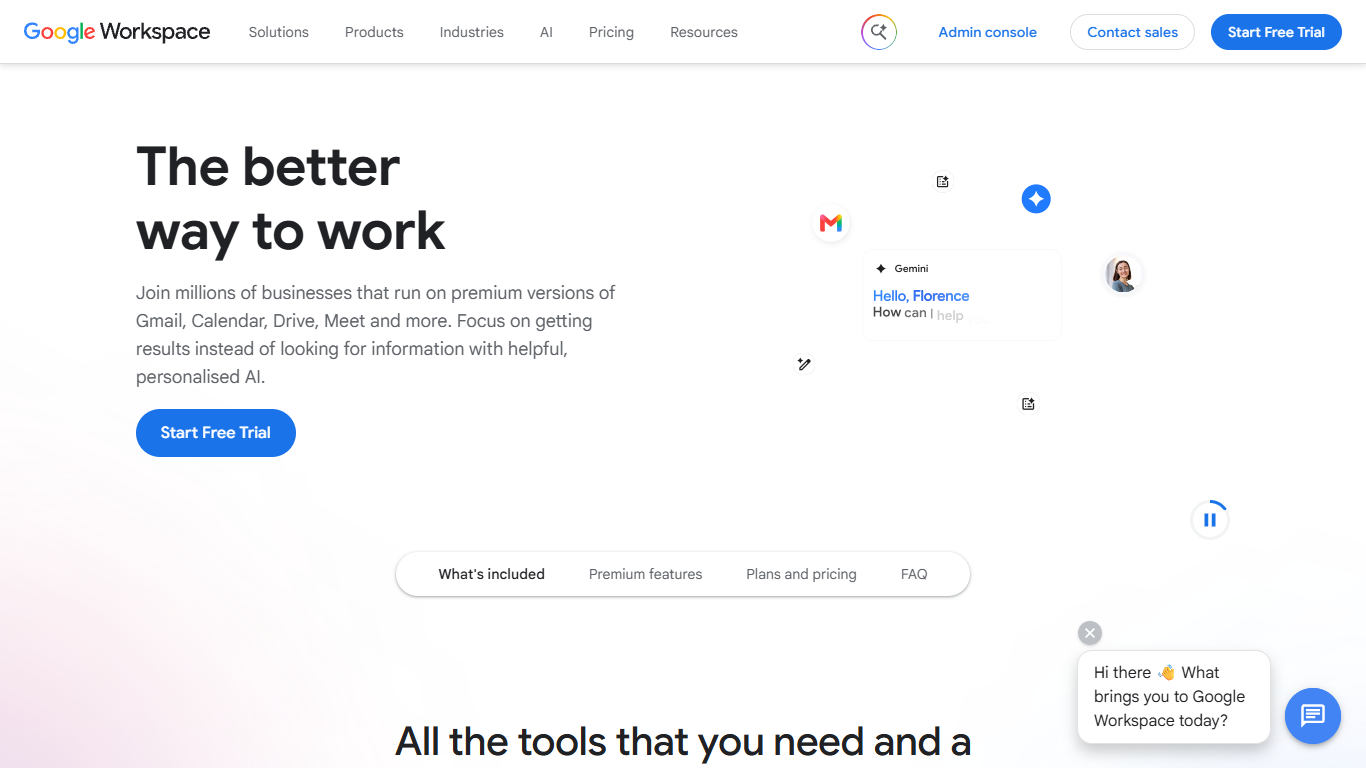
Google Workspace bundles Gmail, Calendar, Drive, Docs, Meet, Chat, and other cloud apps into one subscription for businesses, teams, and organizations. Instead of juggling separate tools, you get custom email at your domain, shared calendars, file storage, and office apps that talk to each other.
The apps are built to work together. Turn an email into a calendar event, start a Meet call from your inbox, or co-edit a Doc while teammates see changes in real time. Higher plans add Gemini assistants in Gmail, Docs, Sheets, Slides, and Meet, plus tools like NotebookLM and Google Vids.
Plans range from small teams to enterprise, with an admin console for user management, security policies, and endpoint controls. Google offers a 14-day trial for new customers before billing begins.
Hyper Notepad Upvotes
Google Workspace Upvotes
Hyper Notepad Top Features
Create and share unlimited notes with unique links, no account required
Notes encrypt at rest with optional password protection and auto-expiry timers
Premium adds image uploads, tables, live inline math, and custom themes from $3.99 per month
Rich text editor with code blocks, autosave, and download or print support
Light and dark mode with cross-device access when you sign in
Google Workspace Top Features
Custom business email at your domain with spam and phishing protection
Gemini assistants in Gmail, Docs, Sheets, Slides, and Meet on Standard plans and up
Real-time co-editing in Docs, Sheets, and Slides with built-in chat and comments
Meet video calls with recording, noise cancellation, and up to 500 participants on Plus
Pooled cloud storage from 30 GB per user on Starter to 5 TB on Plus and Enterprise
Admin console for users, security settings, endpoint management, and Vault archiving
NotebookLM for research synthesis and Google Vids for creating and editing videos
Hyper Notepad Category
- Productivity
Google Workspace Category
- Productivity
Hyper Notepad Pricing Type
- Freemium
Google Workspace Pricing Type
- Paid