Hyper Notepad vs Leexi
In the battle of Hyper Notepad vs Leexi, which AI Productivity tool comes out on top? We compare reviews, pricing, alternatives, upvotes, features, and more.
Between Hyper Notepad and Leexi, which one is superior?
Upon comparing Hyper Notepad with Leexi, which are both AI-powered productivity tools, The community has spoken, Leexi leads with more upvotes. Leexi has 7 upvotes, and Hyper Notepad has 6 upvotes.
You don't agree with the result? Cast your vote to help us decide!
Hyper Notepad


What is Hyper Notepad?
Hyper Notepad is a browser-based productivity notepad for writing, saving, and sharing notes without installing software. You open the page, start typing, and get a unique link to share the note with anyone. Notes are encrypted at rest, autosave as you type, and work on desktop or mobile browsers.
Unlike Google Docs or Notion, Hyper Notepad stays intentionally lightweight. There are no workspaces, databases, or collaboration threads. You trade team features for zero-friction sharing, optional password locks, and auto-expiring notes that delete themselves after a set time.
It suits students, freelancers, and teams who need a quick scratchpad or a shareable doc without accounts. Writers who want rich text, code blocks, and optional Premium extras like tables, image embeds, and custom themes can upgrade when the free tier is not enough.
Leexi
What is Leexi?
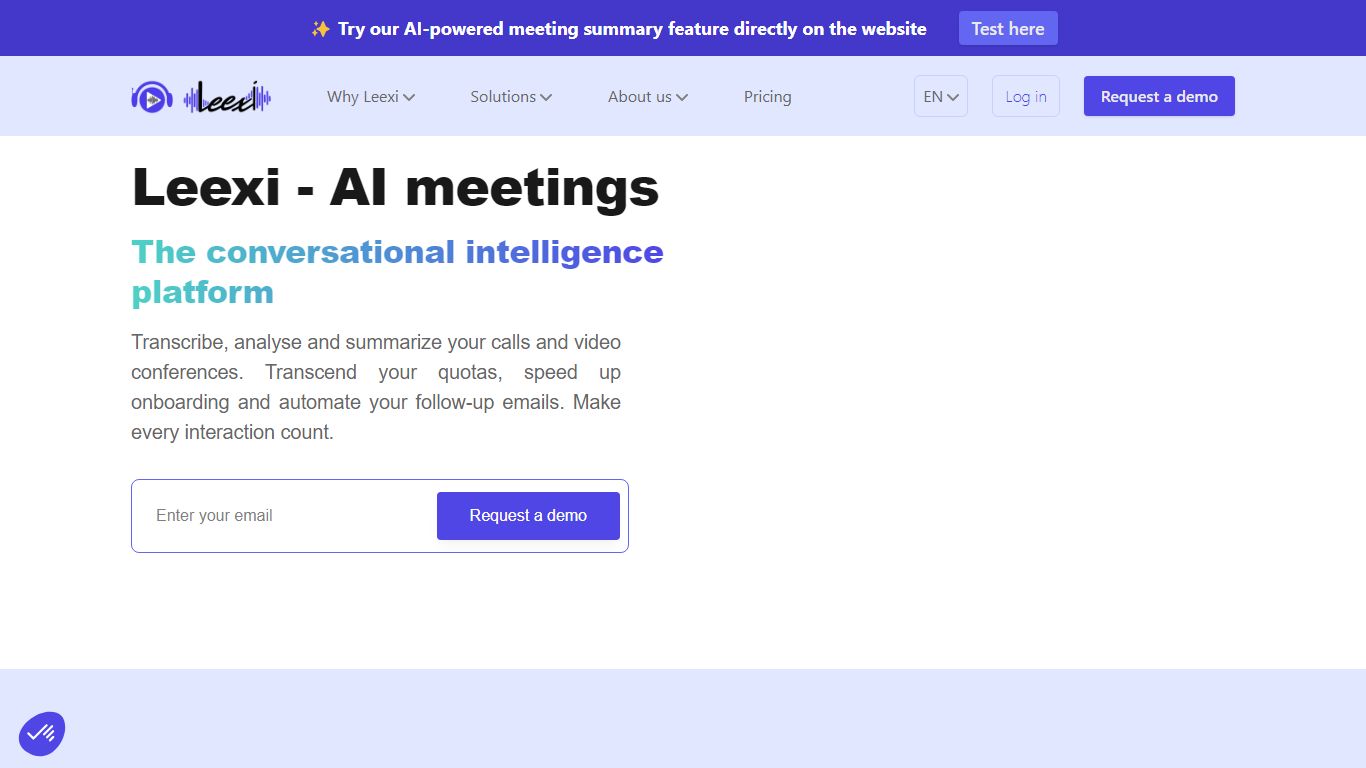
Leexi joins your Google Meet, Microsoft Teams, and Zoom calls as a European AI notetaker, then emails a transcript, summary, and action items when the meeting ends. It also records in-person conversations through a mobile app and can push notes into CRMs like HubSpot, Salesforce, and Pipedrive on higher tiers. The product targets teams that spend their week in meetings and hate retyping follow-ups.
US-centric notetakers often host data outside the EU. Leexi stores and processes data in France, advertises GDPR compliance and ISO 27001 certification, and sells Business plans that auto-fill CRM fields from call summaries. Ask Leexi lets you query a finished meeting like a chatbot instead of rereading a long transcript.
Sales teams use Leexi to log Ringover and Aircall calls without manual CRM updates. Consultants and recruiters lean on custom prompt libraries for client-ready reports. Managers on Business and Enterprise plans get multi-meeting rollups and conversation intelligence dashboards.
Hyper Notepad Upvotes
Leexi Upvotes
Hyper Notepad Top Features
Create and share unlimited notes with unique links, no account required
Notes encrypt at rest with optional password protection and auto-expiry timers
Premium adds image uploads, tables, live inline math, and custom themes from $3.99 per month
Rich text editor with code blocks, autosave, and download or print support
Light and dark mode with cross-device access when you sign in
Leexi Top Features
Starter plan costs $12 per user per month on yearly billing with a 20-hour monthly meeting cap
Transcribes meetings in 100+ languages with automatic language detection
Connects to Google Meet, Microsoft Teams, Zoom, plus VoIP tools like Aircall and Ringover on Business
Ask Leexi answers follow-up questions about a finished meeting transcript
Business tier auto-fills CRM fields and syncs summaries into Salesforce, HubSpot, and Pipedrive
Data hosted in France with GDPR compliance and ISO 27001 certification
Hyper Notepad Category
- Productivity
Leexi Category
- Productivity
Hyper Notepad Pricing Type
- Freemium
Leexi Pricing Type
- Paid