Hyper Notepad vs Mem
When comparing Hyper Notepad vs Mem, which AI Productivity tool shines brighter? We look at pricing, alternatives, upvotes, features, reviews, and more.
In a comparison between Hyper Notepad and Mem, which one comes out on top?
When we put Hyper Notepad and Mem side by side, both being AI-powered productivity tools, The upvote count reveals a draw, with both tools earning the same number of upvotes. Every vote counts! Cast yours and contribute to the decision of the winner.
Disagree with the result? Upvote your favorite tool and help it win!
Hyper Notepad


What is Hyper Notepad?
Hyper Notepad is a browser-based productivity notepad for writing, saving, and sharing notes without installing software. You open the page, start typing, and get a unique link to share the note with anyone. Notes are encrypted at rest, autosave as you type, and work on desktop or mobile browsers.
Unlike Google Docs or Notion, Hyper Notepad stays intentionally lightweight. There are no workspaces, databases, or collaboration threads. You trade team features for zero-friction sharing, optional password locks, and auto-expiring notes that delete themselves after a set time.
It suits students, freelancers, and teams who need a quick scratchpad or a shareable doc without accounts. Writers who want rich text, code blocks, and optional Premium extras like tables, image embeds, and custom themes can upgrade when the free tier is not enough.
Mem
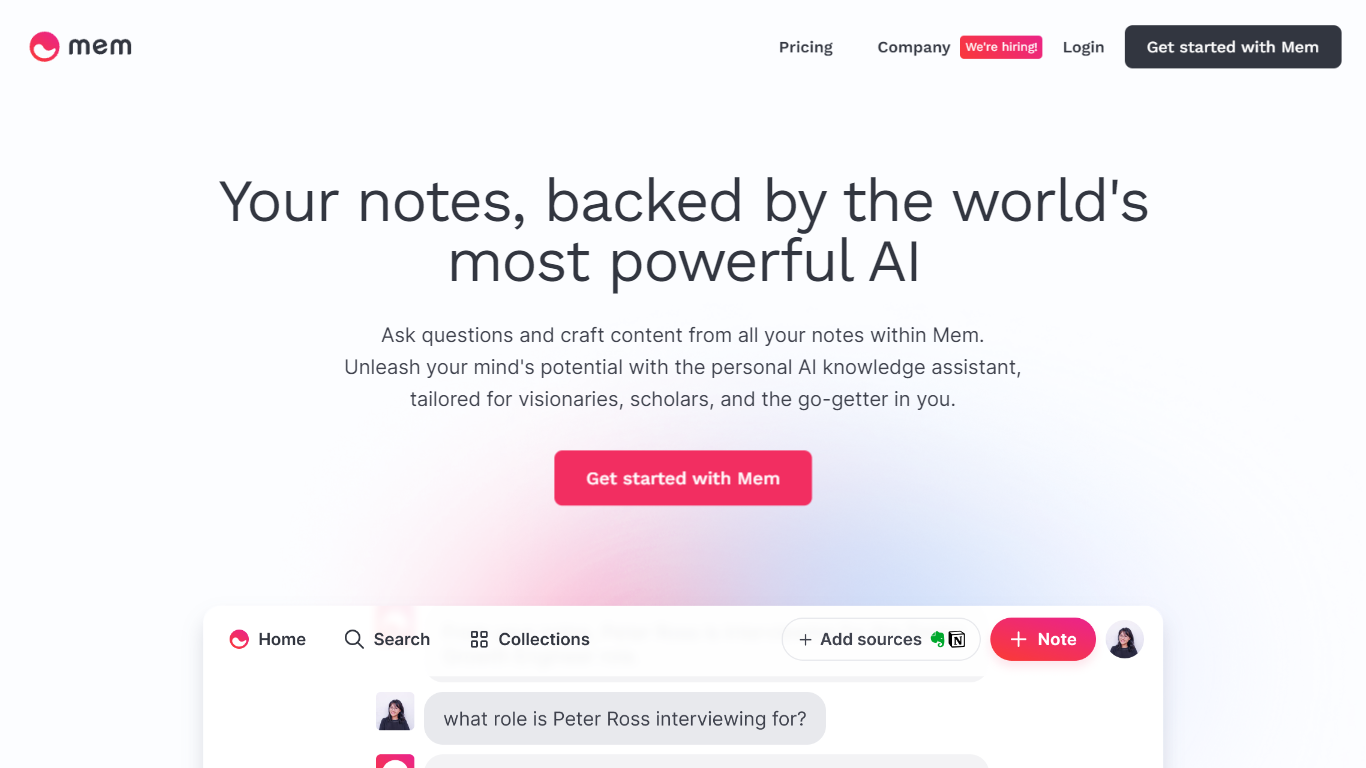
What is Mem?
Mem is a productivity workspace for notes, meetings, and research that uses a built-in Mem Agent to organize and recall what you save. You capture ideas by voice, during calls, from the web, or on the go, and Mem tags, links, and indexes notes so you spend less time filing and more time using what you captured.
Compared with folder-first note apps, Mem bets on semantic search and proactive resurfacing instead of manual taxonomy. Deep Search finds notes by meaning, Heads Up pulls related context while you work, and on the $99 per month Proactive plan the agent reaches out in Slack, iMessage, and WhatsApp before commitments slip. That proactive layer is the trade-off: you get less rigid structure than Notion-style databases in exchange for an assistant that watches your inbox of ideas.
Mem targets founders, consultants, researchers, and other knowledge workers who juggle meetings, reading, and scattered captures across tools. Desktop apps on Mac and Windows can record system audio from Zoom, Google Meet, and Teams, while iOS and web clients handle lighter capture. Pro costs $12 per month with a 250 Mem Agent message cap; Proactive removes limits and adds outbound reminders after a 7-day trial.
Hyper Notepad Upvotes
Mem Upvotes
Hyper Notepad Top Features
Create and share unlimited notes with unique links, no account required
Notes encrypt at rest with optional password protection and auto-expiry timers
Premium adds image uploads, tables, live inline math, and custom themes from $3.99 per month
Rich text editor with code blocks, autosave, and download or print support
Light and dark mode with cross-device access when you sign in
Mem Top Features
Mem Agent answers questions and drafts from your saved notes
Proactive plan ($99/mo) sends reminders in Slack, iMessage, and WhatsApp
Voice Mode turns spoken brain dumps into structured notes on desktop
Desktop apps transcribe Zoom, Meet, and Teams with system audio
Deep Search finds notes by meaning, not just keywords
Pro includes 250 Mem Agent messages per month at $12
Meeting Briefings and connected email on paid plans
Hyper Notepad Category
- Productivity
Mem Category
- Productivity
Hyper Notepad Pricing Type
- Freemium
Mem Pricing Type
- Freemium