Hyper Notepad vs Todo.is
When comparing Hyper Notepad vs Todo.is, which AI Productivity tool shines brighter? We look at pricing, alternatives, upvotes, features, reviews, and more.
Between Hyper Notepad and Todo.is, which one is superior?
When we put Hyper Notepad and Todo.is side by side, both being AI-powered productivity tools, Neither tool takes the lead, as they both have the same upvote count. Be a part of the decision-making process. Your vote could determine the winner.
Disagree with the result? Upvote your favorite tool and help it win!
Hyper Notepad


What is Hyper Notepad?
Hyper Notepad is a browser-based productivity notepad for writing, saving, and sharing notes without installing software. You open the page, start typing, and get a unique link to share the note with anyone. Notes are encrypted at rest, autosave as you type, and work on desktop or mobile browsers.
Unlike Google Docs or Notion, Hyper Notepad stays intentionally lightweight. There are no workspaces, databases, or collaboration threads. You trade team features for zero-friction sharing, optional password locks, and auto-expiring notes that delete themselves after a set time.
It suits students, freelancers, and teams who need a quick scratchpad or a shareable doc without accounts. Writers who want rich text, code blocks, and optional Premium extras like tables, image embeds, and custom themes can upgrade when the free tier is not enough.
Todo.is
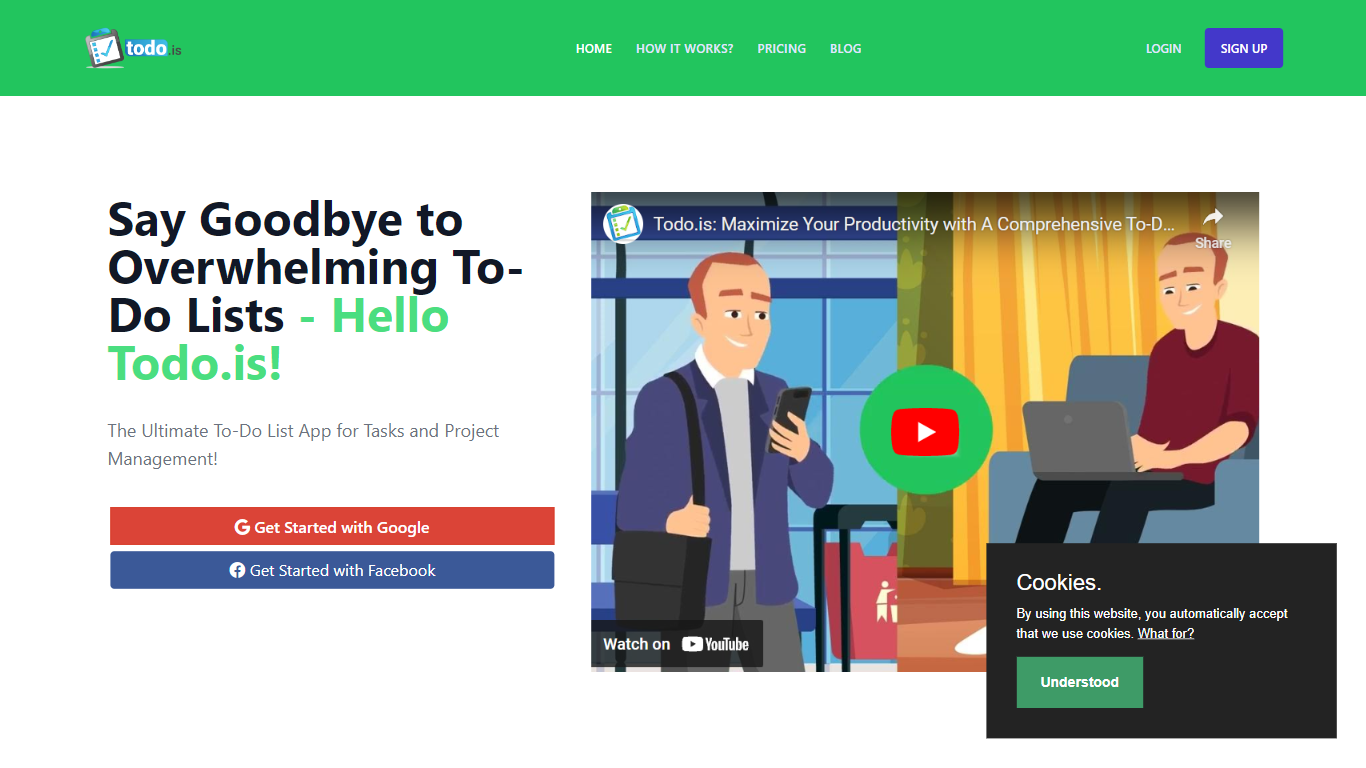
What is Todo.is?
Todo.is is a web-based to-do list and task manager that uses natural language and voice input to create tasks, notes, and projects. You describe what you need in plain words, and the app turns that into organized items with subtasks, checklists, and project folders.
Most checklist apps make you fill out forms field by field. Todo.is leans on AI task creation and natural language processing so you spend less time structuring lists and more time doing the work. The interface stays lightweight with drag-and-drop ordering, dark mode, and a layout that works on mobile browsers as well as desktop.
It fits students tracking assignments, freelancers juggling client work, and small teams that want shared projects without a heavy project management suite. Google Sign-In handles account access, and Paddle checkout on the site signals paid upgrades beyond the free tier.
Hyper Notepad Upvotes
Todo.is Upvotes
Hyper Notepad Top Features
Create and share unlimited notes with unique links, no account required
Notes encrypt at rest with optional password protection and auto-expiry timers
Premium adds image uploads, tables, live inline math, and custom themes from $3.99 per month
Rich text editor with code blocks, autosave, and download or print support
Light and dark mode with cross-device access when you sign in
Todo.is Top Features
Create tasks, notes, and projects from natural language descriptions on the web app
Voice input with transcription for hands-free task capture
Subtasks and checklists for breaking down larger goals
Project folders to group related tasks in one workspace
Dark mode and a mobile-responsive layout for phone and desktop browsers
Google Sign-In for quick account access without a separate password
Hyper Notepad Category
- Productivity
Todo.is Category
- Productivity
Hyper Notepad Pricing Type
- Freemium
Todo.is Pricing Type
- Freemium