Hyper Notepad vs YTSummary
When comparing Hyper Notepad vs YTSummary, which AI Productivity tool shines brighter? We look at pricing, alternatives, upvotes, features, reviews, and more.
Between Hyper Notepad and YTSummary, which one is superior?
When we put Hyper Notepad and YTSummary side by side, both being AI-powered productivity tools, With more upvotes, YTSummary is the preferred choice. YTSummary has been upvoted 7 times by aitools.fyi users, and Hyper Notepad has been upvoted 6 times.
Not your cup of tea? Upvote your preferred tool and stir things up!
Hyper Notepad


What is Hyper Notepad?
Hyper Notepad is a browser-based productivity notepad for writing, saving, and sharing notes without installing software. You open the page, start typing, and get a unique link to share the note with anyone. Notes are encrypted at rest, autosave as you type, and work on desktop or mobile browsers.
Unlike Google Docs or Notion, Hyper Notepad stays intentionally lightweight. There are no workspaces, databases, or collaboration threads. You trade team features for zero-friction sharing, optional password locks, and auto-expiring notes that delete themselves after a set time.
It suits students, freelancers, and teams who need a quick scratchpad or a shareable doc without accounts. Writers who want rich text, code blocks, and optional Premium extras like tables, image embeds, and custom themes can upgrade when the free tier is not enough.
YTSummary
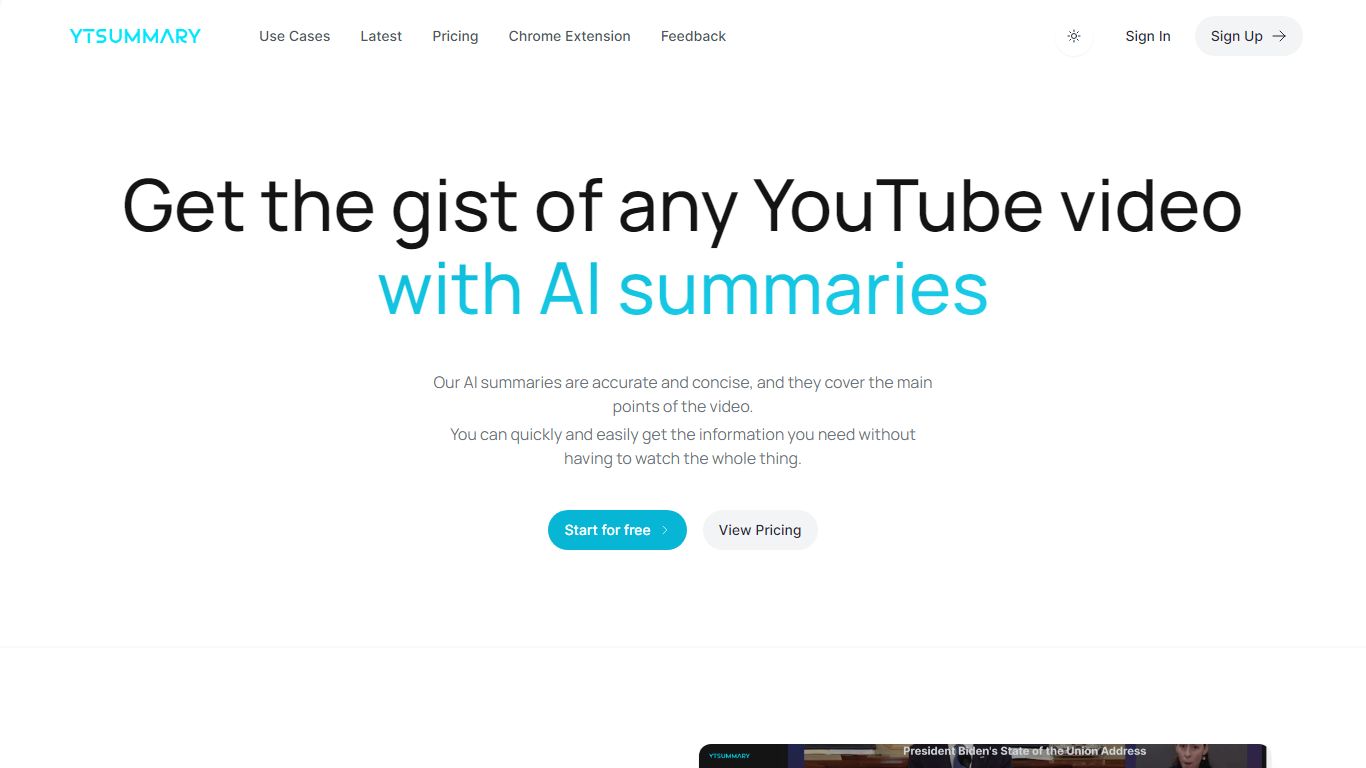
What is YTSummary?
YTSummary is a YouTube video summarizer that pulls ChatGPT summaries from any link so you can skip hour-long lectures, podcasts, and conference talks. Paste a URL on ytsummary.app or use the Chrome extension while watching, then pick Outline mode for key highlights, Mind Map mode for a hierarchical visual, or Segment mode for timestamped breakdowns aligned to chapters and key moments.
Most YouTube summarizers spit out one flat paragraph. YTSummary splits output by mode so students get quick overviews, researchers get segment-level detail, and visual learners get mind maps showing how ideas connect. It handles videos of any length on paid tiers and supports custom summary languages plus exports to image and PDF formats.
Students, researchers, marketers, and content writers use it to digest lectures, conference talks, podcasts, and competitor videos without sitting through full runtimes. The free tier includes 10 summary credits with no credit card required, while Basic and Pro plans raise monthly caps and remove video length limits.
Hyper Notepad Upvotes
YTSummary Upvotes
Hyper Notepad Top Features
Create and share unlimited notes with unique links, no account required
Notes encrypt at rest with optional password protection and auto-expiry timers
Premium adds image uploads, tables, live inline math, and custom themes from $3.99 per month
Rich text editor with code blocks, autosave, and download or print support
Light and dark mode with cross-device access when you sign in
YTSummary Top Features
Outline mode delivers brief summaries with key highlights plus detailed breakdowns of each section
Mind Map mode renders video takeaways in a hierarchical visual tree
Segment mode splits summaries by YouTube chapters, key moments, or fixed intervals
Free plan includes 10 summary credits with no credit card required at signup
Basic plan at $9 per month covers up to 200 summaries for videos under 4 hours
Pro plan at $15 per month offers unlimited summaries with no video length cap
Chrome extension summarizes videos directly while you watch on YouTube
Hyper Notepad Category
- Productivity
YTSummary Category
- Productivity
Hyper Notepad Pricing Type
- Freemium
YTSummary Pricing Type
- Freemium