I ♡ captions vs Typeframes
Compare I ♡ captions vs Typeframes and see which AI Video Editing tool is better when we compare features, reviews, pricing, alternatives, upvotes, etc.
Which one is better? I ♡ captions or Typeframes?
When we compare I ♡ captions with Typeframes, which are both AI-powered video editing tools, The users have made their preference clear, Typeframes leads in upvotes. The number of upvotes for Typeframes stands at 7, and for I ♡ captions it's 6.
Not your cup of tea? Upvote your preferred tool and stir things up!
I ♡ captions
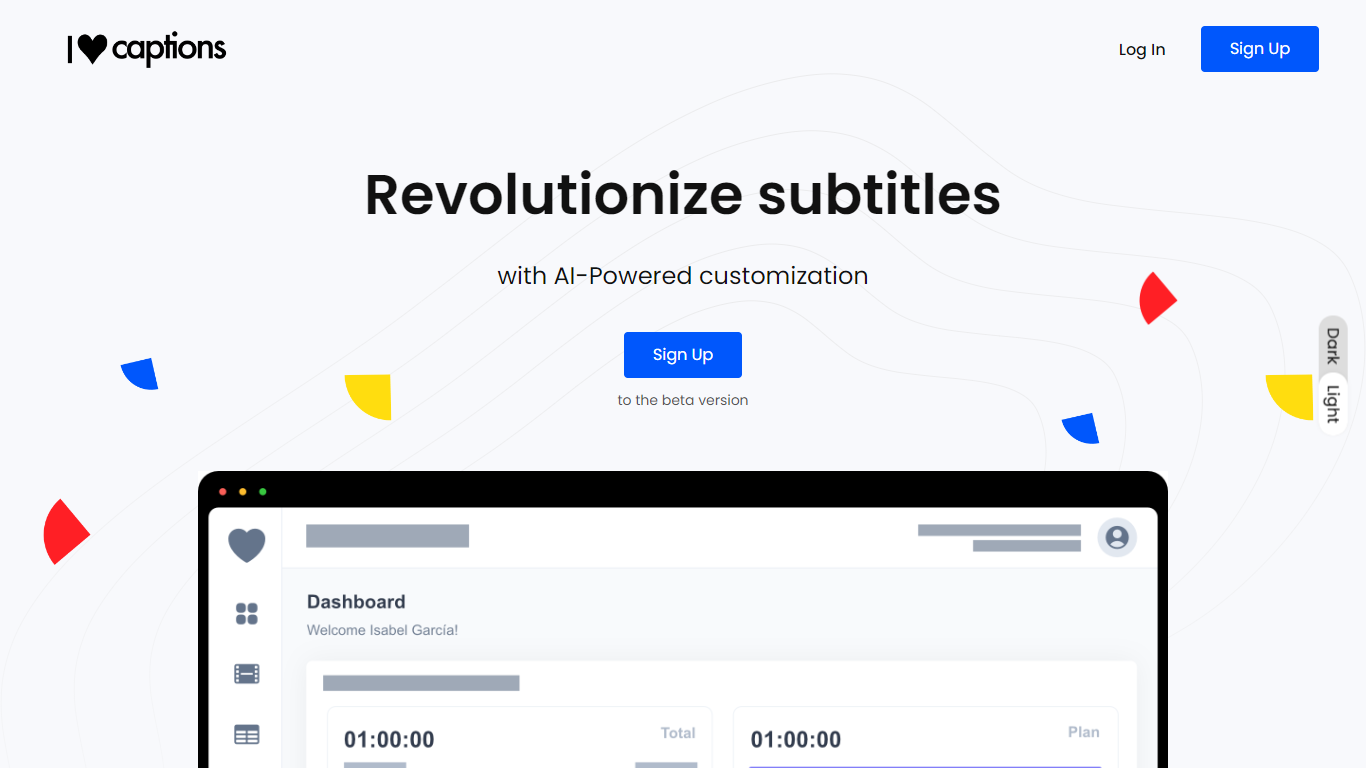

What is I ♡ captions ?
Unlock the potential of your video content with "I ♡ captions", a professional-grade subtitle creation service powered by advanced AI technology. Our platform simplifies the process of subtitling, offering you lightning-fast transcription and customization options that ensure your subtitles are of the highest quality and match the specifications you need.
Whether you're an independent subtitler, a content creator, or a full-scale agency, "I ♡ captions" can cut your subtitle creation time by up to 75%, letting you choose from popular media presets like Netflix, Amazon, and Disney or creating your own specs. With support for multiple languages, formats, and a user-friendly process, "I ♡ captions" accelerates your workflow, allowing you to focus on other important aspects of your work.
Typeframes

What is Typeframes?
Typeframes converts simple text prompts into engaging product videos optimized for social media platforms like YouTube, Instagram, and TikTok. It enables users to produce high-quality videos quickly without advanced video editing skills.
What sets Typeframes apart is its AI-driven approach that simplifies video production by offering customizable templates and automated suggestions to boost engagement. Unlike traditional video editors, it focuses on speed and ease of use, allowing creators to generate videos in minutes rather than hours.
The platform supports exporting videos in multiple resolutions tailored for different social media formats, including vertical videos. This makes Typeframes especially useful for content creators and marketers aiming to produce consistent, platform-optimized video content efficiently.
By streamlining the video creation process, Typeframes helps users save time and resources while enhancing their social media presence with visually appealing videos.
I ♡ captions Upvotes
Typeframes Upvotes
I ♡ captions Top Features
Pro-Quality Subtitles: Automate transcription and subtitle generation with custom specs for professional-grade results.
AI-Powered Transcription: Automatically transcribe audio and video content, eliminating time-consuming manual work.
Speed and Efficiency: Create subtitles up to 75% faster than manual subtitling.
Customizable Presets: Access media presets for outlets like Netflix, Amazon, and Disney, or create your own subtitle configurations.
Support for Multiple Formats: Offer compatibility with popular subtitle and media file formats for versatility in content creation.
Typeframes Top Features
Transform text prompts into engaging videos quickly
Customize templates to match your brand style easily
Create vertical videos optimized for social platforms
Simple interface requires no video editing skills
Export videos in multiple resolutions including high quality
AI-driven suggestions to boost video engagement
I ♡ captions Category
- Video Editing
Typeframes Category
- Video Editing
I ♡ captions Pricing Type
- Freemium
Typeframes Pricing Type
- Freemium