ImageToPromptAI vs AutoDraw
In the clash of ImageToPromptAI vs AutoDraw, which AI Design tool emerges victorious? We assess reviews, pricing, alternatives, features, upvotes, and more.
When we put ImageToPromptAI and AutoDraw head to head, which one emerges as the victor?
Let's take a closer look at ImageToPromptAI and AutoDraw, both of which are AI-driven design tools, and see what sets them apart. The community has spoken, AutoDraw leads with more upvotes. The number of upvotes for AutoDraw stands at 16, and for ImageToPromptAI it's 6.
Does the result make you go "hmm"? Cast your vote and turn that frown upside down!
ImageToPromptAI

What is ImageToPromptAI?
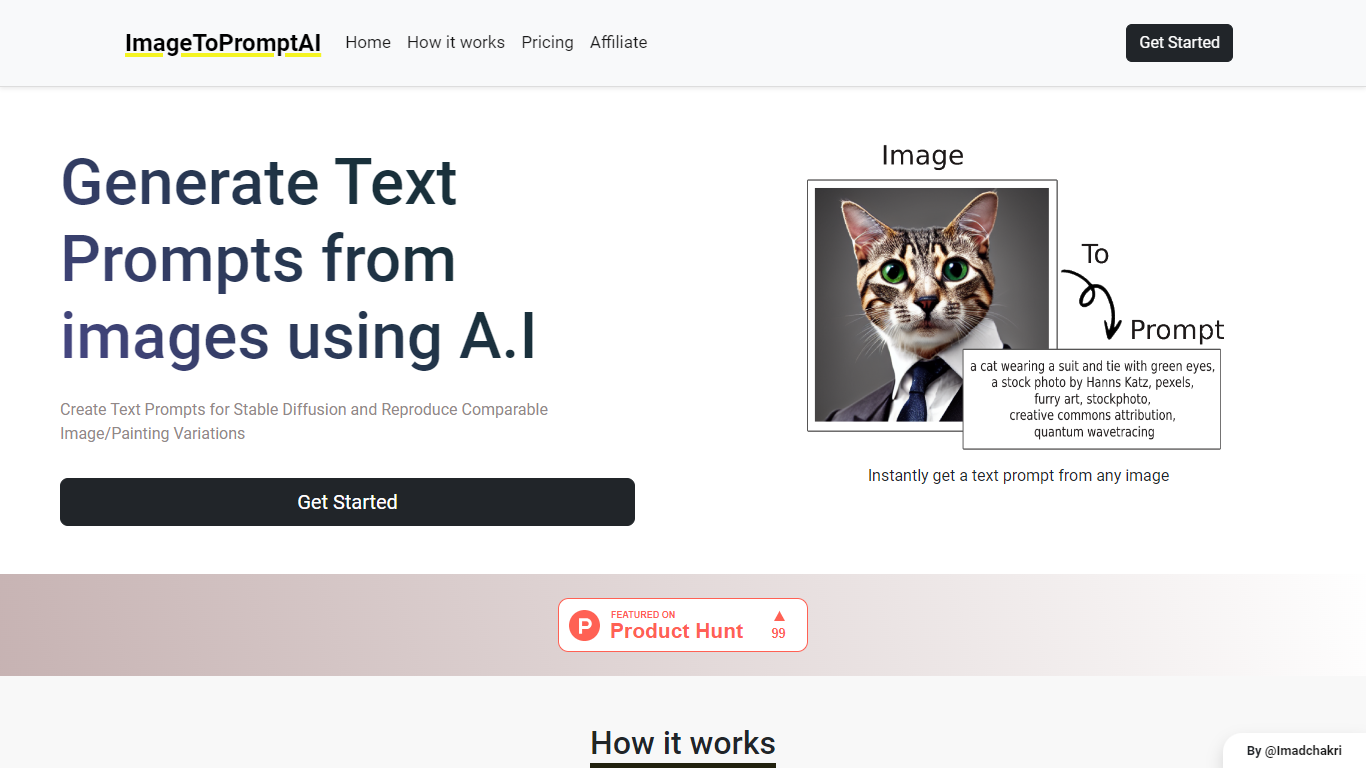
ImageToPromptAI offers an innovative service that transforms your images into text prompts, catering to users who utilize AI models like Stable Diffusion for versatile creative projects. By uploading an image, you can immediately receive a corresponding text prompt that can be used to generate similar images or painting variations.
This service does away with subscriptions, allowing you to pay as you go for your specific needs. Whether for personal enjoyment or professional use, ImageToPromptAI streamlines the process of cross-media translation from visual to textual inputs.
AutoDraw
What is AutoDraw?
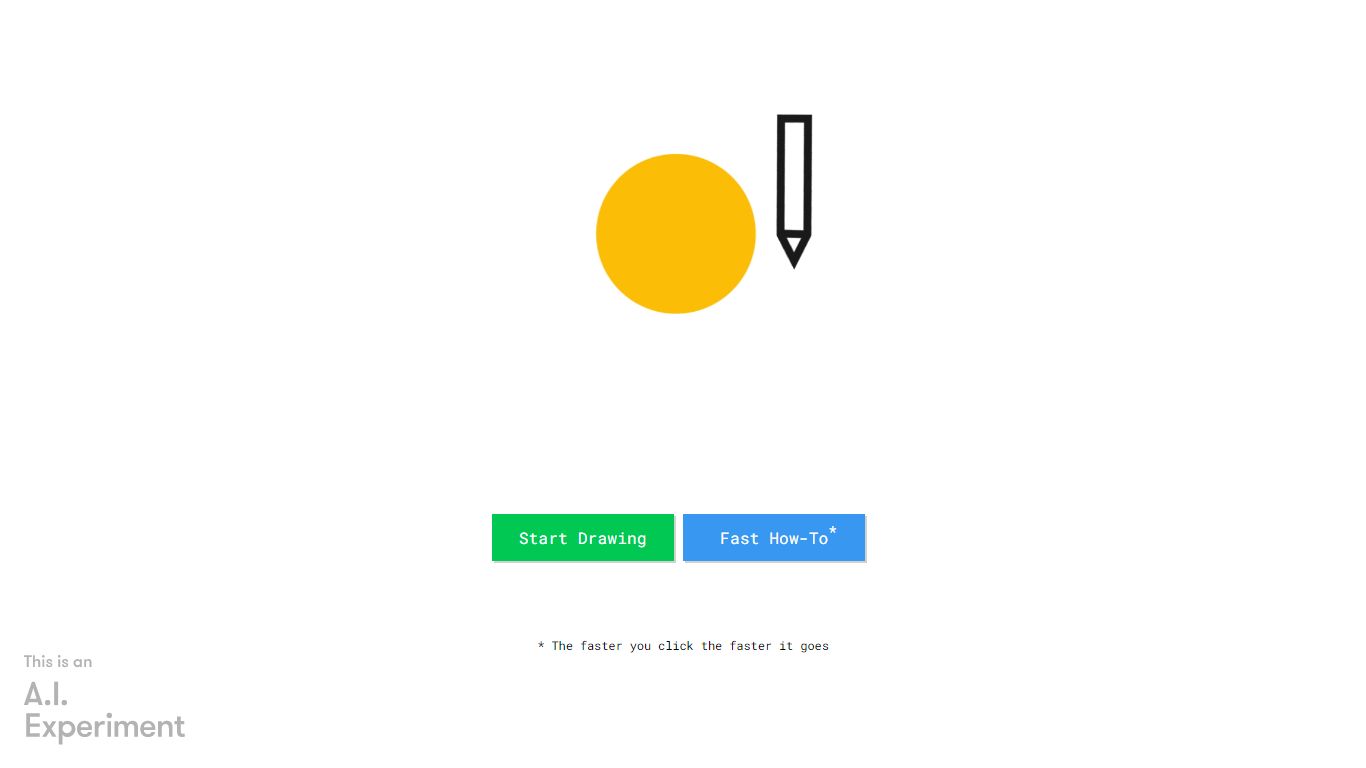
AutoDraw turns rough sketches into clean clip-art style illustrations inside your browser. You doodle on the canvas, pick a suggested icon from the toolbar, and the messy line work swaps for a polished drawing from Google's free web drawing tool. It runs on phones, tablets, and desktops with no install or account.
Most drawing apps assume you already have illustration skills. AutoDraw uses the same machine learning approach as Quick, Draw! to guess what your scribble represents and offers artist-made replacements in a row above the canvas. That guess-and-replace loop is the whole workflow, which keeps the tool fast for worksheets, slides, and social posts.
Beyond suggestions, the editor includes freehand drawing, shapes, text, and color fill. Finished work downloads as a PNG or shares through a link. The clip library covers hundreds of objects, and Google invites artists to contribute additional drawings over time.
ImageToPromptAI Upvotes
AutoDraw Upvotes
ImageToPromptAI Top Features
Transform Image to Text: Instantly convert images into prompts for AI models.
Pay-As-You-Go Pricing: Flexible payment model, with no need for subscriptions.
Multiple Tiers: Choose from Basic, Pro, or Ultra plans according to your needs.
Ease of Use: Simple interface for uploading images and generating prompts.
No Account Required: Start using the service without the need for a user account.
AutoDraw Top Features
Suggests hundreds of artist-made icons as you sketch on the canvas
Uses Quick, Draw! machine learning to recognize rough doodles in real time
Runs in any modern browser with mouse, touch, or stylus input
Completely free with no download, login, or subscription required
Exports finished artwork as a PNG file or shareable link
ImageToPromptAI Category
- Design
AutoDraw Category
- Design
ImageToPromptAI Pricing Type
- Freemium
AutoDraw Pricing Type
- Free